
Sketch upload and conversion
Upload or drag and drop a sketch and generate a corresponding AI image from it.
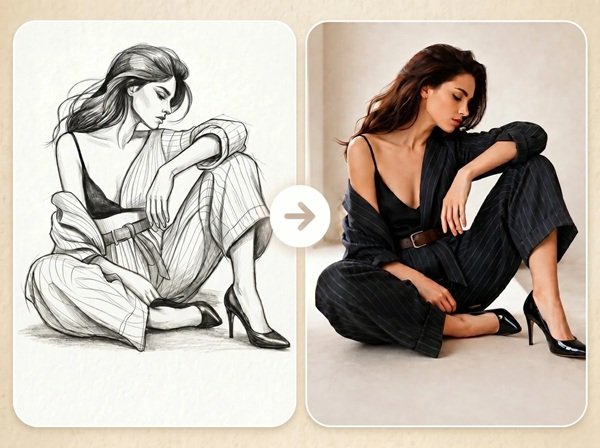
Fast Image AI Sketch to Image is a web-based tool that turns sketches into AI-generated images. It helps people create polished visuals from rough drawings, with prompts for style, color, lighting, and background.
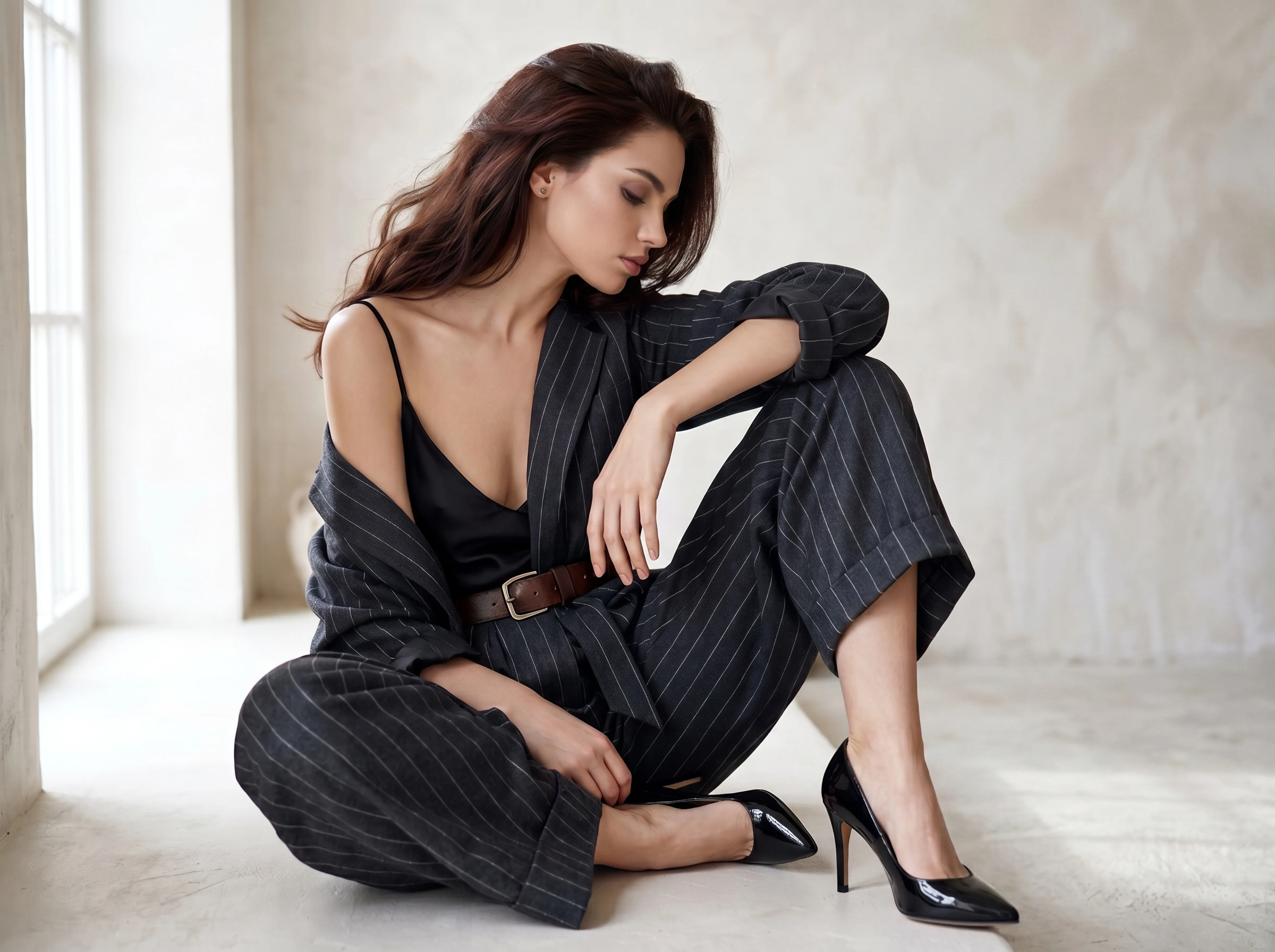
Fast Image AI is an online sketch-to-image generator that converts uploaded sketches into more detailed AI-generated images. The workflow is designed to take a rough drawing, line art, or hand-drawn concept and turn it into a finished visual with added color, lighting, textures, and other details.
The tool is presented as beginner-friendly and usable without design skills. Users can guide the output with prompts that describe the style, colors, lighting, materials, and background, while the AI keeps the main shape, structure, and composition of the original sketch.
Upload or drag and drop a sketch and generate a corresponding AI image from it.
The AI is described as following the main shape, structure, and composition of the source sketch, which helps keep the original idea intact.
Users can describe style, color, lighting, material, and background to influence the final image.
The page positions the tool as accessible to people starting from a simple drawing rather than a polished illustration.
The generated image can be downloaded after creation.
The page describes the generator as free to use online.
Turn early visual ideas into more finished images that are easier to review and refine.
Convert product sketches into clearer images for sharing and internal discussion.
Upload room or layout sketches and generate more detailed visuals of interior concepts.
Create character images or illustration references from simple hand-drawn drafts.
Use sketches as a starting point for architecture drafts or fashion ideas that need a more presentable visual form.
It is a tool that turns a sketch or outline into a more detailed AI-generated image.
Upload your sketch, add a prompt describing the desired style and details, and let the AI generate the final image.
Yes. The page says you can upload line art, simple drawings, and hand-drawn sketches.
The page says the AI follows the main shape, structure, and composition of the sketch.
No. The page says it is beginner-friendly and does not require design skills.