
AI highlight detection
Eklipse watches live streams and VODs, then identifies moments such as clutch plays, funny reactions, hype spikes, and kill streaks for posting.

Eklipse is an AI clip maker for streamers and gamers that automatically finds highlight-worthy moments in Twitch, YouTube Live, and Kick streams and turns them into short-form clips for social platforms.
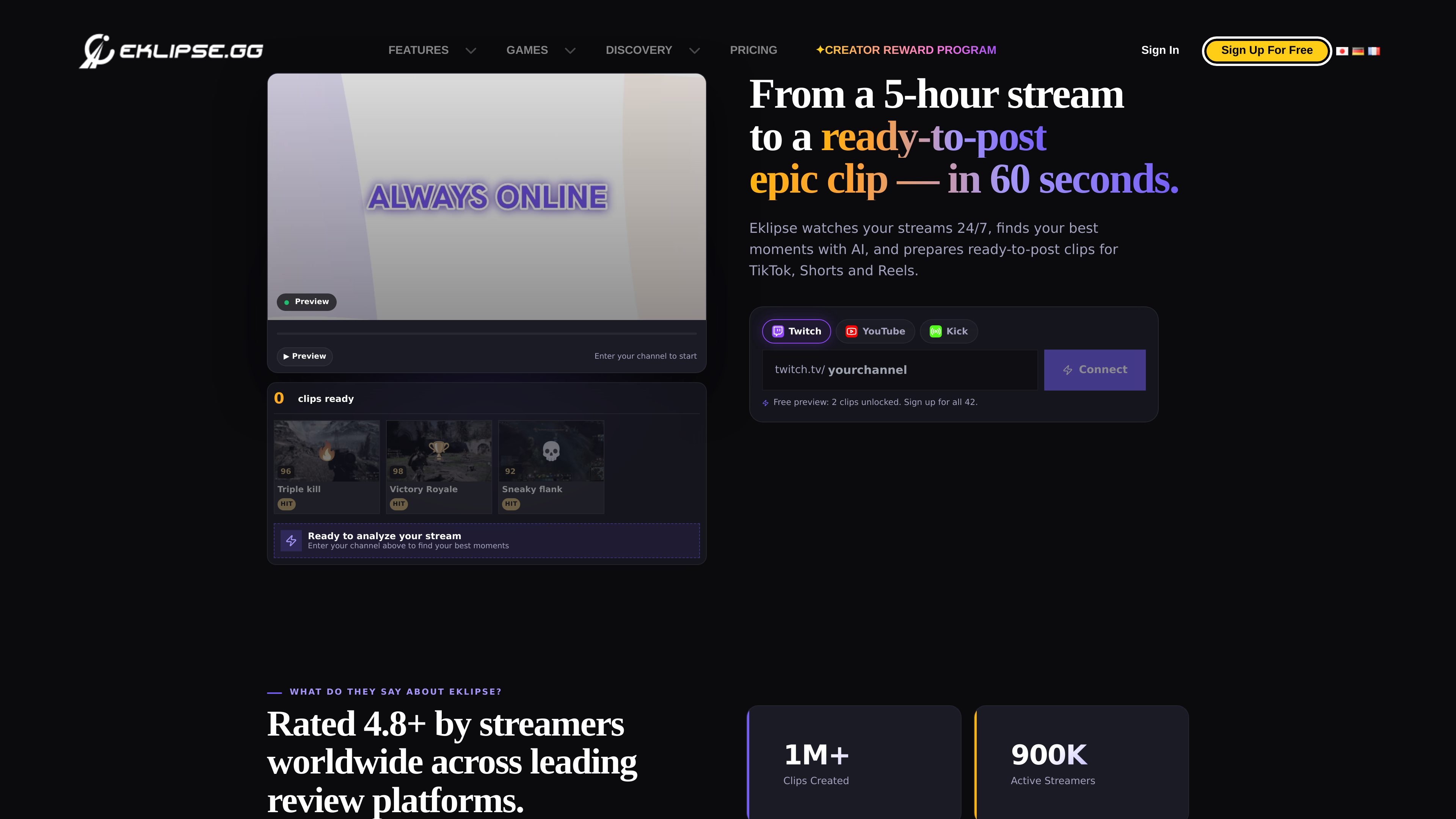
Eklipse is an AI clip maker for streamers and gamers that monitors live or recorded streams, finds moments worth posting, and prepares short-form clips for social platforms. The site positions it as a tool for turning long streams into ready-to-post highlights with minimal manual editing.
It supports Twitch, YouTube Live, and Kick, and the workflow is centered on automatic detection, clip preparation, and publishing to TikTok, YouTube Shorts, Instagram Reels, or Twitter/X. A built-in editor, vertical formatting tools, and voice-triggered clipping make it useful for creators who want to keep streaming instead of scrubbing timelines afterward.
Eklipse watches live streams and VODs, then identifies moments such as clutch plays, funny reactions, hype spikes, and kill streaks for posting.
The product supports Twitch, YouTube Live, and Kick, and can connect multiple channels in one account.
Built-in editing tools let you trim clips, adjust captions, change templates, and refine highlights without exporting to another app first.
Eklipse formats clips for short-form platforms with 9:16 templates, captions, transitions, and auto-reframing for vertical output.
The workflow includes voice-triggered clipping, where a streamer can say “Clip that” mid-stream and have Eklipse capture the moment.
The system can generate multiple pre-edited versions and score or rank moments so creators can choose from several options instead of one raw cut.
A streamer can connect a live channel and let Eklipse monitor gameplay, chat activity, and audio for clips that are likely to perform well on social media.
A creator can use the built-in editor to trim a clip, adjust captions, and swap templates before posting it to a social platform.
A streamer who wants to stay in flow can say “Clip that” during a live session and capture a moment without alt-tabbing or stopping the broadcast.
A gaming creator can use the service to find specific types of moments such as clutch plays, kill streaks, funny fails, or victory moments across supported games.
A creator publishing to TikTok, Shorts, or Reels can use the auto-formatting workflow to produce vertical clips that are ready for those destinations.
Eklipse analyzes gameplay patterns, audio spikes, and chat activity to score moments for their likelihood of being worth posting. The site describes this as a combination of kills, wins, achievements, excitement, laughter, rage, emote spikes, and message velocity.
The source lists Twitch, YouTube Live, and Kick as supported platforms. It also notes that Facebook Gaming and other platforms are being worked on.
Yes. Eklipse includes a built-in editor that lets you trim clips, adjust captions, change templates, and modify highlights before publishing.
Eklipse can publish directly to TikTok, YouTube Shorts, Instagram Reels, and Twitter/X, and it also supports downloading clips for manual upload to other platforms.
The source says the free plan includes 3 clips per stream, while Pro and Team plans offer unlimited clip generation. It also says there are no restrictions on stream length or number on those plans.