
Webpage summarization
Turn webpages into structured summaries and choose from overview, mindmap, or table views. The page summary includes clickable references so you can jump back to the original source.

Briefy is an AI knowledge assistant that summarizes webpages, videos and PDFs into structured views and saves them to a Knowledge Base for faster review.
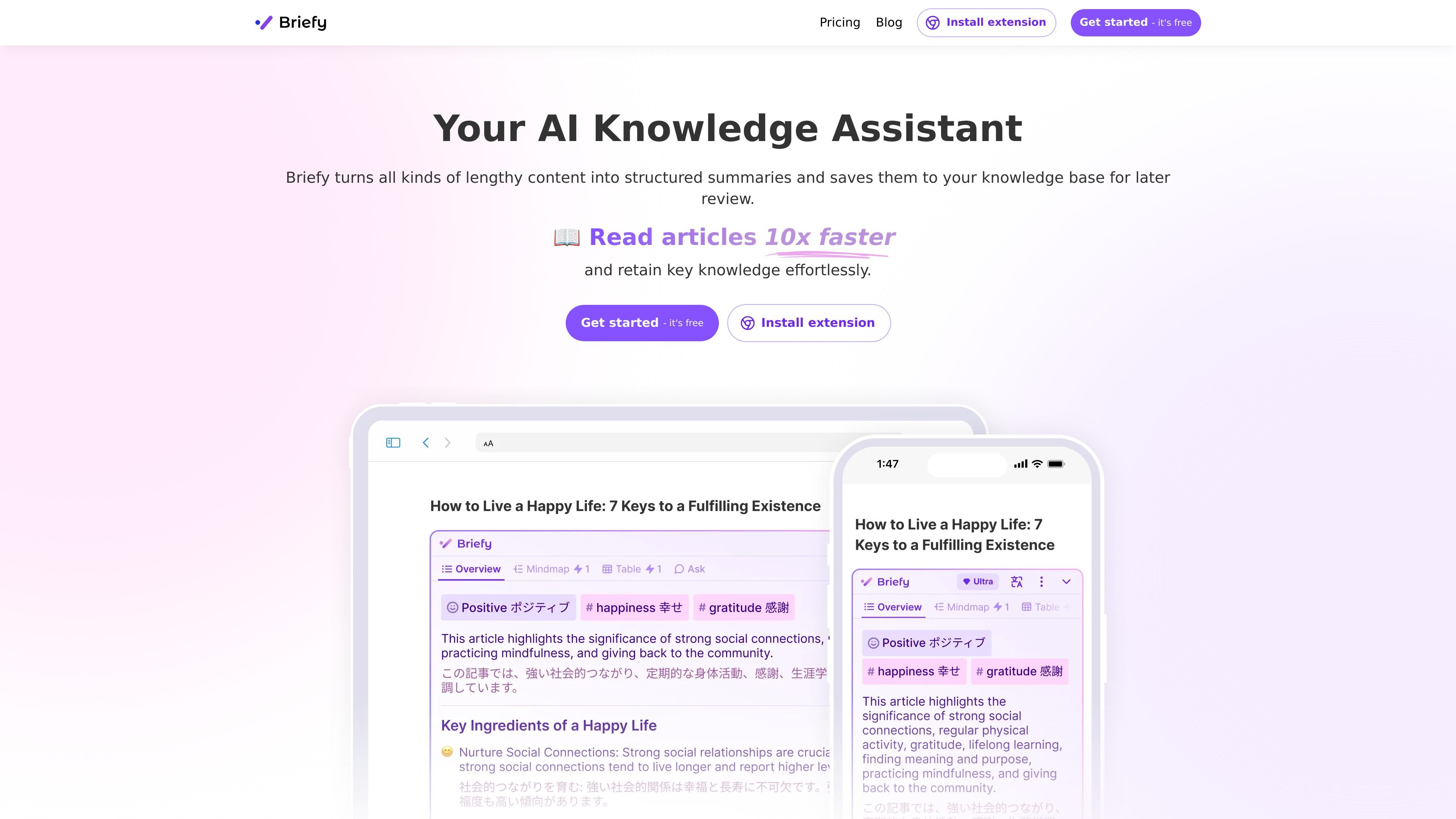
Briefy is an AI knowledge assistant that turns long-form content into structured summaries and stores them in a Knowledge Base for later review. It is positioned for readers who want to digest webpages, videos, PDFs, and other content without reading everything cover to cover.
The product emphasizes multiple output views, source references, and follow-up questions. Briefy can summarize webpages in overview, mindmap, table, and timeline views; summarize YouTube videos chapter by chapter; and create multi-modal PDF summaries that include non-text content such as graphs and tables.
Turn webpages into structured summaries and choose from overview, mindmap, or table views. The page summary includes clickable references so you can jump back to the original source.
Summarize YouTube videos chapter by chapter and use timestamps to move through key moments without watching the full video. The summaries can be generated in your preferred language.
Create multi-modal PDF summaries that cover text, graphs, tables, formulas, and other non-text elements. Each summary line can point back to the referenced part of the document.
Save briefs to a Knowledge Base for later review, search, asking questions, and sharing. The pricing page also lists universal search across the Knowledge Base and inline translation.
Ask follow-up questions about the content to get context-aware answers. Briefy presents this as chatting with the source rather than only reading a static summary.
Use Briefy through browser and email extensions across supported devices. The pricing page lists Chrome, Safari, and Gmail extensions with different platform coverage.
Students and researchers can turn articles, papers, and lectures into structured notes, then revisit the source material or ask follow-up questions when they need more context.
Professionals can skim reports, industry publications, and email threads to capture the main points faster and keep a searchable record in the Knowledge Base.
Content creators can review source material quickly, gather ideas, and organize references before drafting their own work.
People who prefer not to read full videos or lengthy pages can use the browser extensions to get summaries in place instead of switching apps.
Teams or individual users who need to revisit important material later can save briefs, search across them, and share selected summaries with others.
Briefy offers a free trial and paid plans with additional credits and faster response speeds. The pricing page lists Free, Premium, and Ultra options.
Briefy summarizes supported content into structured views such as overview, mindmap, table, and timeline. It can also chat with the content, refer back to the source, and save summaries to the Knowledge Base.
The pricing page shows Chrome extension support for desktops, Safari extension support for iOS, iPadOS, and macOS, and Gmail extension support for desktops, iOS/iPadOS, and Android. The home page also says it can be used on all devices.
Briefy’s feature pages show support for webpages, YouTube videos, and PDF documents. The pricing page also lists summarizing document files and media files, with some advanced items marked as coming soon on lower plans.
The homepage lists support for multiple languages and inline translations, and the YouTube feature page says video transcripts can be parsed and summarized in the user’s preferred language.