
AI-powered inbox chat
Chat with your inbox to ask questions and work through messages in a conversational way.
Zero is an AI-powered open source email client for busy professionals, with chat, summaries, labeling and AI-assisted replies.
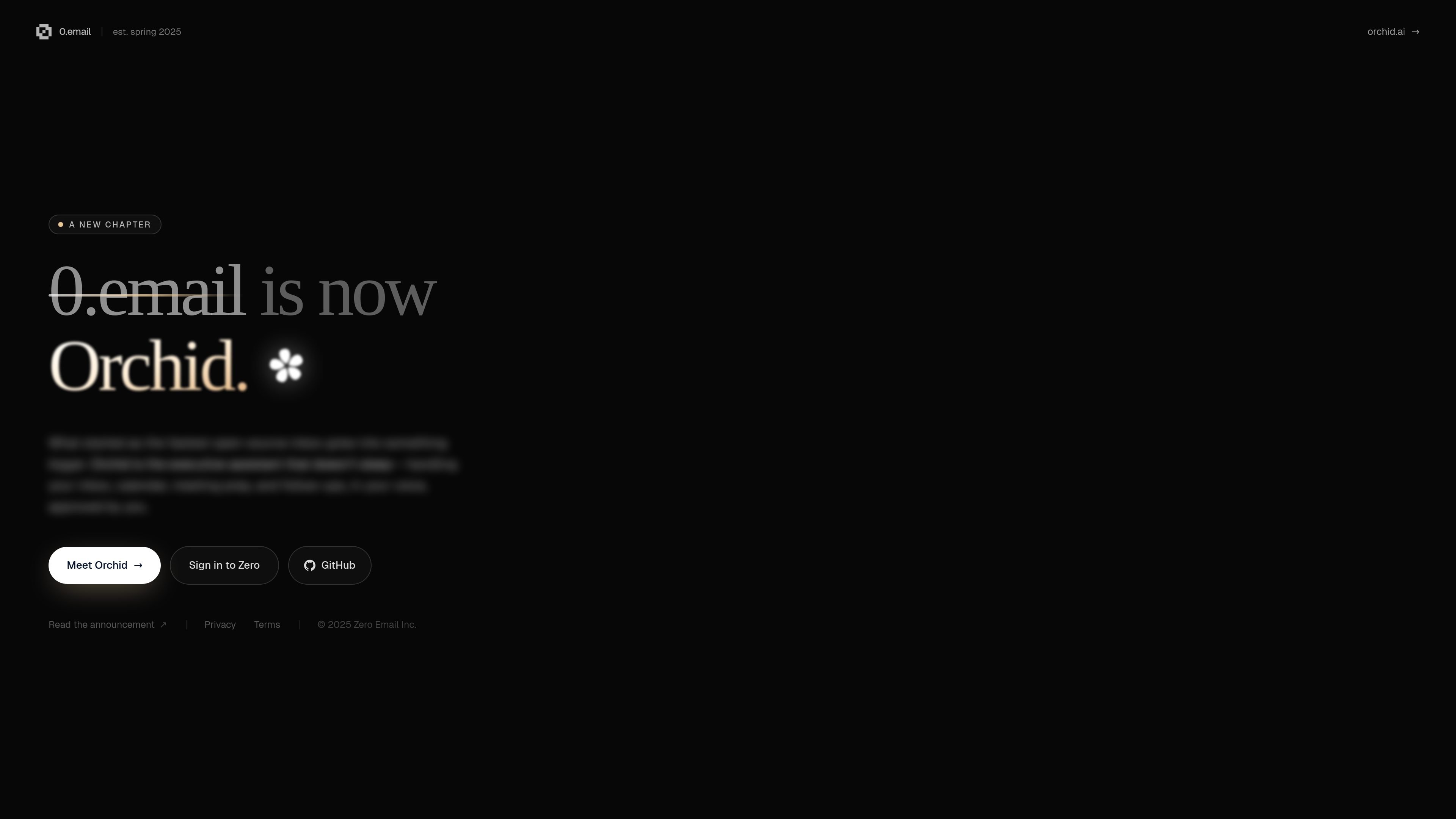
Zero is an AI-powered open source email client that helps people manage their inboxes with less manual sorting and writing. The site describes it as a product for busy professionals who want to prioritize important messages, summarize conversations, complete tasks, and chat with their inbox.
The pricing and about pages show a product line with a Free tier, a Pro subscription, and an Enterprise plan. Zero also says its codebase is open source and can be reviewed, contributed to, and self-hosted, which makes transparency part of the product’s positioning.
Chat with your inbox to ask questions and work through messages in a conversational way.
Automatically organize messages with basic labeling on the Free plan and auto labeling on Pro and Enterprise.
Draft and send responses with limited AI writing on Free and one-click AI writing and replies on Pro and Enterprise.
Generate instant summaries of threads to review conversations without reading every message in full.
Manage multiple inboxes with one email connection on Free and unlimited email connections on Pro and Enterprise.
Access higher-touch support on paid plans, including a dedicated Slack channel for Enterprise.
Use Zero to clear a crowded inbox by summarizing long threads, labeling messages, and focusing on the items that need action now.
Use the chat interface and AI writing tools to draft responses faster when you need to reply to routine or repetitive messages.
Use Zero as a workspace for staying on top of multiple inboxes, with unlimited email connections on paid plans for heavier workflows.
Use the open source model when code review, self-hosting, or community contribution matters to your organization.
Use Enterprise when a team wants priority support and a dedicated Slack channel alongside advanced inbox automation.
Zero is an AI-powered email client that manages your inbox, letting you chat with your inbox, summarize conversations, and draft responses.
The source does not describe detailed setup steps, but it does show a pricing page with a Free plan, a Pro plan with a 7-day trial, and an Enterprise option.
Zero describes itself as open source and says its codebase can be reviewed for security and privacy, contributed to, and self-hosted.
Zero positions itself for busy professionals and power users who want to unclutter their inboxes, prioritize messages, and process email faster.