
Prompt-based design generation
Describe a visual idea in a text prompt to generate a design, with examples showing styles, subjects, colors, and composition.

An AI design generator for creating print-on-demand artwork and other visual concepts.
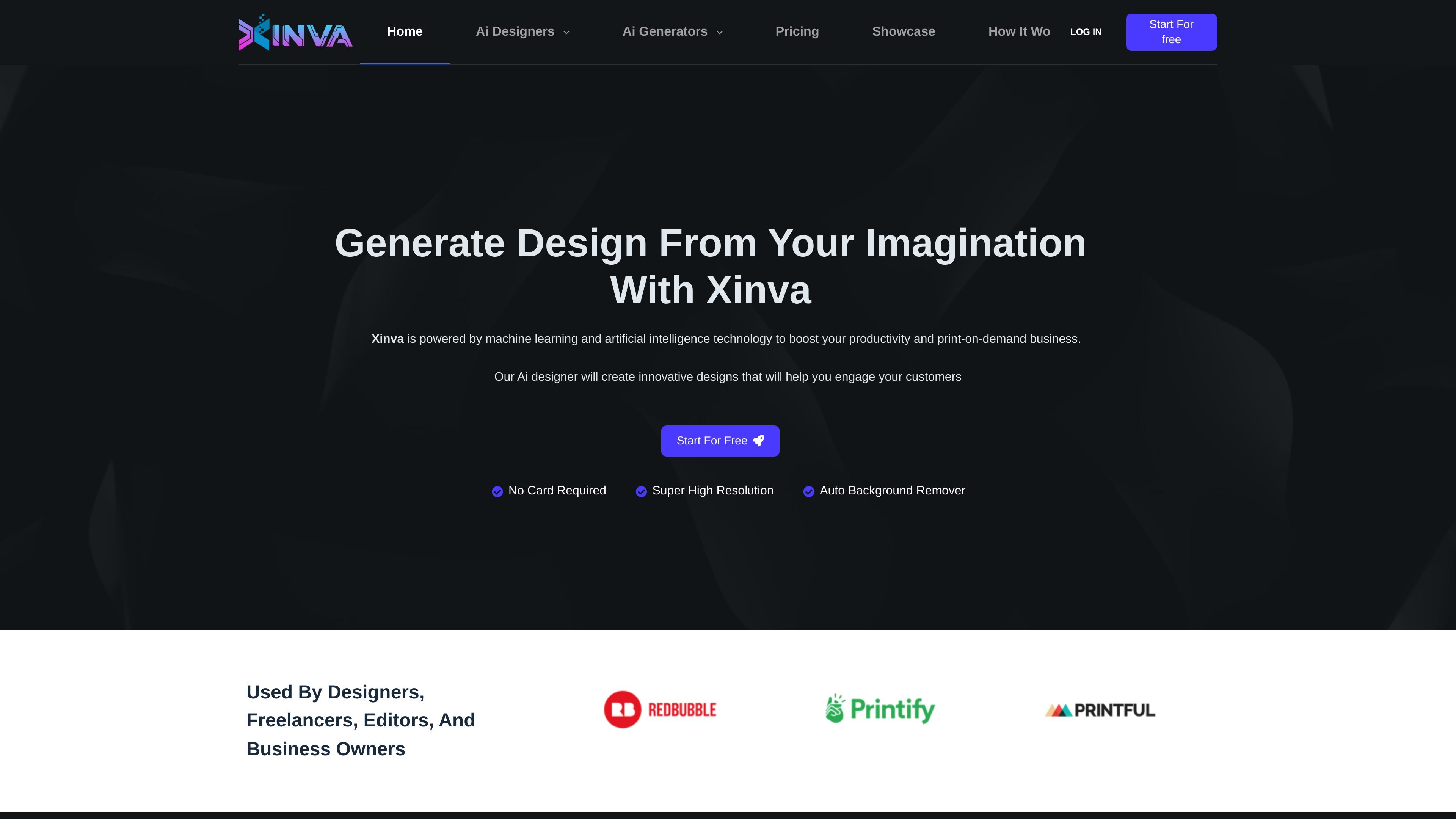
Xinva is an AI design generator that turns text prompts into visual designs. It is aimed at people creating artwork for print-on-demand businesses and other design projects. The workflow centers on entering a description, generating and refining variations, removing the background when needed, and downloading the result at increased resolution. The site presents design categories including T-shirt graphics, stickers, furry art, and patterns.
Describe a visual idea in a text prompt to generate a design, with examples showing styles, subjects, colors, and composition.
Regenerate an initial result to explore other concepts or variations from the prompt.
Remove the background from a generated design as part of preparing the artwork for use.
The site says downloading a design automatically increases its resolution.
The generator showcases T-shirt, sticker, furry art, and pattern designs.
Xinva provides prompt examples on the site and offers a weekly prompt newsletter to help users develop design descriptions.
Generate visual concepts for a POD store, then remove the background when preparing artwork for product placement.
Use prompt generation and regeneration to develop concepts in the T-shirt and sticker design categories shown on the site.
Generate visual pattern ideas from text descriptions and explore variations.
Use the furry art category to explore visual ideas from written prompts.
Enter a description in the prompt box and select Generate. You can regenerate the result to explore other variations.
Yes. The workflow includes a Remove BG action for generated designs.
Xinva says the download workflow automatically increases the design's resolution.
Free costs $0/month and includes five credits per month. Non-expiring credit packages offer 250 credits for $29 or 500 for $55, with Version 2 access listed for those packages.
The monthly subscription costs $39 and the yearly subscription costs $239. Both list unlimited Version 1 credits, with different included Version 2 allowances. Credit packages are one-time, non-expiring balances rather than recurring subscriptions.
Traffic data is for reference only.

piktochart.com
Piktochart is a web-based design tool for creating polished infographics, reports, presentations, and other visual content with templates and AI assistance.

canva.cn
Canva is a web-based visual design tool for creating and sharing digital and print assets with drag-and-drop editing, templates, and AI-assisted features. It supports individual, team, and enterprise workflows for presentations, social posts, logos, posters, and more.

x-design.com
Zawa, formerly X-Design, is an AI brand kit generator and editor for creating logos, posters, mockups, social content, and other branded assets.

vexels.com
Design tools, AI image generation, and graphics for print-on-demand sellers.

roomai.com
Room AI is an AI interior design tool for restyling rooms or creating new concepts from scratch, with a free demo and plans for homeowners, designers, and real estate.

uxpilot.ai
UX Pilot is an AI design tool for creating wireframes, UI concepts, and website templates from prompts or references, with iterative editing and Figma or code export.