
Screenshot-to-message workflow
Upload a screenshot from a dating profile or chat and let the app generate a first message or reply based on the text and image content in that screenshot.

Wing AI helps you draft dating openers and replies from profile or chat screenshots. Try it free with no credit card required.
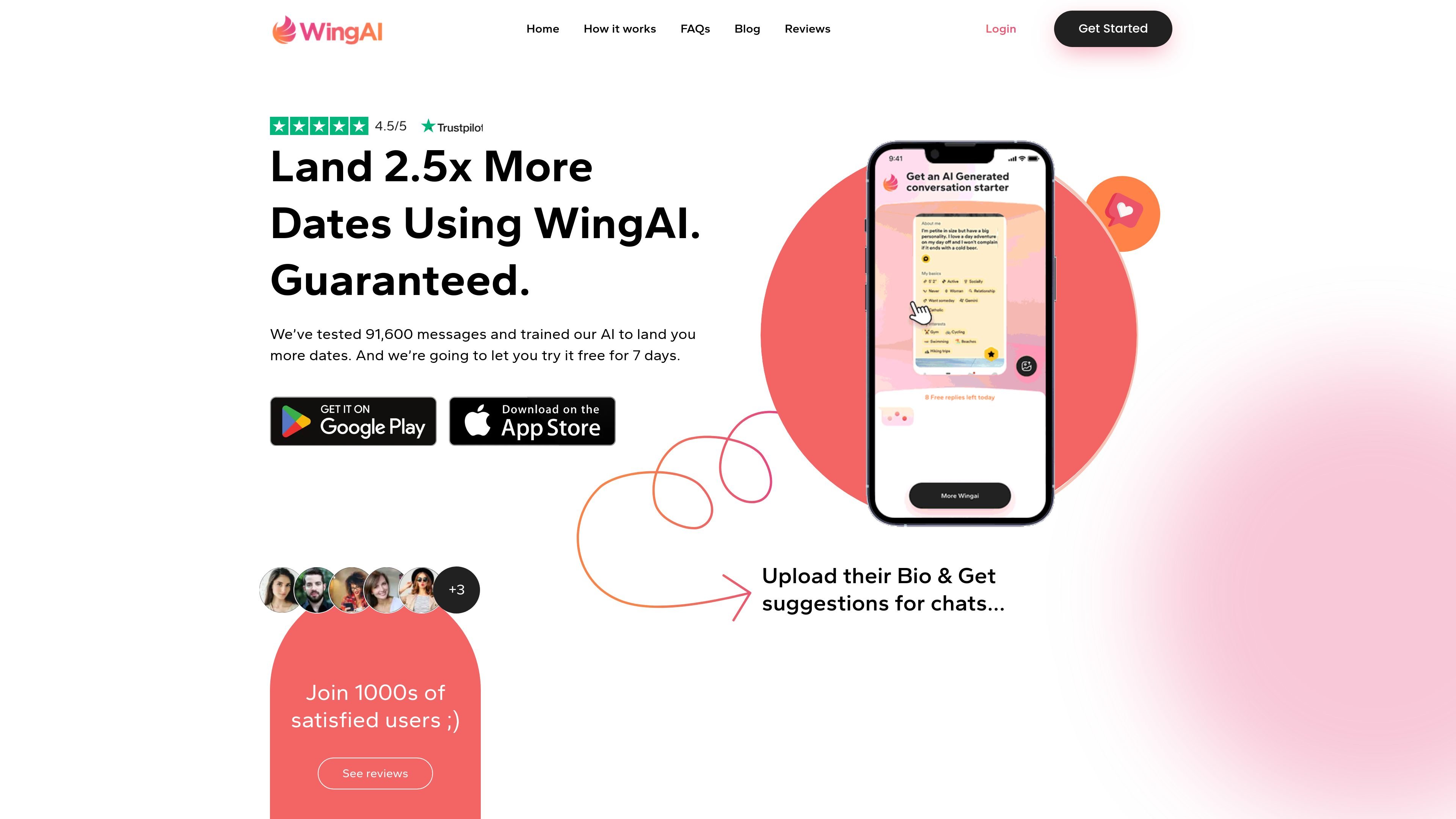
Wing AI is a dating conversation assistant for people who want help writing openers and replies from profile screenshots. The site says it works with dating apps and chat platforms by analyzing the text and images visible in a screenshot, then generating a flirty or engaging message.
It is positioned for users who want a faster way to think of something to say when a profile offers little to work with or when starting a conversation feels difficult. The signup page offers a free trial with no credit card required, while the pricing page shows paid weekly and annual plans with higher tiers that add support and dating-expert help.
Upload a screenshot from a dating profile or chat and let the app generate a first message or reply based on the text and image content in that screenshot.
The app reads profile text and recognizes what is in the photo so it can tailor suggestions to the context shown on screen.
Users can press "Generate More" to produce additional line options beyond the first response.
The pricing page describes an AI-powered bio photo analyzer for profile screenshots and photos.
The pricing page lists an AI-powered conversation responder for dating chats.
Pro and higher plans include ongoing algorithm updates, priority support, and dating-expert support materials such as an action plan or coaching call.
Someone looking at a dating profile screenshot can upload it and ask Wing AI for an opening line that references the visible text or photo context.
A person already in a dating app conversation can use the app to draft a reply when they want wording that fits the chat context shown on screen.
A user who finds it hard to start conversations can use the app to get unstuck and create several candidate lines with the Generate More flow.
A busy user with limited time can work from screenshots instead of composing messages from scratch for every profile.
Wing AI analyzes screenshots from a dating profile or chat, reads the text in them, and looks for visual details in the photo before generating message suggestions. The site describes it as a way to create fun, engaging responses for dating conversations.
The site says Wing AI has been tested against generic opening lines and that its generated messages got 2x more responses than the average message. That is the only performance claim provided on the site.
Yes. The site says it works with any dating or chat platform that uses text or pictures because it relies on screenshots from a bio or profile.
Wing AI says it works with both text and images, and that it can read text and recognize what's in the photo. It also suggests including text from the bio for best results.
No. The signup page says you can try it for free and that no credit card is required.