
Text-to-video generation
Generate videos from text prompts by describing the scene and choosing styles such as cinematic, animation, abstract, or documentary.

WindyBot is an AI video and art generator for text prompts or reference media, built for marketing, design, and social content workflows.
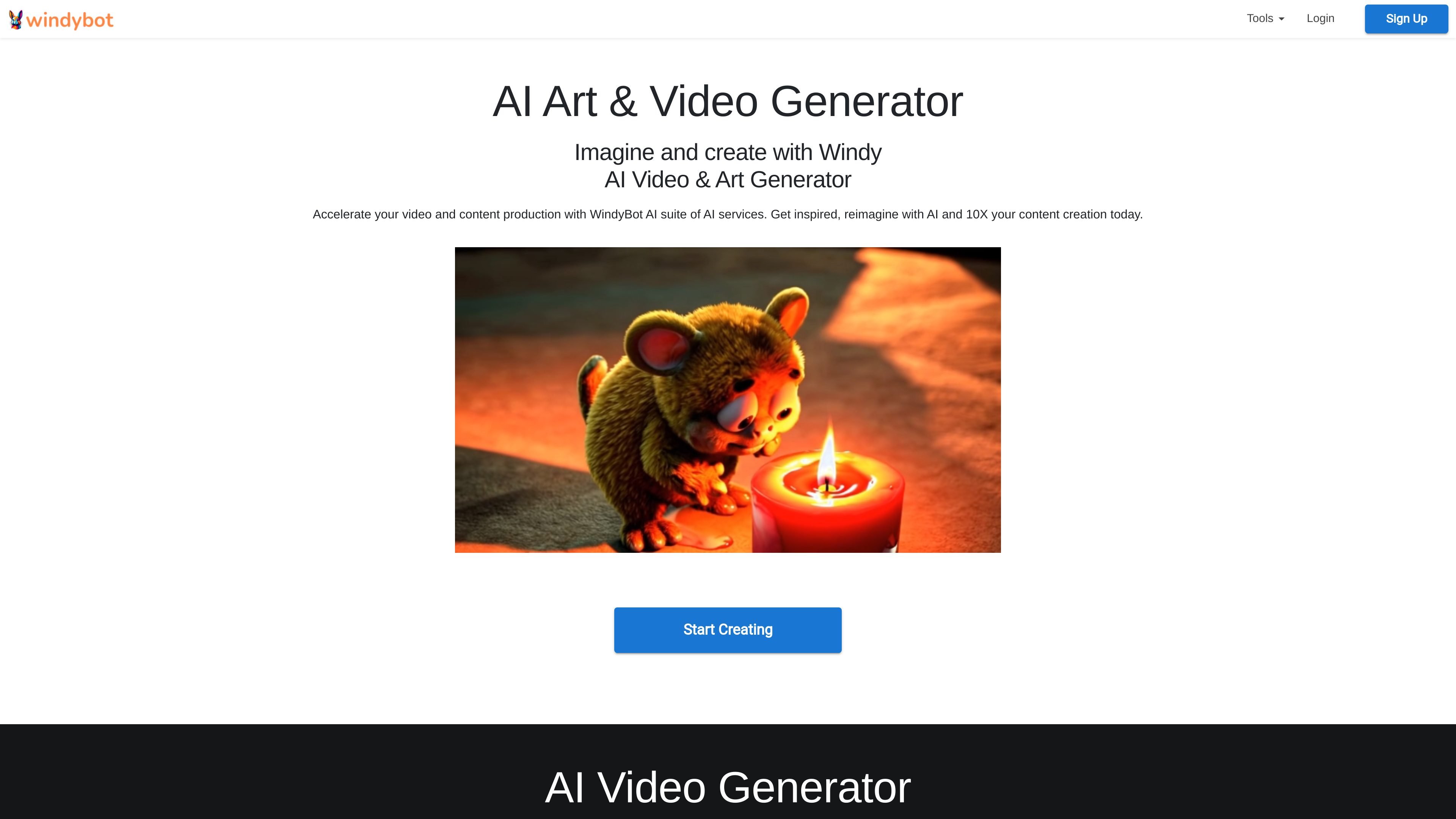
WindyBot is an AI-powered service centered on two main creation tools: an AI video generator and an AI art and image generator. The video tool creates clips from text prompts and can also start from reference images or videos, while the image tool generates still artwork from prompts or reference images.
The site describes WindyBot as a productivity-oriented AI suite built to help users create, imagine, and design with less manual effort. It positions the product for producing promotional videos, social clips, illustrations, and other visual assets used in marketing, publishing, and design workflows.
Generate videos from text prompts by describing the scene and choosing styles such as cinematic, animation, abstract, or documentary.
Use reference images or videos as a starting point when creating video outputs, which expands the workflow beyond text-only prompting.
Support for advanced video models including Kling Pro, Hunyuan Pro, Minimax, CogVideoX, DreamMachine, Haiper, and other generative models.
Create still images from prompts with style options such as pencil drawing, watercolor, abstract, and charcoal.
Start from a reference image for image generation, then produce artwork that can be upscaled from 1024×1024 to higher resolutions like 2048×2048.
Use outputs for marketing, blogs, social media, posters, advertisements, and other design needs.
Create promotional videos, animated clips, and social reels by describing the scene and selecting a style that matches the intended channel.
Generate still visuals for blog headers, social graphics, posters, and other campaign assets from a written prompt or reference image.
Produce stylistic artwork such as tattoo concepts, clipart, t-shirt designs, or anime profile images for creative projects.
Start from an existing image or video when you want the output to stay closer to source material instead of beginning from scratch.
WindyBot’s FAQ explains that AI Units are the internal currency used to process commands and tasks. The amount consumed depends on the complexity of the request and the amount of output or context required.
The FAQ says AI access is paid for with AI Units because the service uses OpenAI API and other AI engines/models, and those requests consume resources that WindyBot converts into AI Units.
AI Units are deducted based on the units reported by the AI engine being used. WindyBot converts those units into AI Units and deducts them from the relevant account balance; if a team pool exists, it is used first.
The public pages describe WindyBot as an AI video and art generator, and the about page says the tools are meant for students, professionals, marketers, designers, artists, and customers who want to create, imagine, and design.
The source pages do not show a pricing page, so the available evidence only confirms that AI usage is measured with AI Units rather than listing plan prices or free-trial details.