
Context graph for business records
Well turns connected tools, documents, and transactions into linked entities so data can be explored in context instead of scattered across systems.

Well connects business tools, documents, and data into one context graph for teams and AI agents, with capture, OCR, reconciliation, and query.
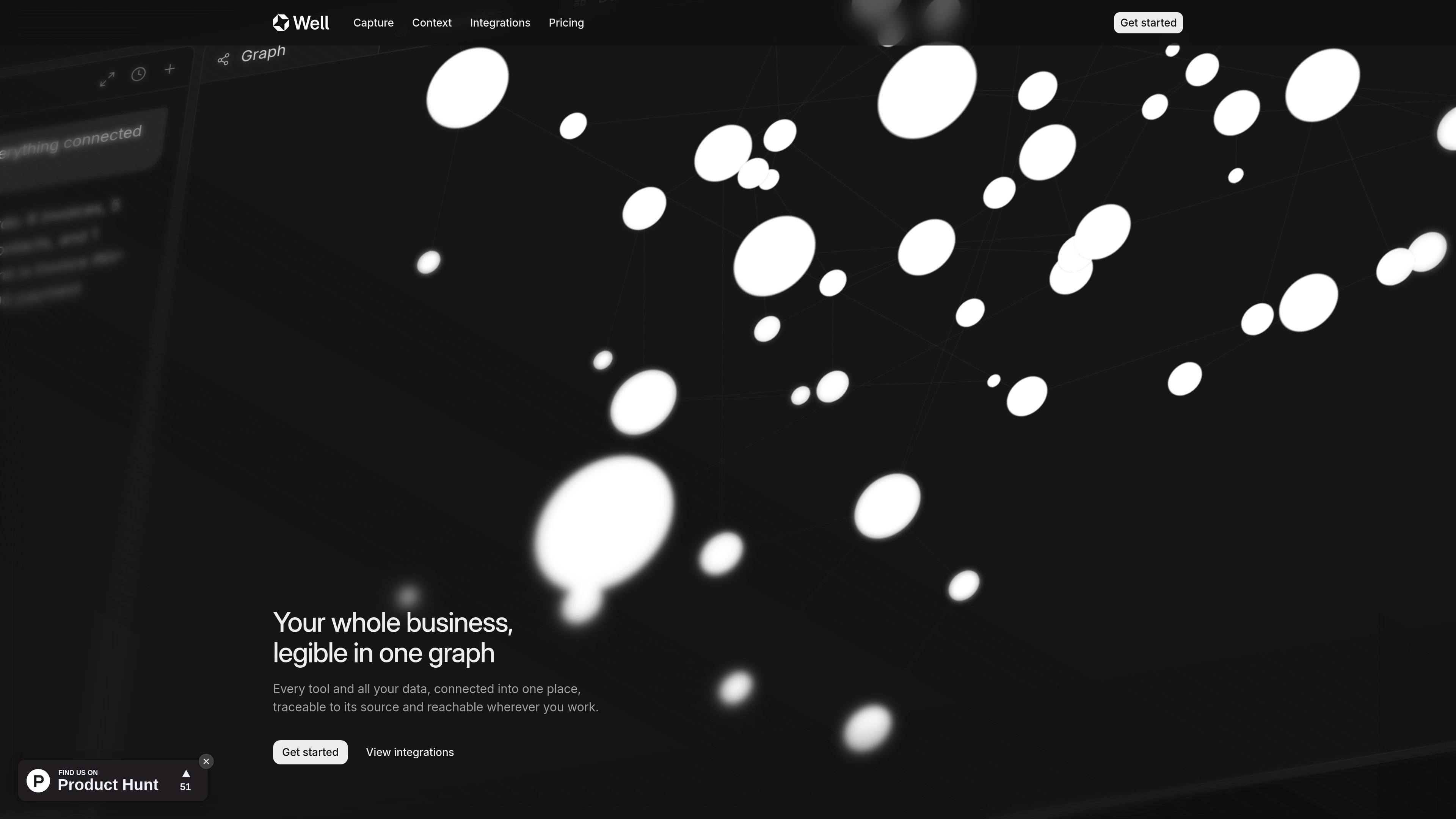
Well is a business data platform that connects tools, documents, emails, and transactions into one context graph. It is designed to make business information legible, traceable to its source, and accessible from the places people and agents already work, including MCP clients.
Well’s core job is to ingest information from many sources, structure it into clean records, and keep it linked and current. The product emphasizes a single source of truth for business context, with workflows for capture, reconciliation, categorization, enrichment, and analysis.
Well turns connected tools, documents, and transactions into linked entities so data can be explored in context instead of scattered across systems.
Data can enter through native integrations, Chrome extension capture, email forwarding, file upload, or the REST API, which makes it easier to cover both supported and unsupported sources.
Invoices, receipts, statements, and spreadsheets can be read on arrival so fields, amounts, and counterparties are captured as structured data.
The platform supports agent-driven reconciliation and categorization so financial records can be matched back to their sources and kept organized.
Well can expose the workspace graph to MCP clients, letting tools like Claude, Cursor, and Codex answer questions from real business context.
The integrations page lists 120+ connectors and 11,000+ banks across accounting, CRM, payments, storage, messaging, development, and other categories.
Finance teams can bring in bank, accounting, and payment data, then reconcile and categorize it while keeping each record tied back to its source.
Users can forward documents, upload files, or clip pages and let Well extract the relevant fields instead of typing them manually.
Founders and operators can ask about runway, spend, or overdue invoices in a chat or MCP client and get answers grounded in workspace data.
Teams with a broad stack can connect the tools they already use and keep operational records flowing into one shared graph.
When a source does not have a native connector, the Chrome extension, email intake, or API can still bring its data into Well.
It supports native connectors, Chrome extension capture, email forwarding, file uploads, and the REST API.
Yes. The site says Well works with MCP clients such as Claude, Cursor, Codex, and other compatible tools.
The source explicitly mentions invoices, receipts, statements, and spreadsheets, which are read and structured with OCR.
Yes. The pricing page says you can start free with a 15-day trial.
The pricing page shows Starter and Pro plans.