
Multiple input options
Record live audio, upload files, or paste a YouTube URL, then get an automatic transcript with speaker labels and AI-generated notes.

VOMO is an AI transcription and meeting-notes tool that turns audio or video into searchable transcripts, summaries, and action items for meetings, lectures, interviews, and YouTube videos.
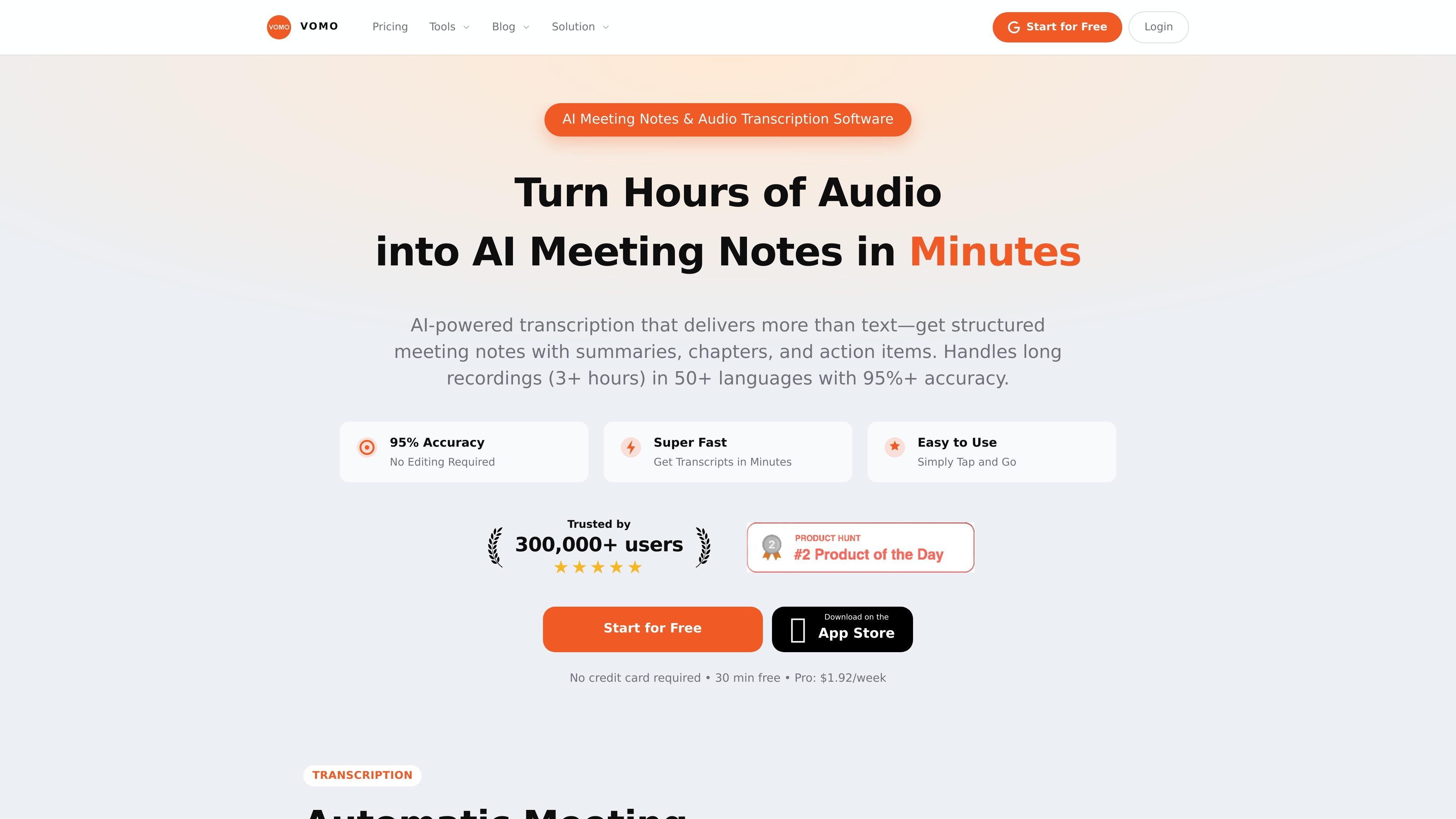
VOMO is an AI transcription and meeting-notes product for turning spoken audio or video into searchable text and structured summaries. It supports live recording, file upload, and YouTube link transcription, then adds speaker labels, chapters, summaries, and action items to the result.
The product is positioned for people who need a faster way to turn long meetings, lectures, interviews, and other recordings into notes they can review, share, or export. The site says it supports 50+ languages, handles recordings longer than 3 hours, and offers a free plan alongside a paid Pro plan.
Record live audio, upload files, or paste a YouTube URL, then get an automatic transcript with speaker labels and AI-generated notes.
Turn recordings into structured notes with summaries, chapters, key points, and action items so the output is easier to review than a raw transcript.
Use built-in templates to organize transcripts for scenarios such as team meetings, stand-ups, sales calls, interviews, and lectures or podcasts.
Ask questions about a transcript to find specific information without reading the full document, with answers pulled from the transcript itself.
Organize recordings into folders, mark favorites, and recover deleted files from Recently Deleted; Pro users get unlimited cloud storage.
Share notes through a link or export them in multiple formats, including TXT, PDF, DOCX, Markdown, HTML, image, and SRT depending on the tool page.
Record or upload a meeting, then generate notes that surface decisions, action items, and speaker-labeled dialogue for follow-up.
Capture lectures, webinars, or training sessions and turn them into searchable transcripts with chapters for later study or review.
Convert interview audio or video into text, then use transcript search or question-and-answer prompts to pull specific quotes and details.
Paste a YouTube link to generate a transcript and summary for a video you want to reference, repurpose, or study.
Upload recorded calls or client conversations to produce organized notes that can be shared with others via link or export.
You can record live audio, upload an audio or video file, or paste a YouTube link. VOMO then transcribes the content automatically and generates structured notes with summaries, key points, action items, and chapters.
VOMO says it supports 50+ languages, including English, Spanish, Chinese, French, German, and Japanese. The site also states 95%+ accuracy for most languages and 95%+ accuracy on clear audio.
Yes. The site says you can click Publish to generate a shareable link that recipients can view without signing up. You can also copy transcript text and export notes, with file exports including TXT, PDF, DOCX, Markdown, HTML, image, and SRT on the relevant tool pages.
The pricing page shows a Free plan with 30 minutes of free usage and a Pro plan with unlimited transcription minutes. The site also indicates free use for some tools and mentions a web beta version for account access.
The source states that recordings and transcripts are encrypted in transit and at rest, and that VOMO is GDPR-compliant. It also says users can delete recordings anytime and that data is not shared with third parties.