
AI Background Removal
Automatically detects people and other subjects, then removes the background without requiring a green screen or manual masking.

Video Background Remover is a web-based AI tool for removing and replacing video backgrounds without a green screen. It offers a free preview, then pay-as-you-go pricing for full exports and higher-volume use.
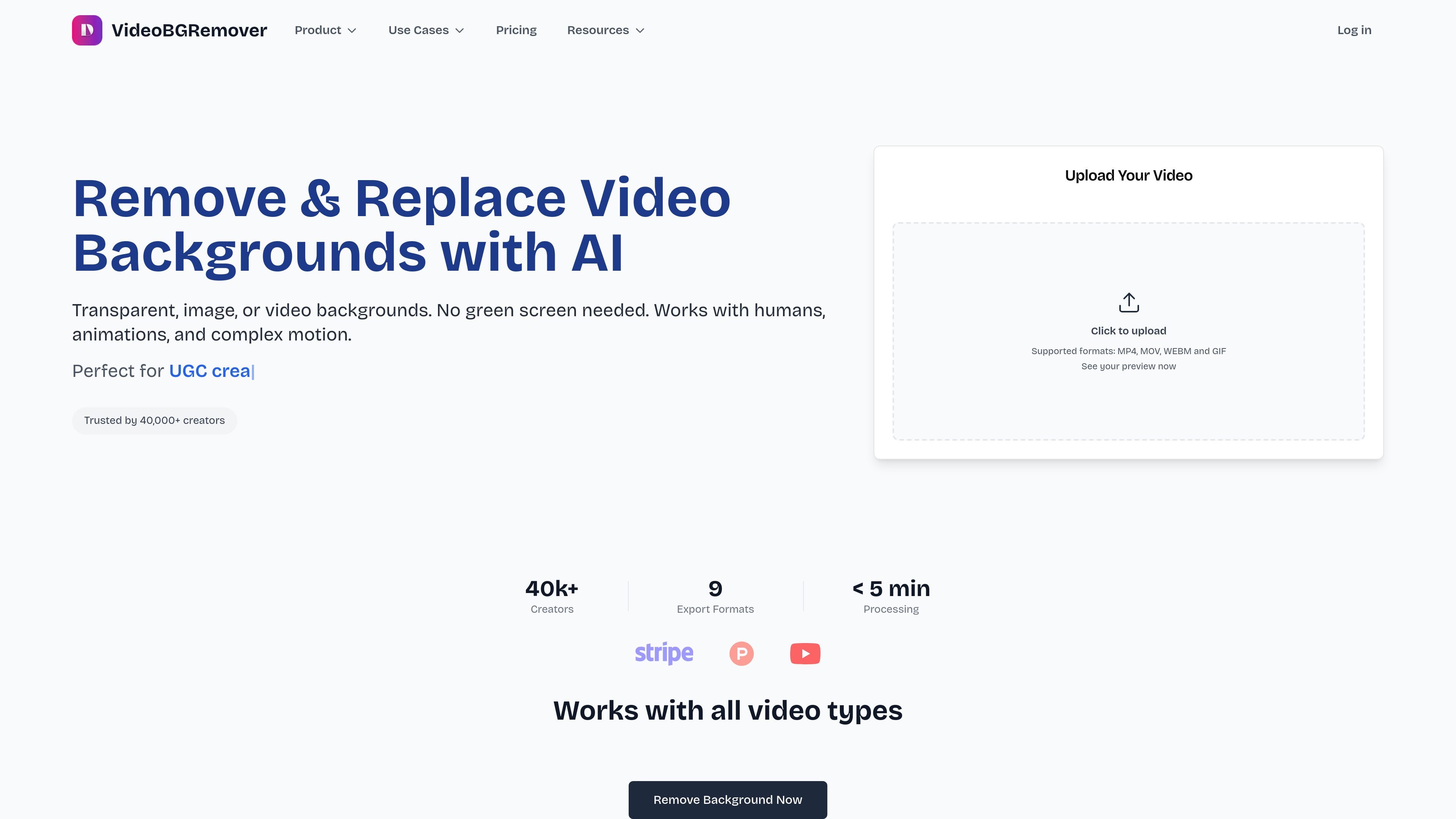
Video Background Remover is an online tool for removing and replacing video backgrounds with AI. It is designed to work without a green screen and to handle humans, animations, and complex motion from a browser-based workflow.
The service offers a free preview on every upload, then charges only when you process the full result. Pricing is pay-as-you-go with volume discounts, and the site also provides a separate chroma key remover for users who already have green-screen footage.
Automatically detects people and other subjects, then removes the background without requiring a green screen or manual masking.
Lets you replace the background with transparency, solid colors, images, or video, depending on the output you need.
Supports multiple export paths, including MP4, WebM, ProRes, PNG sequence, GIF, WebP, Lottie, and dotLottie.
Handles multiple files together so creators and agencies can process batches instead of one video at a time.
Supports longer projects, with uploads described as up to 120 minutes per video and HD processing.
Provides a free preview and a REST API for workflow integration, alongside online processing with no software install.
Create talking-head clips, tutorials, or social posts from ordinary footage without building a physical green-screen setup.
Process longer webinars, courses, or presentations where keeping the subject isolated matters across extended footage.
Prepare assets for motion design and editing tools by exporting transparent formats such as WebM or PNG sequence.
Handle multiple videos in one workflow when an agency or team needs to process several clips at once.
Use the separate chroma key workflow when footage already has a green screen and you want browser-based removal.
Yes. The home page says you can upload a video and see a free preview before paying for a full export. The pricing page says the free trial includes 10 seconds of video processing.
The pricing page says the service supports MP4, WebM, and MOV, and the home page also mentions GIF for supported uploads. The chroma key page adds AVI for the browser-based green screen remover, depending on browser support.
The home page says the service works with MP4, MOV, and WebM uploads up to 120 minutes, while the pricing page says videos are processed in HD and can be exported in 4K, with the model optimized for 1080p.
Yes. The pricing page says there is a REST API for integrating video background removal into applications or workflows.
The pricing page says pricing is pay-as-you-go with volume discounts, no subscription, and credits that never expire. It also states that higher frame rate videos consume more credits.