
Cinematic video generation
Veo 3.1 is presented as Google DeepMind’s leading video generation model, with pages and demos centered on cinematic output.

Veo 3.1 is Google DeepMind’s video generation model for creating cinematic video with native audio from prompts. It can be tried in Gemini or Google Flow, or used as a buildable model surface.
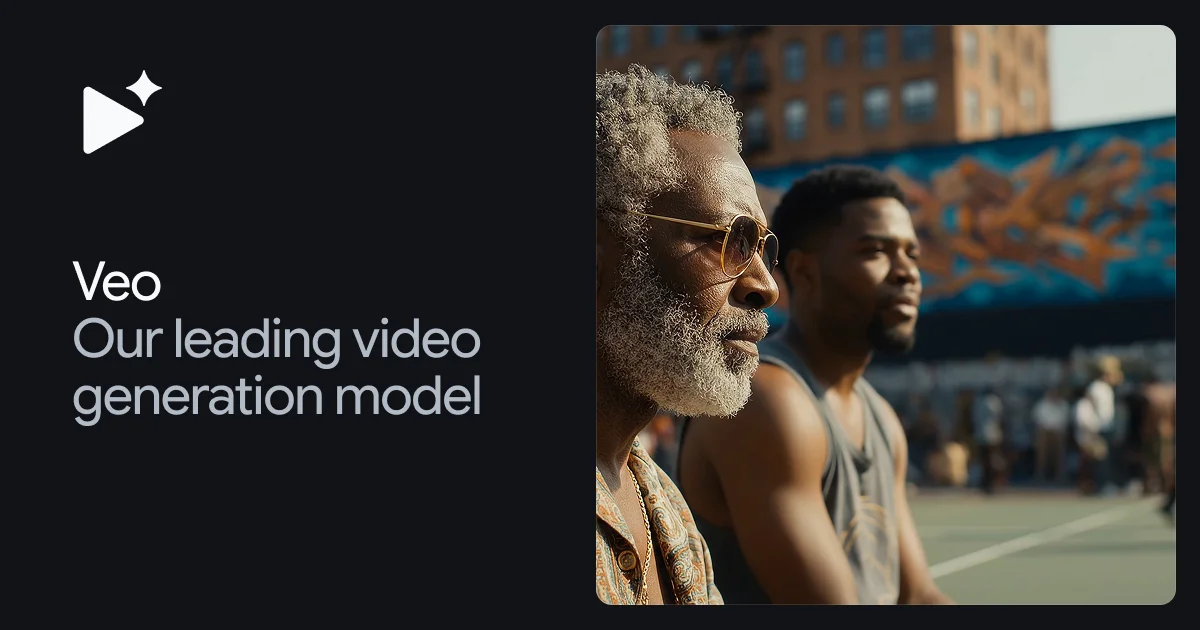
Veo 3.1 is Google DeepMind’s video generation model. The product page positions it as a tool for filmmakers and storytellers who want to generate cinematic video with audio from prompts.
The homepage emphasizes native audio, improved prompt adherence, greater realism, and more creative control. The prompt guide adds practical guidance for directing outputs with details such as framing, motion, style, lighting, character descriptions, locations, actions, and dialogue.
The site also shows multiple entry points for using the model: try it in Gemini, try it in Google Flow, or build with Veo. That makes the product relevant both for hands-on creation and for teams that want to integrate video generation into a workflow.
Veo 3.1 is presented as Google DeepMind’s leading video generation model, with pages and demos centered on cinematic output.
The homepage says Veo 3 adds native audio, including sound effects, ambient noise, and dialogue generated directly with the video.
The site describes improved prompt adherence, so prompts can more closely steer the generated result.
The homepage highlights greater realism and fidelity, attributed to real-world physics and audio in Veo 3.
The prompt guide recommends specifying shot framing, motion, style, lighting, character details, location, action, and dialogue to shape results.
The homepage includes calls to try Veo in Gemini, try in Google Flow, or build with Veo, showing multiple access paths.
Use Veo when you need short-form or conceptual video that includes spoken lines, ambient sound, or sound effects without assembling audio separately.
Use the prompt guide to direct visual composition more precisely by describing camera framing, motion, lighting, styling, and scene details.
Use the model for storyteller-style content where realism, physics, and prompt adherence matter to the final result.
Use the Gemini or Flow entry points when you want to explore the model interactively before building around it in a product or workflow.
Veo is Google DeepMind’s video generation model. The site describes Veo 3.1 as the leading video generation model and highlights native audio, improved prompt adherence, and expanded creative control.
The product page offers entry points to try Veo in Gemini, try it in Google Flow, or build with Veo. The prompt guide also shows how to shape outputs with details such as framing, style, lighting, character descriptions, location, action, and dialogue.
The prompt guide says Veo 3 can generate dialogue, and the homepage says Veo 3 lets you add sound effects, ambient noise, and dialogue with audio generated natively.
The pricing page lists Veo among Google’s specialized models. It does not show public prices or plan limits in the collected text.