
Visual grid editor
Universe uses a visual drag-and-drop Grid Editor so you can arrange blocks and see the layout as you build, without writing HTML or CSS.

Universe is a visual no-code website builder for custom sites, stores, and portfolios on iPhone, iPad, Mac, or web, with drag-and-drop editing, commerce, audience tools, and hosting.
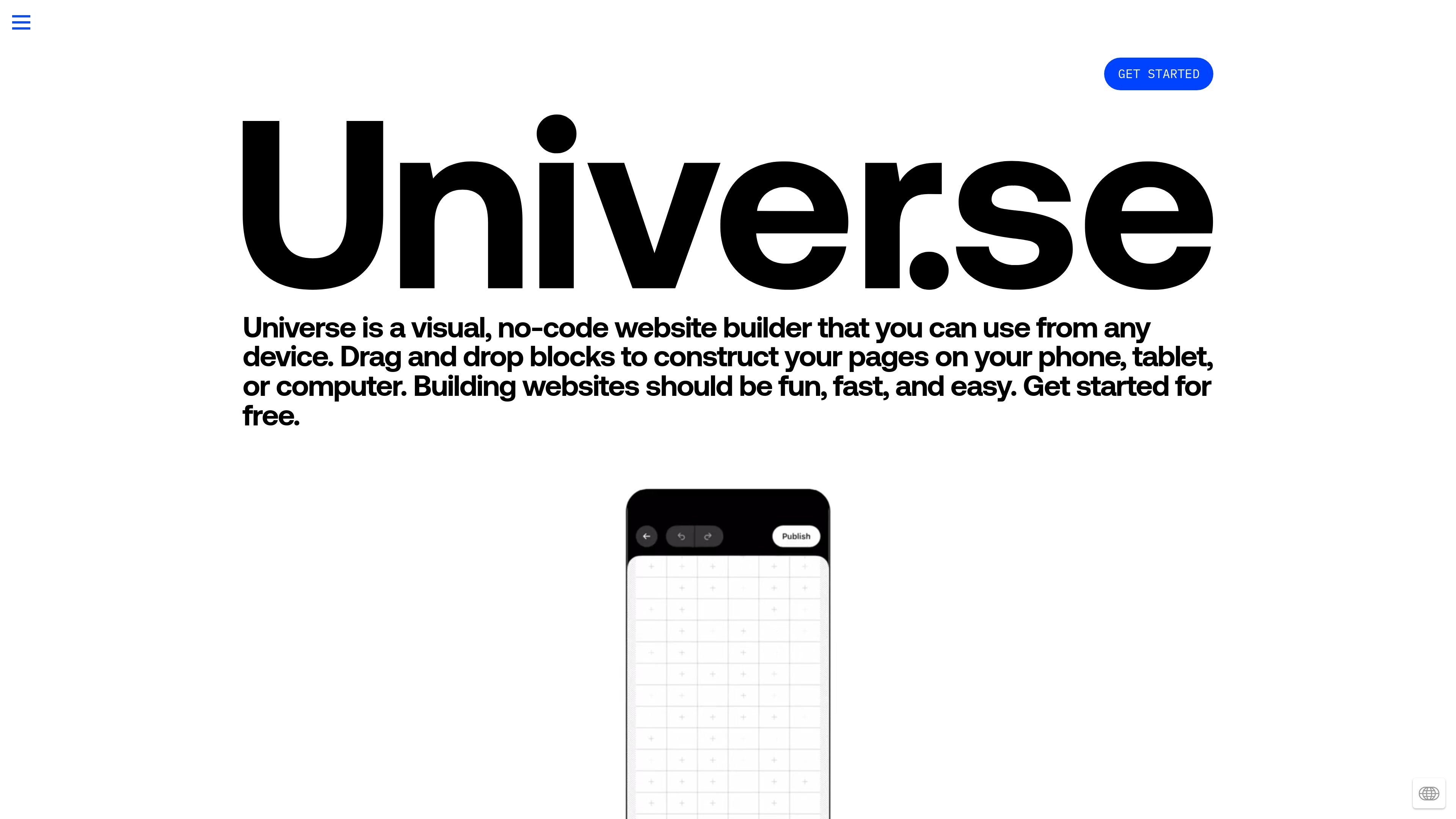
Universe is a visual, no-code website builder for creating custom websites from a phone, tablet, computer, or browser. The product centers on a drag-and-drop Grid Editor that lets you arrange blocks visually and publish without needing HTML or CSS.
It is aimed at people building personal sites, portfolios, business sites, online stores, blogs, fan sites, and link-in-bio pages. The site also emphasizes built-in commerce, audience tools, and hosting, so users can manage both the site and the basic business workflows around it in one place.
Universe uses a visual drag-and-drop Grid Editor so you can arrange blocks and see the layout as you build, without writing HTML or CSS.
The platform includes blocks for adding content, and the source says there is a block for anything you need on a website.
Sites are fully responsive, so the same website adapts to different screen sizes instead of relying on separate mobile and desktop versions.
Universe can be used from iPhone, iPad, Mac, or the web, and it offers native apps for Apple devices plus a web app.
Commerce tools let you sell physical goods or digital downloads, collect payments, print shipping labels, manage inventory, and use Apple Pay or PayPal.
Audience tools include built-in analytics, mailing list collection, email forwarding, and support for third-party email and analytics tools such as Google Analytics, Simple Analytics, and Meta Pixel.
Build a personal site or portfolio on a phone, tablet, Mac, or browser and publish without writing code.
Set up a store that can accept payments, manage stock, print shipping labels, and deliver digital files from the same site.
Create a landing page, link-in-bio page, or event page when you need a simple custom site that can be assembled from blocks quickly.
Work with other people on a shared site by inviting friends, coworkers, or collaborators to help manage the website.
Use built-in analytics, mailing lists, and email tools to track visitors and grow an audience around your site.
Universe is designed to work from iPhone, iPad, Mac, or a web browser. The site says you can drag and drop blocks to build pages visually without touching HTML or CSS.
Yes. The pricing page lists four plans: Free, Base, Pro, and Complete. The Free plan is shown at $0, and the paid plans are billed monthly or yearly.
Yes. The source says collaboration is supported by inviting friends, coworkers, or others to manage a website with you.
The source supports online stores, portfolios, event pages, blogs, fan sites, link-in-bio pages, and other custom sites. It also mentions templates and the option to start from scratch.
No HTML or CSS is required for the visual editor. The source also notes AI can generate website elements in minutes and that you can build on top of templates or start from scratch.