
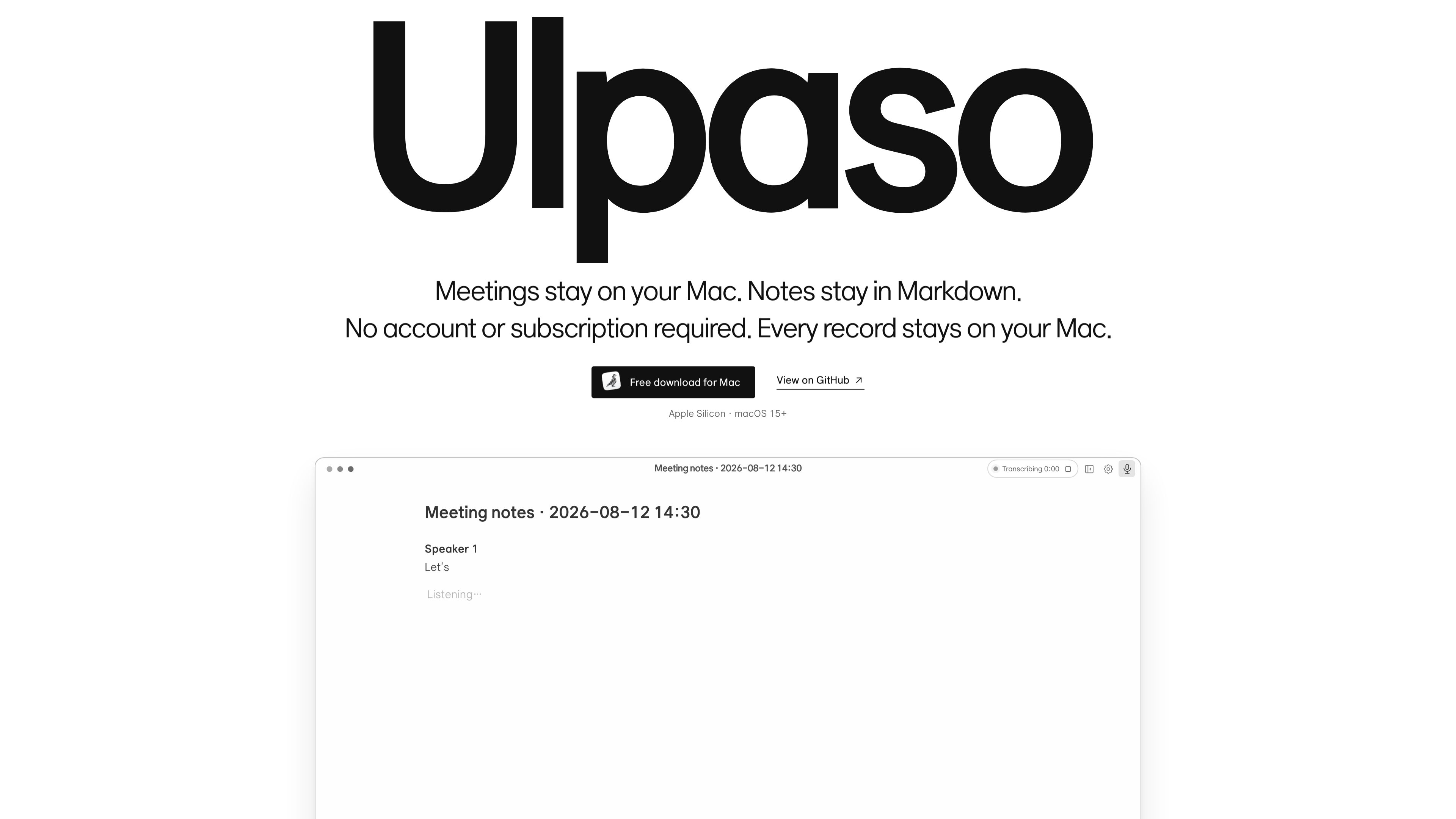
On-device meeting transcription
Ulpaso processes microphone and system audio locally on the Mac so meeting audio does not need to leave the device for transcription.

Ulpaso is a free, open-source Mac app that transcribes meetings on-device and saves the results as local Markdown files. Keep meeting notes on your Mac without accounts or subscriptions.
Ulpaso is a Mac app for meeting transcription that keeps the workflow local. It transcribes meetings on-device and saves the output as Markdown files stored on your Mac, which makes it suitable for users who want meeting notes in a simple, text-based format they can keep and manage themselves.
The product page and privacy policy emphasize that Ulpaso does not use user accounts, advertising, usage analytics, behavioral profiling, or app telemetry. The app also avoids sending markdown documents, meeting audio, or transcripts to askitmore co., ltd servers. Instead, it works with local files and processes microphone and system audio on-device.
Ulpaso processes microphone and system audio locally on the Mac so meeting audio does not need to leave the device for transcription.
Notes are saved as local Markdown files, giving users a plain-text format that is easy to open, edit, and archive.
The app is presented as usable without creating an account, which keeps the setup simple and avoids account management.
Ulpaso works with files stored in the location the user chooses, and the app’s privacy policy notes that recent file paths and recovery drafts may be stored on-device.
The app may connect to GitHub for updates and to Hugging Face for transcription runtimes and models, while the policy says those requests do not include document content, meeting audio, or transcripts.
Useful for people who want a transcript or notes from meetings without uploading audio or documents to a cloud service.
Fits users who prefer their meeting records saved as Markdown files they can keep in local folders or back up with their own tools.
Helpful when the goal is to record and transcribe a meeting with minimal setup and without managing an online account.
Can support users who need searchable, text-based meeting records and are comfortable handling storage and sharing themselves.
No. The privacy policy says Markdown documents, meeting audio, and transcripts are not sent to servers operated by askitmore co., ltd.
It saves notes as local Markdown files.
No account is required according to the product description on the site.
The site presents Ulpaso as a Mac app, and the download callout mentions Apple Silicon and macOS 15+.
Yes. The terms state that the source code is provided under the MIT License.
Traffic data is for reference only.

sonnetai.com
Meeting assistant that records, transcribes, and creates searchable notes and action items without a visible bot

jottoo.com
Jottoo is a browser-based meeting notes workspace that records or imports audio, transcribes conversations, creates structured summaries, and turns follow-ups into tasks. It is designed for people who want meeting documentation and action tracking without adding a meeting bot.

bluedothq.com
Bluedot is a bot-free AI note taker for online, phone, and in-person meetings, creating transcripts, notes, and action items that sync with your favorite tools.

poised.com
Poised is an AI communication coach for online meetings and presentations, helping users speak clearly with real-time feedback, live notes, and meeting summaries.

store.comu.com
Comu Action Pro is a pocket-sized AI voice recorder and work assistant that turns spoken requests, conversations, and recordings into documents, slides, emails, summaries, and action items. Capture meetings and turn them into useful outputs without rewriting notes by hand.

shadow.do
Shadow is an AI interface for Mac that captures meetings and screen context, turning them into notes, replies, summaries, and more with custom Skills. Free plan available, plus a paid plan with unlimited AI features.