
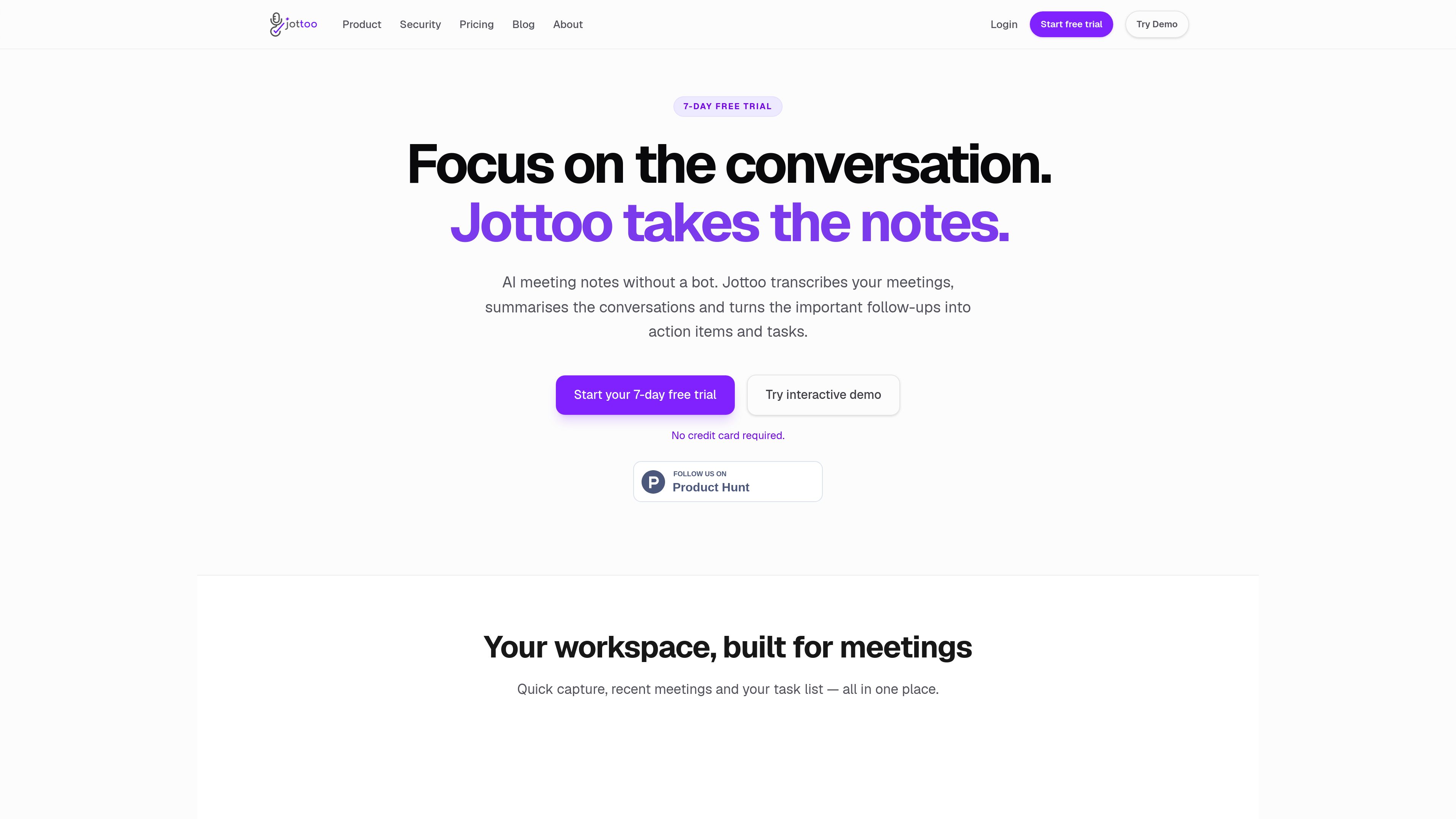
Meeting capture and transcription
Record a meeting live, upload a pre-recorded audio file, or type notes manually. Audio recordings are sent for transcription and returned to the note workflow as searchable text.

Jottoo is a browser-based meeting notes workspace that records or imports audio, transcribes conversations, creates structured summaries, and turns follow-ups into tasks. It is designed for people who want meeting documentation and action tracking without adding a meeting bot.
Jottoo is a meeting notes and task-tracking workspace for capturing conversations, typed notes, and follow-ups in one place. Users can record a meeting, upload an audio file, or start with a blank note. Audio recordings are transcribed, while notes and transcripts can be turned into structured summaries with overviews, key points, risks, and actions.
The product connects meeting capture to follow-through. Extracted action items can include deadlines mentioned in the conversation, and users can edit task titles, due dates, repeat rules, colors, and notes. Tasks can be viewed in a list or on a calendar, with a link back to the meeting note they came from.
Jottoo runs in the browser at workspace.jottoo.com, with native iOS and Android apps described as being in beta. It offers a seven-day trial without a credit card and states that sensitive note fields are encrypted before cloud synchronization.
Record a meeting live, upload a pre-recorded audio file, or type notes manually. Audio recordings are sent for transcription and returned to the note workflow as searchable text.
When a note is saved, Jottoo can produce an organized result with an overview, key points, risks, and actions. Focus prompts can request formats such as short summaries, tasks only, or deadlines first.
Tasks are extracted from notes and recordings, with deadlines attached when they were mentioned. Users can edit titles, due dates, repeat rules, colors, and notes, and jump back to the source meeting.
Smart folders and searchable notes help organize meeting records, while a calendar view displays tasks by date and lets users add or amend them.
For audio transcripts, Jottoo detects speakers so they can be named and labeled. The note workspace can also draft follow-up emails, status updates, or other saved sections from the conversation.
Existing notes can be opened and edited offline, with new tasks and captured content queued for later synchronization. The service says sensitive note fields are encrypted on the device before cloud sync; selected audio or note content is sent for transcription or AI processing when those features run.
Record a discussion, review its summary and decisions, then turn agreed follow-ups into assigned or dated tasks instead of keeping them only in a transcript.
Upload a call recording or capture it live, label speakers in the transcript, and use the structured note to retain risks, key points, and actions for the next customer interaction.
Use the meeting note to draft a follow-up email or a status update based on what was discussed, then keep the draft as a section of the note for later reference.
Collect typed notes and meeting-derived tasks in one workspace, view deadlines on the calendar, and continue editing notes or creating tasks when temporarily offline.
You can record a meeting from the workspace, upload a pre-recorded audio file, or open a blank note and type as the conversation happens.
A recording can produce a transcript with speaker labels and a structured summary. Notes and transcripts can include an overview, key points, risks, and action items, with deadlines attached when they were mentioned.
Jottoo is described as offline-friendly. Existing notes can be opened and edited, tasks can be created, and content can be captured while offline; changes queue locally and sync when connectivity returns. Recording and uploads may be limited until the device is online.
Jottoo currently runs in a browser at workspace.jottoo.com. Native iOS and Android apps are described as being in beta, with access offered through a beta waitlist.
Jottoo offers a seven-day trial with no credit card required. After the trial, the subscription is $13.99 USD per month, excluding applicable tax. The subscription can be canceled at any time, and the site states that nothing is charged automatically during the trial.
Traffic data is for reference only.

sonnetai.com
Meeting assistant that records, transcribes, and creates searchable notes and action items without a visible bot

shop.genspark.ai
Genspark SecondBrain Note is a card-sized AI voice recorder for capturing meetings, calls, consultations, and other conversations. It records offline, transfers audio through the Genspark App, and turns recordings into transcripts, summaries, key points, and action items.

store.comu.com
Comu Action Pro is a pocket-sized AI voice recorder and work assistant that turns spoken requests, conversations, and recordings into documents, slides, emails, summaries, and action items. Capture meetings and turn them into useful outputs without rewriting notes by hand.

just-head-760316.framer.app
Kairn is an iPhone app that turns conversations and quick thoughts into people, tasks, and dates you can review. Edit AI suggestions before saving approved contacts, reminders, and calendar events to your iPhone—and follow through.
www.meetjamie.ai
AI meeting intelligence for professionals and teams that turns conversations into searchable notes and follow-up workflows.

sembly.ai
Agentic meeting intelligence that turns discussions into notes, tasks, summaries, and client-ready deliverables.