
Bot-free recording
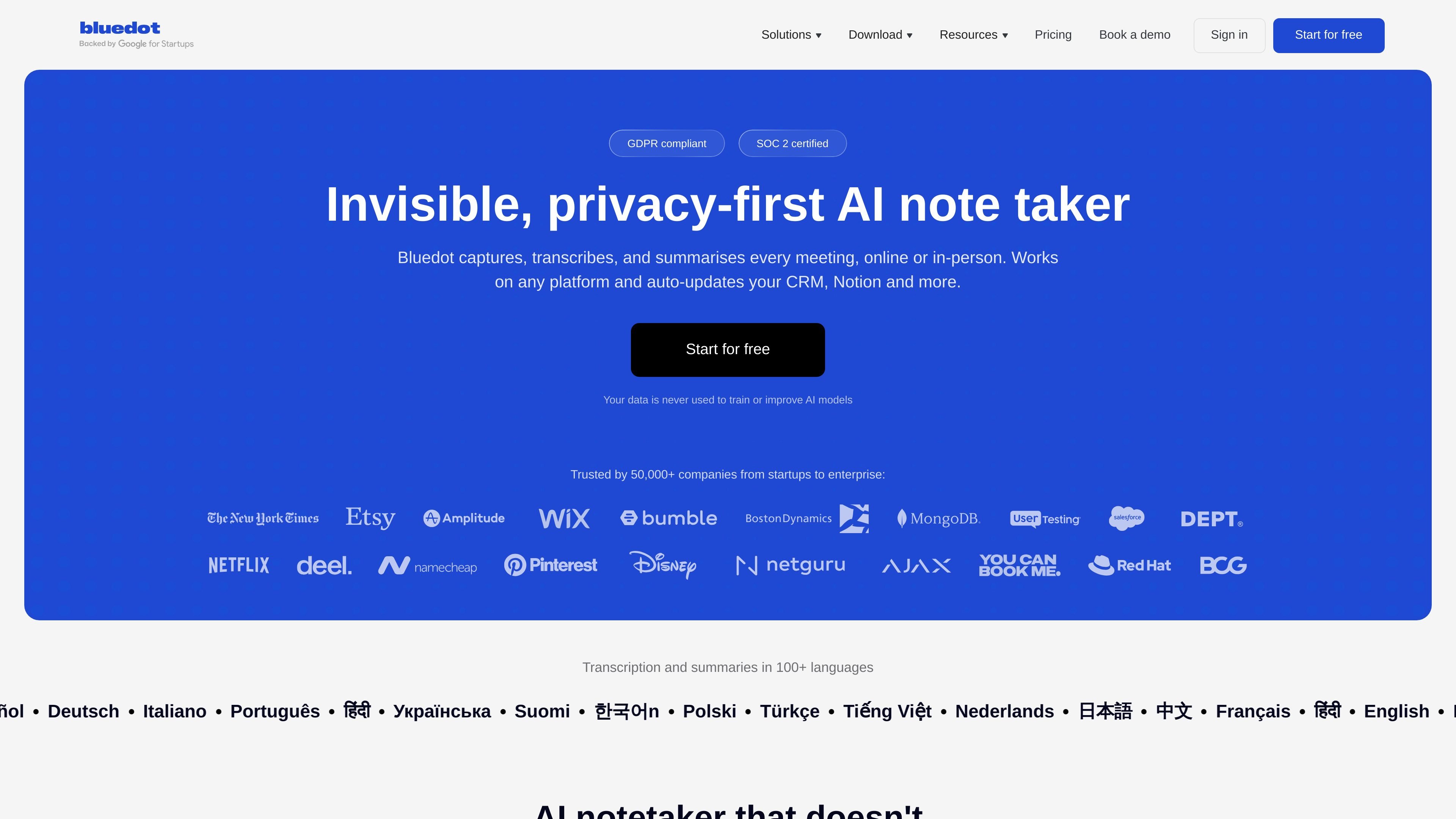
Capture meetings without a bot joining the call, which the site positions as a privacy-first way to keep conversations natural.

Bluedot is a bot-free AI note taker for online, phone, and in-person meetings, creating transcripts, notes, and action items that sync with your favorite tools.
Bluedot is a bot-free AI note taker for online and in-person meetings. It records conversations, produces transcripts and meeting notes, and turns them into action items and summaries that teams can revisit and share.
The product is designed to work across browser, desktop, and mobile contexts, including Zoom, Google Meet, Microsoft Teams, phone calls, and in-person meetings. It also connects meeting output to tools such as CRM, ATS, Slack, Notion, Google Drive, Zapier, Make, and other workflow destinations.
Capture meetings without a bot joining the call, which the site positions as a privacy-first way to keep conversations natural.
Generate transcripts, meeting notes, action items, and summaries from online, in-person, and phone-based conversations.
Use the built-in AI chat to search across meetings, ask questions, and pull out specific details from past conversations.
Send notes, transcripts, and action items to CRMs, ATSs, and other tools through the Bluedot API, MCP, webhooks, and supported integrations.
Work across Chrome, desktop, mobile, and browser-specific capture on Zoom, Google Meet, Microsoft Teams, and in-person meetings.
Record in more than 100 languages, with the site calling out multilingual transcription and summaries.
Capture discussions on Zoom, Google Meet, or Microsoft Teams without adding a bot to the call, while still generating notes and transcripts.
Record interviews or customer conversations on a phone, tablet, or Apple Watch and turn them into searchable notes afterward.
Send meeting summaries and action items into CRM or ATS workflows so follow-up data stays current without manual copying.
Use shared transcripts, links, comments, and clip highlights as a team memory for decisions, updates, and internal knowledge.
Search across prior meetings with AI chat to retrieve details, compare discussions, and find relevant context quickly.
Bluedot is a bot-free AI note taker. It can record, transcribe, and summarize meetings, and it supports online meetings on platforms such as Zoom, Google Meet, and Microsoft Teams as well as in-person meetings.
The source shows free and paid plans. The Free plan includes 5 meetings per lifetime and a 1 hour maximum per recording. Paid plans include Basic, Pro, and Business, with features such as unlimited meetings, webhooks, CRM and ATS integrations, and admin controls depending on the plan.
Bluedot works across browser, desktop, and mobile experiences. The site lists Chrome, Mac, Windows, iOS, Android, and Apple Watch apps or downloads, and it also supports browser-based capture in tools like Google Meet and Arc, Brave, and Microsoft Edge.
The integrations page shows support for Slack, Notion, Zapier, Make, Google Drive, Google Calendar, Google Meet, HubSpot, Salesforce, Zoom, Microsoft Teams, Outlook, and MCP, along with webhook-based automation.
Bluedot says it can import existing recordings from Google Drive and Zoom cloud, and the pricing page mentions Zoom and Google Drive imports on the Pro plan. It also supports uploading or transcribing existing files according to the site FAQ.
Traffic data is for reference only.

hynote.ai
HyNote is an AI note taker for meetings, audio, PDFs, and other captured content, turning them into searchable notes, summaries, and action items.

shop.genspark.ai
Genspark SecondBrain Note is a card-sized AI voice recorder for capturing meetings, calls, consultations, and other conversations. It records offline, transfers audio through the Genspark App, and turns recordings into transcripts, summaries, key points, and action items.

tovel.ai
Tovel is an AI recorder for calls, meetings, and in-person conversations. It turns recordings into transcripts, summaries, and follow-up work, with action items, calendar events, CRM updates, and other next steps prepared for your review before anything is sent.
voicecap.ai
VoiceCap is an AI meeting notetaker for in-person and online meetings. It records or imports meetings, produces speaker-separated transcripts, summaries, decisions, and action items, and makes the resulting archive searchable for teams and connected AI assistants.

store.comu.com
Comu Action Pro is a pocket-sized AI voice recorder and work assistant that turns spoken requests, conversations, and recordings into documents, slides, emails, summaries, and action items. Capture meetings and turn them into useful outputs without rewriting notes by hand.

fellow.app
AI meeting assistant for transcripts, summaries, and action items