
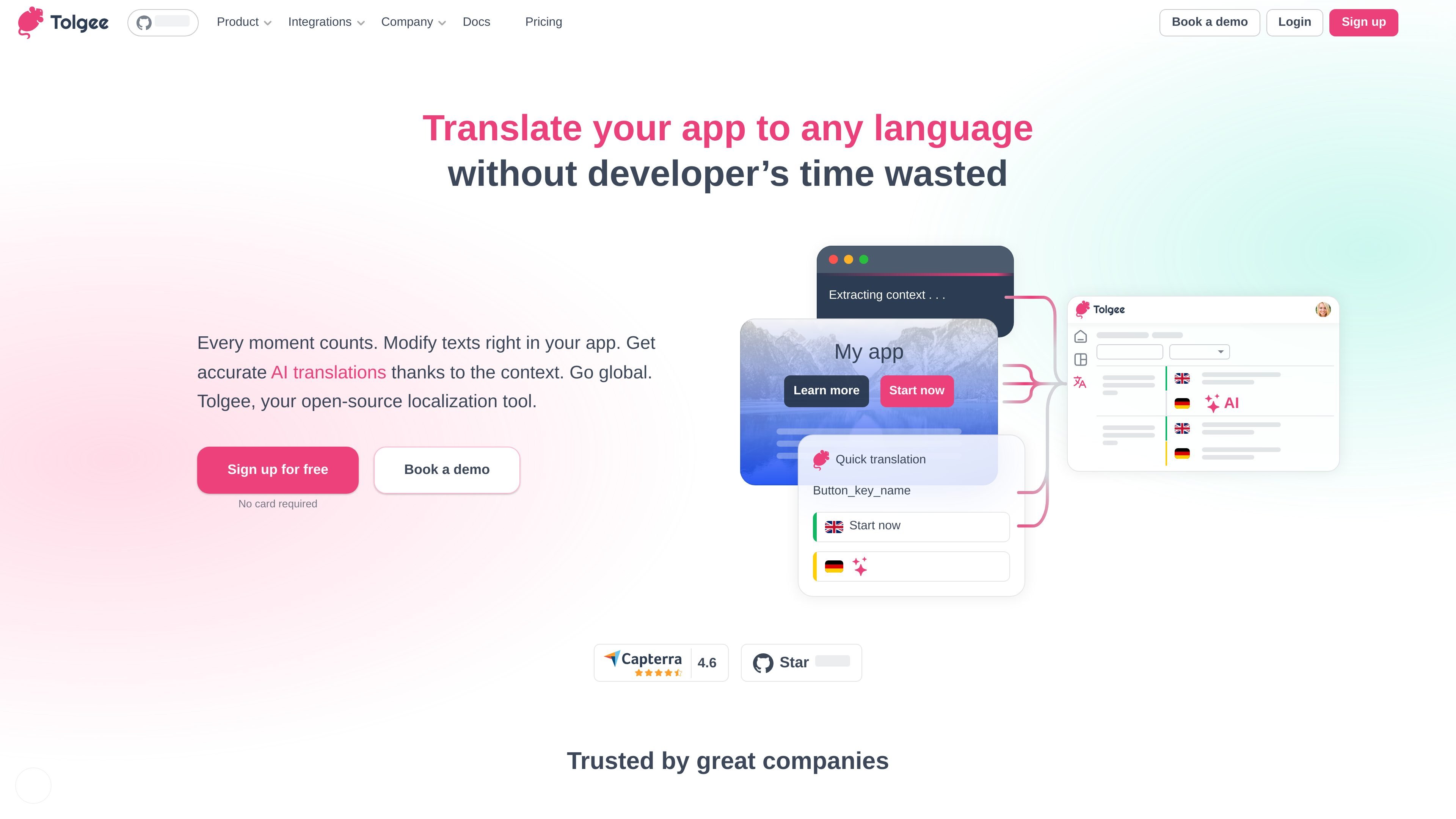
In-context translation editing
Modify application text directly in the running product, helping non-developers review or update translations without routing every label change through a developer.

Open-source localization platform for translating apps with in-context editing, integrations, and team workflows.
Tolgee is an open-source localization platform for translating web and mobile applications. It lets teams add and edit translation keys in context, manage source strings and translations, and use automation to accelerate localization. Developers can connect applications through Tolgee SDKs, import or export localization files, use the REST API, and work with integrations such as the Figma plugin. Tolgee is available as a hosted cloud service and can also be deployed on an organization's own infrastructure.
Modify application text directly in the running product, helping non-developers review or update translations without routing every label change through a developer.
Connect applications with Tolgee SDKs and add translation keys, screenshots, and context from the app during the localization workflow.
Move localization content through the command-line interface or web UI, and integrate custom workflows with the REST API.
Use context-aware AI translation and machine translation to generate draft translations, with optional review before release.
Use glossaries, branching, tasks, and team permissions to organize translation work and track assignments across projects.
Use Tolgee Cloud for managed infrastructure, or deploy Tolgee on your own infrastructure when organizational security, compliance, or data-residency requirements call for it.
Developers can add strings from the application, connect an SDK, and use imported or exported localization files without building a separate translation workflow from scratch.
Clients, colleagues, or other project members can change visible application text in place, reducing the need for repeated developer requests and spreadsheet-based copy-pasting.
Teams can use context-aware AI or machine translation to create initial language versions, then review the generated text before release.
Teams working across languages can assign translation tasks, use glossaries and permissions, and track progress in a shared project.
Organizations with internal security policies, compliance requirements, or data-residency rules can choose a self-hosted Tolgee deployment.
Yes. Tolgee is available through Tolgee Cloud and can also be run on an organization's own infrastructure. Self-hosted licensed plans are available for teams needing their own deployment.
Applications can connect through Tolgee SDKs. The platform also supports CLI and web-based import/export, a REST API, and integrations including a Figma plugin.
Yes. Tolgee provides in-context editing so users can modify visible application text directly in the app, reducing the need for a developer task for each label change.
Yes. Tolgee includes an AI translator and machine translation capabilities. Generated translations can be reviewed before they are released.
Tolgee provides tasks, glossaries, branching, and granular permissions for coordinating translation work across projects and team members.
Traffic data is for reference only.

baserow.io
Baserow is an open-source no-code database platform for building databases, apps, dashboards, and automations with cloud or self-hosted deployment.

ycode.com
Ycode is an open-source website builder and CMS for custom sites, with self-hosting, Ycode Cloud, and agency workflows.

www.dograh.com
Dograh is an open-source, self-hostable platform for building and deploying production voice agents, connecting telephony, speech, language models, text-to-speech, workflows, and observability on your infrastructure or its managed cloud.

imagine.dev
Appwrite is an open-source application platform for backend services, file storage, realtime features, and hosted web deployment. Build and scale apps with Auth, Databases, Storage, Functions, Messaging, and Sites in one place.