TestSprite logo

TestSprite

Claim

TestSprite is an AI testing agent and automation platform for verifying live web apps and APIs with minimal input. Ideal for browser, CLI, IDE, and CI testing.

TestSprite preview

Overview

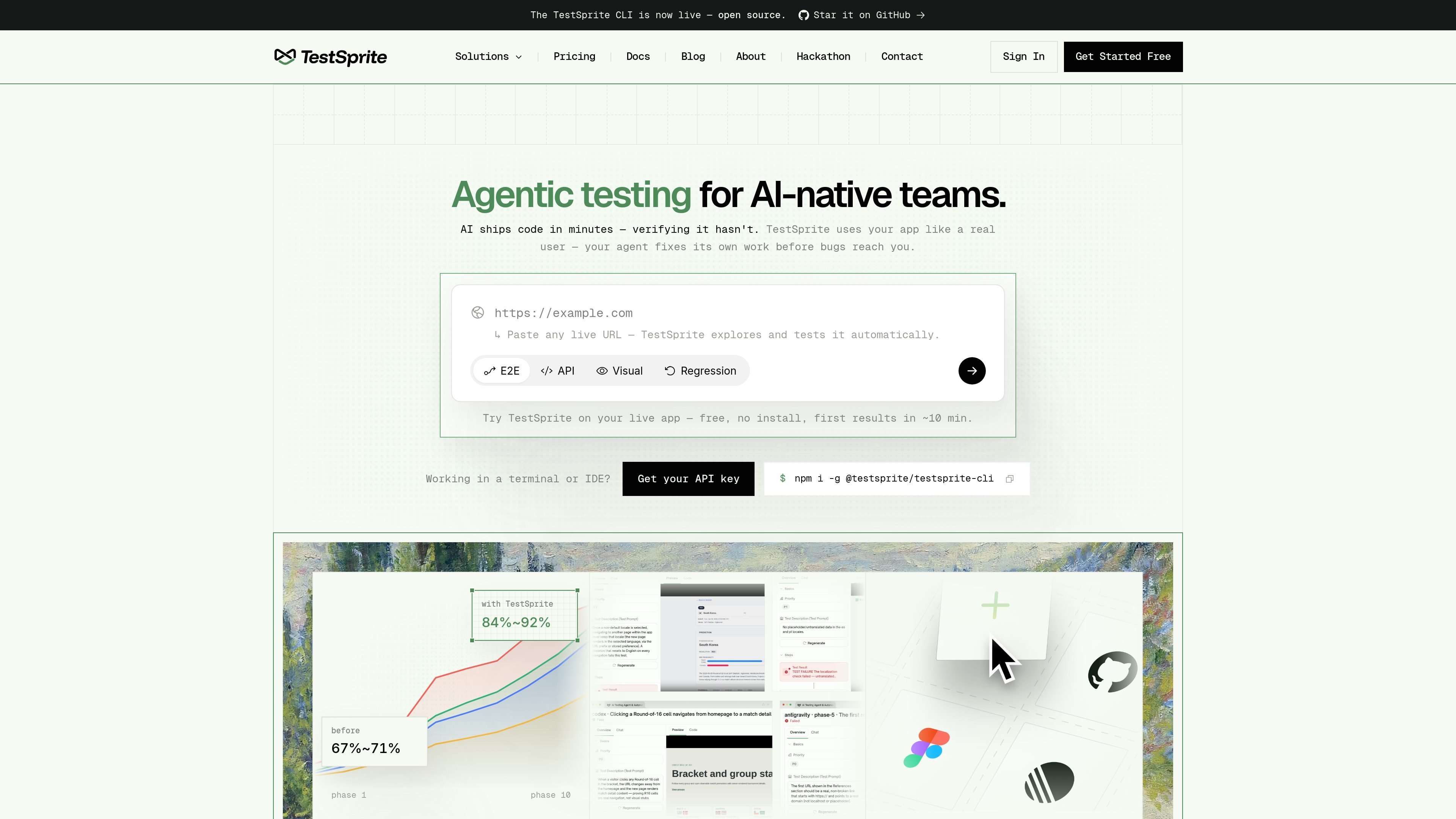
TestSprite is an AI testing agent and automation platform for verifying software against a running product. Its homepage describes a workflow where it reads the app context, explores the live interface, runs end-to-end checks, and reports failures with enough detail for an agent or developer to fix the issue and rerun the test.

The product is positioned for teams that want self-serve testing across frontend and backend scenarios. The site also presents it as usable from a browser-based QA interface, a command line workflow, an IDE through MCP, and CI gates for pull requests.

Core capabilities

Live app verification

TestSprite reads your code and PRD for context, then tests the running product directly instead of relying on mocks or static assertions.

Browser and API execution

It can drive a real browser or hit live APIs, which lets it cover frontend and backend flows from the same test loop.

Failure bundles for debugging

When a test fails, it returns screenshots, DOM snapshots, the test source, and a root-cause hypothesis so an agent can act on the result.

Coverage that compounds

Passing tests are kept and additional tests are added over time, so coverage can grow as the product changes.

Auto-healing reruns

The source says Auto-Heal can repair tests when the UI drifts, reducing manual maintenance for changing interfaces.

Multiple workflow surfaces

TestSprite is available as a web app, CLI, MCP server, and CI gate, so the same verifier can fit different build workflows.

Practical use cases

  • QA review of a live web app

    Use the browser-based workflow to paste a live URL, watch agents explore the app, replay the run as video, and share results with the team.

  • Agent-driven verification in the terminal or IDE

    Use the CLI or MCP-based workflow when an AI coding agent needs to verify its own changes during development.

  • Frontend and backend regression coverage

    Use the live-API and backend-oriented workflow to validate service behavior alongside frontend checks.

  • Pull-request checks in CI

    Use the CI integration to gate pull requests and catch regressions before changes are merged.

  • Ongoing regression monitoring

    Use the scheduling and re-verification features to rerun suites over time and preserve coverage as the product evolves.

Pros and Cons

Pros

  • Tests the live app instead of only checking code or mocks.
  • Produces a failure bundle designed to help agents or developers debug and rerun quickly.
  • Supports multiple surfaces, including web, CLI, IDE via MCP, and CI.
  • Uses a workflow that can keep passing tests and expand coverage over time.

Cons

  • The public site provides only partial detail on supported integrations and platform-specific behavior.
  • The source does not document every testing mode or execution constraint in depth.
  • Pricing and feature availability vary by plan, so the exact workflow depends on the tier selected.

FAQ

How do you get started with TestSprite?

TestSprite is meant to be used after you connect a live app, CLI, IDE, or CI workflow. The source describes a setup where you install the CLI or add the MCP server, point it at your product, and then let it learn and test the app.

Who is TestSprite best suited for?

The source shows TestSprite supporting a no-code web app, a CLI, an MCP server for IDE use, and CI integration, so it can fit both QA-led and agent-led workflows.

What do you get back when a test fails?

TestSprite outputs failure bundles that include the failing step and nearby context, screenshots, DOM snapshots, the test source, a root-cause hypothesis, and a recommended fix.

Does TestSprite have a free plan?

The pricing page shows a free plan, a starter plan, a standard plan, and an enterprise option with custom pricing and support.

What kinds of testing does TestSprite support?

The source emphasizes live-browser and live-API testing, automatic test generation, and auto-healing reruns. It does not provide detailed integration documentation for every supported tool or platform.

Quick Facts

Category
AI testing agent / test automation
Primary users
Development teams, QA teams, and AI coding agent workflows
Access surfaces
Web app, CLI, MCP server, and CI
Pricing
Free plan available; paid tiers include Starter, Standard, and Enterprise
Source domain
testsprite.com
Core workflow
Install or connect, let the agent learn the app, run tests on the live product, then fix and rerun