
Serverless inference
Deploy AI models as auto-scaling web endpoints that scale to zero when traffic drops and handle spikes when requests return.

Tensorfuse is a serverless AI infrastructure platform that runs inside your AWS account. It helps teams deploy, finetune, queue, and scale AI workloads while keeping data and models in their own cloud environment.
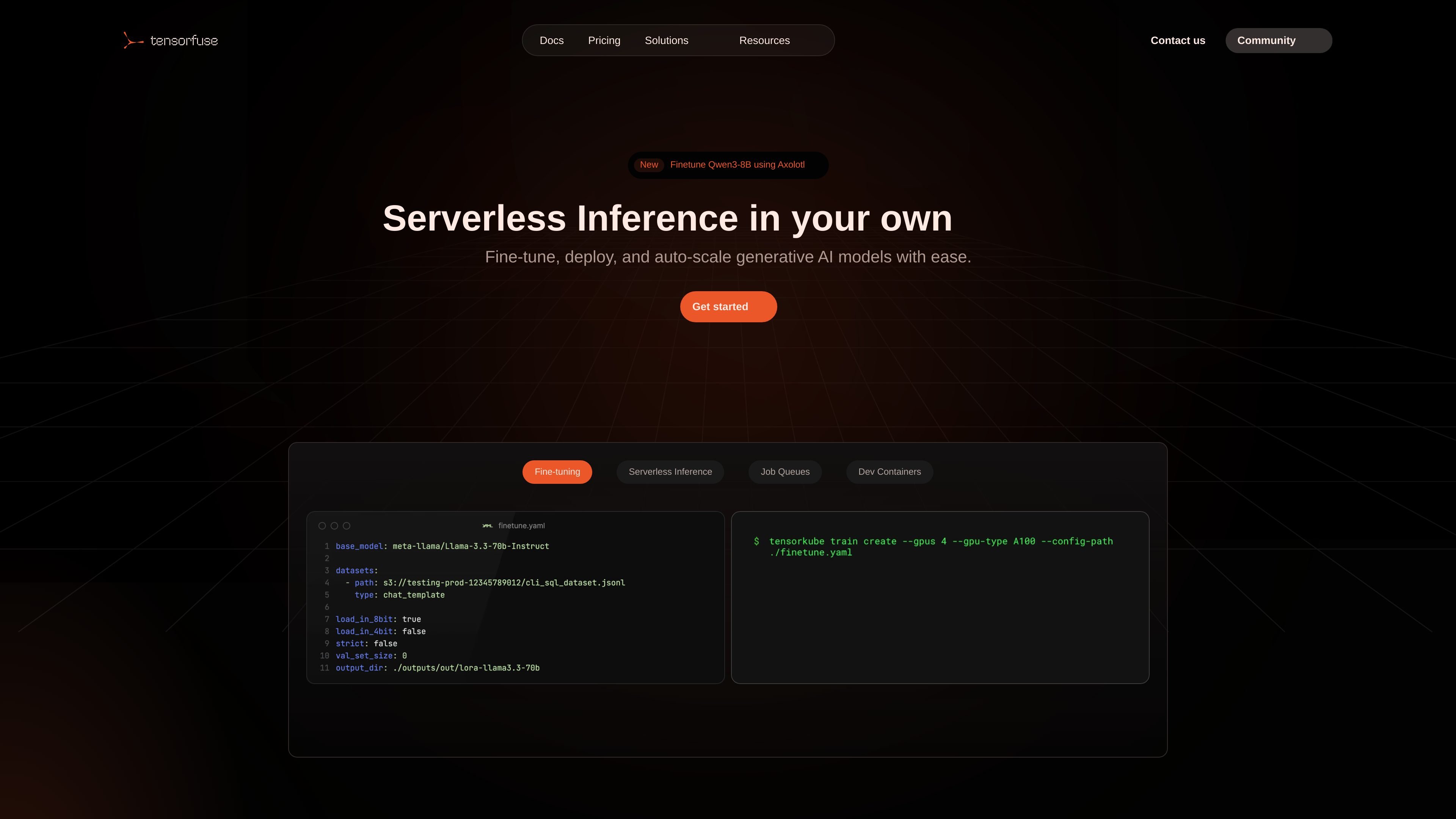
Tensorfuse is a serverless platform for deploying and scaling AI models inside your own AWS account. It takes on the infrastructure work so teams can run inference, finetuning, batch jobs, and GPU development workloads without managing the cluster directly.
The product is positioned for model lifecycle work across several modalities, including LLMs and SLMs, image generation, speech-to-text, text-to-speech, and custom models such as rerankers and embedders. According to the docs, Tensorfuse provisions and manages a dedicated Kubernetes cluster within your VPC through a secure cross-account IAM role, keeping proprietary data and models inside your cloud perimeter.
Deploy AI models as auto-scaling web endpoints that scale to zero when traffic drops and handle spikes when requests return.
Run asynchronous jobs for batch inference, data processing, large-scale evaluations, and queued experiment workloads.
Launch finetuning runs on private data using cloud GPUs, with support for formats such as JSONL, CSV, Parquet, and Hugging Face datasets.
Work with Axolotl, Unsloth, Hugging Face, or custom training loops, and use Hugging Face Hub plus Weights & Biases integration where configured.
Connect local ML code to cloud GPUs without SSH, keep the code editor workflow you already use, and sync changes into the running container.
Store datasets and model weights in your cloud’s private S3 bucket and manage project secrets and persistent volumes for stateful workloads.
Serve LLMs or other AI models behind auto-scaling endpoints when you need traffic spikes to be handled without managing capacity by hand.
Queue batch inference, evaluation, or data-processing tasks when work is asynchronous and should be run programmatically.
Run finetuning on private datasets with Axolotl, including different dataset formats, hyperparameter sweeps, and comparison runs.
Use a GPU-backed dev environment with your code pre-loaded when engineers want to iterate from a local editor without SSHing into cloud instances.
Keep datasets, model weights, and stateful artifacts in private cloud storage while deploying workloads inside your own AWS environment.
Tensorfuse runs inside your AWS account and uses a secure cross-account IAM role to provision and manage a dedicated Kubernetes (EKS) cluster within your VPC.
Tensorfuse supports serverless inference endpoints, asynchronous jobs for batch inference or data processing, finetuning runs on private data, interactive GPU development environments, secrets management, persistent volumes, and GitHub Actions automation.
The docs mention models and workflows for LLMs and SLMs, image and video generation, text-to-speech and speech-to-text, and custom models such as rerankers, embedders, and voice activity detection.
The Axolotl guide shows jobs can be run with different dataset formats, parameter sweeps, model comparisons, and queue management, with outputs uploaded to Hugging Face Hub and monitoring through Weights & Biases.
Tensorfuse’s website does not show pricing details on the linked pricing page, which currently returns a page-not-found message.