
Text-to-song generation
Create original songs from a prompt, a melody idea, or your own lyrics, then refine the result into a complete track with vocals and production.

Suno is an AI music generator that turns prompts, lyrics, or ideas into original songs with vocals, instrumentation, and production, plus editing and remixing tools.
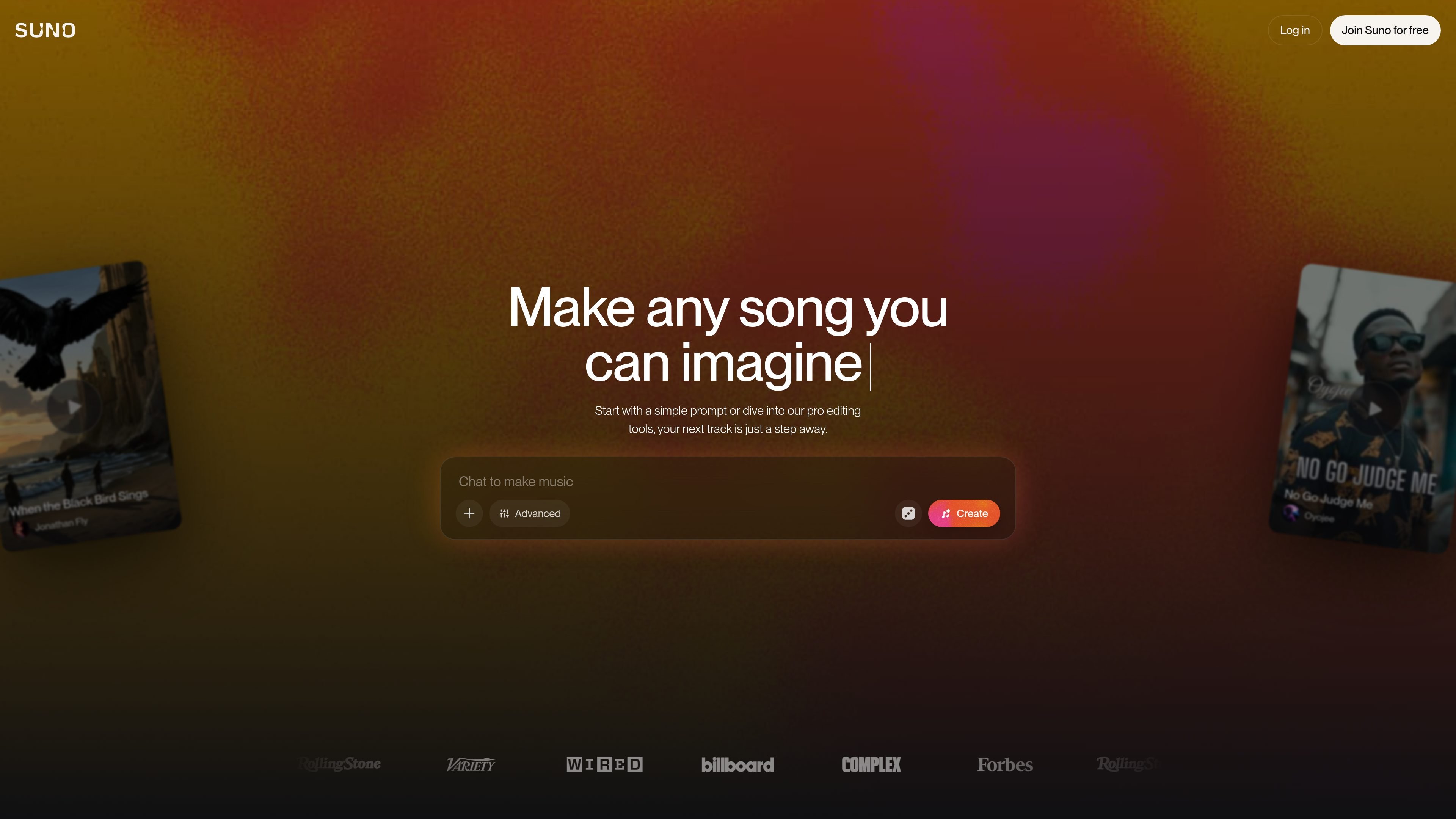
Suno is an AI music generator that lets people create original songs from a text prompt, a few lyrics, or a musical idea. The product is positioned as a way to make complete tracks with vocals, instrumentation, and production without needing traditional music production skills.
The site also frames Suno as a broader music-creation workspace. Beyond first-pass generation, it offers editing, remixing, stem separation, and browser-based tools for users who want to refine songs, export material to a DAW, or create at a higher volume on paid plans.
Create original songs from a prompt, a melody idea, or your own lyrics, then refine the result into a complete track with vocals and production.
Adjust style using Voices, Inspo, exclusions, vocal gender, weirdness, and style sliders to steer the output more precisely.
Use the Song Editor and Suno Studio to upload or record audio, rewrite lyrics, reorder sections, remix, and extend tracks in the browser.
Separate tracks into stems and export time-aligned WAV stems for use in external DAWs such as Ableton or Logic.
Keep ownership and commercial rights for songs created on paid plans, with plan-based limits and priority generation.
Create on the web or through the mobile app experience, with the site highlighting top app rankings on iPhone and Android.
Write a prompt or paste lyrics to generate a full song draft with vocals and production, then iterate on the result until it matches the idea in your head.
Use the editing tools to rewrite lyrics, reorder sections, and remix existing material when a track needs a second pass instead of a fresh generation.
Extract stems and export time-aligned WAV files so a song can move from Suno into an external DAW for further mixing or arrangement.
Create songs on paid plans for videos, podcasts, ads, or other projects where commercial use rights matter.
Browse the explore area to listen, discover styles, and get inspiration before starting a new track.
Suno lets you create complete songs from a prompt or your own lyrics, including vocals, instrumentation, and production. In the create flow, you can start simple and then refine, regenerate, extend, or edit the result.
Yes. The site says Suno offers a free plan with 10 songs per day and no credit card required. Paid plans unlock additional credits, editing tools, and commercial use rights for newly created songs.
The pricing page says the Pro plan includes commercial use rights for new songs made on the plan, while the free plan does not allow commercial use. The Premier plan includes the same commercial-use rights for newly created songs and adds more creation capacity and Studio access.
The pricing page states that paid plans support audio uploads up to 30 minutes, add new vocals or instrumentals to existing songs, and provide stem separation options. The homepage also describes Suno Studio as a web-based generative audio workstation for editing and remixing.
Suno is designed for web and mobile use. The site highlights iPhone and Android app rankings, and the pricing and homepage content describe web-based creation and Suno Studio in the browser.