
On-device meeting recording
Records on your Mac, iPhone, or iPad without adding a meeting participant, so the call stays bot-free and the recording stays under your control.

Spellar is a bot-free AI meeting note taker for Mac, iPhone, iPad, and web. It records meetings on-device, generates summaries and action items, and sends notes to Notion, Linear, Slack, and Jira.
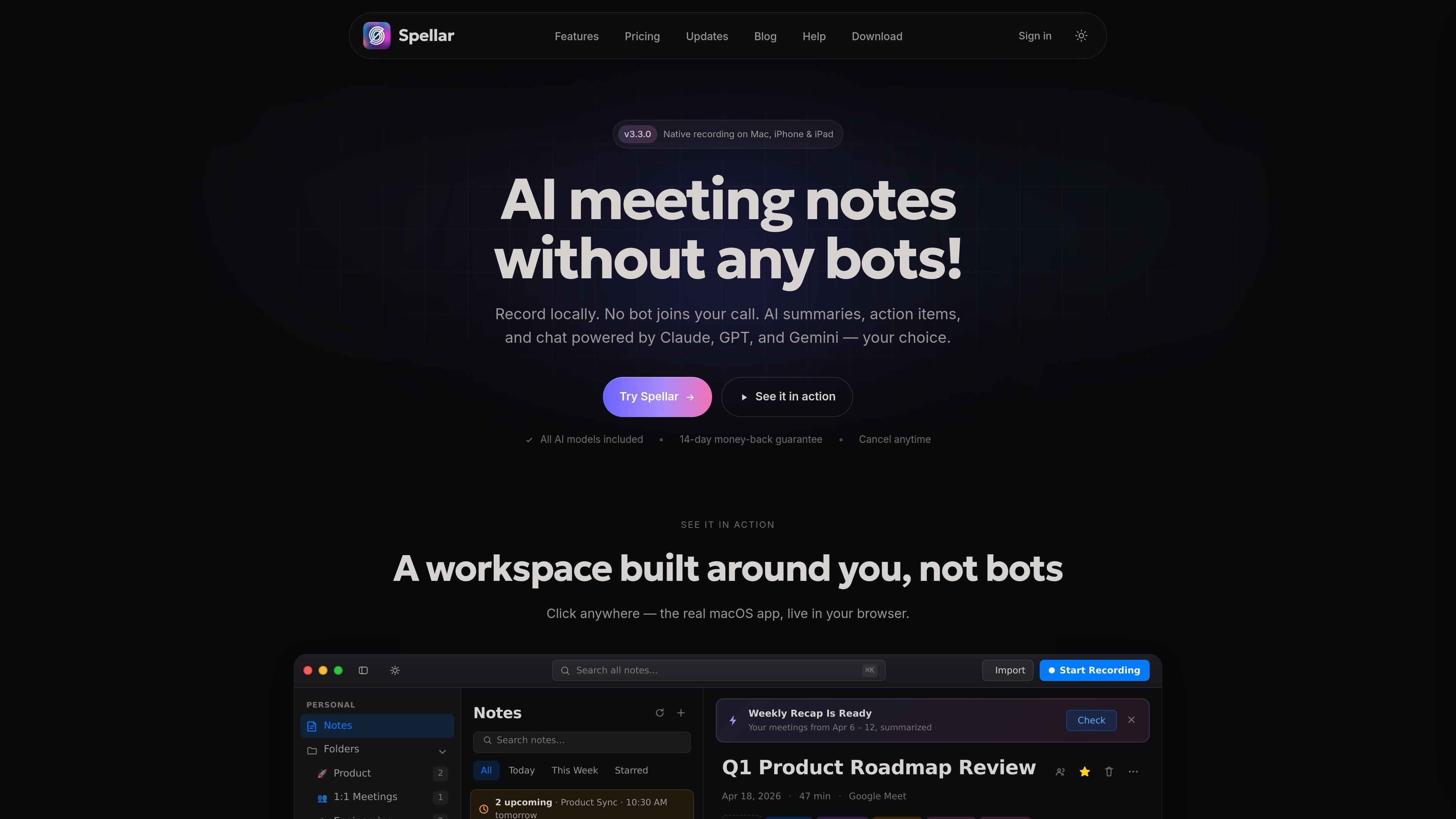
Spellar is an AI meeting note taker for Mac, iPhone, iPad, and web that records meetings locally and generates summaries, action items, and searchable notes. It is positioned as a bot-free meeting assistant, so no extra participant joins the call.
The product is built around controlled recording, model choice, and integrations. You can capture audio on-device, choose among GPT, Claude, Gemini, and Perplexity, or bring your own API key. Outputs can then be sent to tools such as Notion, Linear, Slack, and Jira, or reviewed inside Spellar through its transcript and AI chat workflow.
Records on your Mac, iPhone, or iPad without adding a meeting participant, so the call stays bot-free and the recording stays under your control.
Generates summaries, action items, and notes with selectable models including GPT, Claude, Gemini, and Perplexity, plus the option to bring your own API key.
Keeps transcripts and audio private by default with configurable retention, including device-only storage and opt-in server-side transcription.
Turns meeting outputs into structured formats with built-in and custom templates, including natural-language prompt-based templates.
Pushes notes and action items into tools such as Notion, Linear, Slack, Jira, Asana, Salesforce, HubSpot, and Google products through native integrations, plus webhooks and Zapier.
Supports follow-up work with chat across individual meetings or across the workspace, including cited answers and cross-meeting recaps.
Use Spellar when you want meeting notes without adding a bot to the call. It records directly on your device during Zoom, Google Meet, Teams, Webex, or in-person meetings on iPhone.
Use the product when you want AI summaries and follow-up chat that can switch between different models. This is useful when the best output depends on the type of meeting or the question you are asking.
Use Spellar if your team already works in Notion, Linear, Slack, Jira, or similar tools and you want action items and recaps pushed there automatically instead of copied by hand.
Use the product for recurring meeting formats such as standups, 1:1s, retros, discovery calls, and workshops, where templates help shape the notes into a consistent structure.
Use Spellar Teams when a group needs shared notes, shared AI chats, centralized billing, and team-level integrations across a workspace.
Spellar records meeting audio directly on your Mac, iPhone, or iPad, so you can use it with Zoom, Google Meet, Teams, Webex, or even in-person conversations recorded on iPhone. The support and pricing pages also say you can keep server-side AI transcription opt-in, or use on-device transcription instead.
No. Spellar is described as a bot-free meeting assistant: no extra participant joins the call, and recording happens on your device.
Spellar includes GPT, Claude, Gemini, and Perplexity on Pro. You can switch models per meeting, per template, or per question, and you can also bring your own API key.
Yes. The pricing page says you can cancel from settings in two clicks, and the plan includes a 14-day money-back guarantee. The home page also says cancel anytime.
Spellar Teams starts at 5 seats and is positioned for shared notes, shared AI chats, centralized billing, team integrations, and onboarding. Teams above 50 seats are directed to sales for volume pricing.