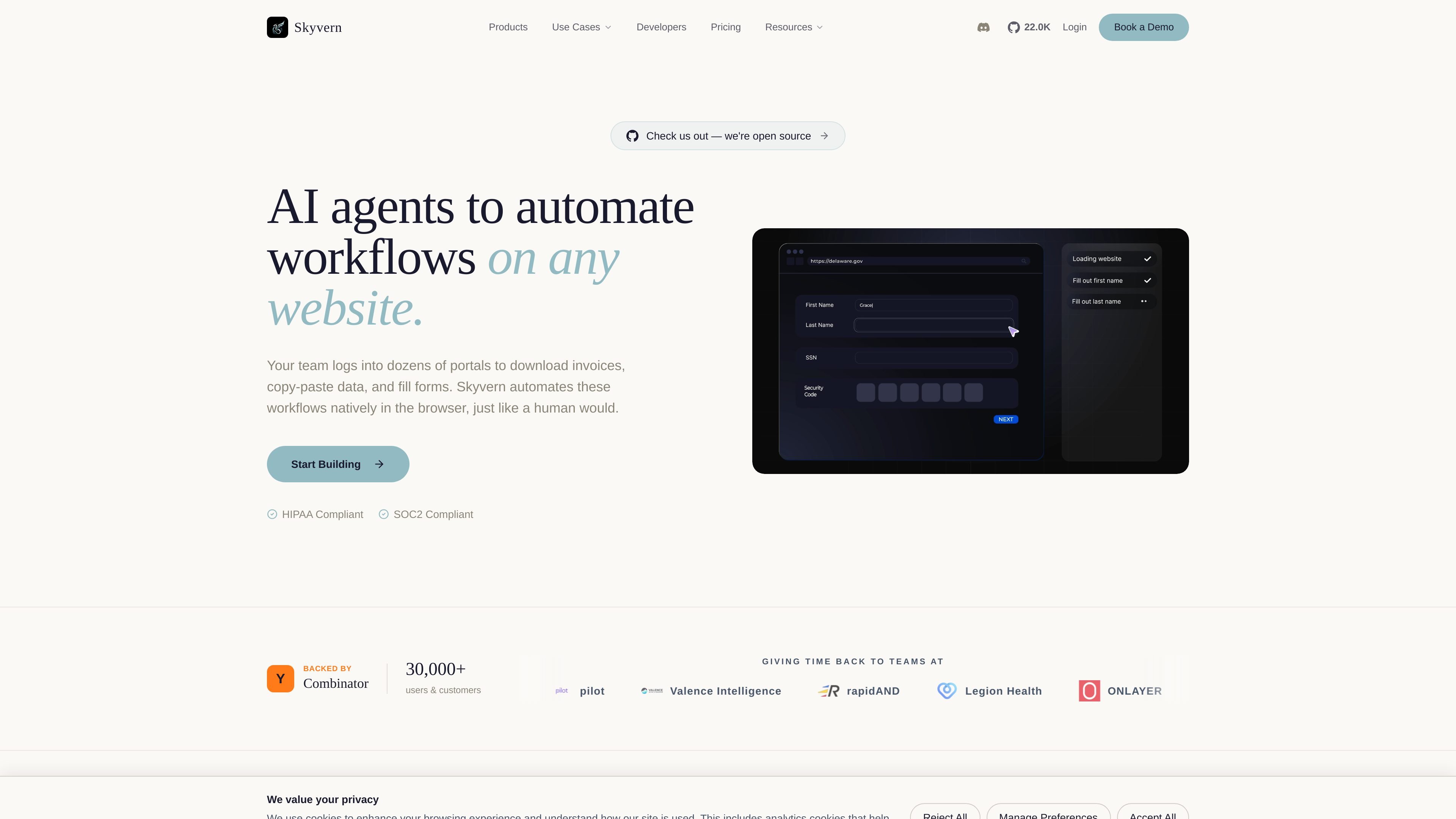
Skyvern is an AI-powered browser automation product for websites that do not offer an API or where browser-based work is still required. The source describes it as automating workflows natively in the browser, including logins, form filling, data extraction, document handling, and testing.
It is positioned for teams that need repeatable automation across real-world websites, including portals with CAPTCHAs, 2FA, and changing interfaces. Skyvern also offers several ways to create workflows, from natural-language prompts and SOP uploads to a visual builder and SDK-based integration.
What can Skyvern do?
01
Browser-native workflow automation
Skyvern is designed to automate browser workflows on websites without relying on brittle CSS selectors or custom scripts. The source emphasizes that it works natively in the browser, similar to how a person would complete the task.
02
Authentication and CAPTCHA handling
The product says it can handle CAPTCHAs, two-factor authentication, and TOTP as part of automated flows. That makes it suitable for login-heavy portals and other guarded web processes.
03
Proxy and geo-targeting controls
Skyvern supports proxy routing with country, state, and zip-code targeting across residential and datacenter networks. The source also lists routing through regions such as the US, Canada, the EU, India, Japan, and Brazil.
04
Explainable runs with audit trails
Built-in summaries and audit trails let users inspect each run and see what the AI did and why. The product positions this as explainability and observability for workflow execution.
05
Structured extraction and document processing
Skyvern can return structured outputs in CSV or JSON and is described as useful for data extraction, document processing, and routing tasks. The source also mentions OCR for document workflows.
06
Multiple ways to build and integrate
Teams can build with Copilot chat, uploaded SOPs, recorded browser sessions, a visual builder, Python and TypeScript SDKs, REST API, webhooks, and event streaming. The source also says Skyvern can be self-hosted with Docker Compose.
Use Cases
“Accounts payable and portal operations”
Teams that spend time logging into vendor or customer portals can automate invoice downloads, PDF retrieval, and other repetitive browser tasks that require authentication and navigation.
“Web data extraction and reporting”
Operations, analytics, and research teams can extract structured data from websites that do not provide an API, then route the results into CSV, JSON, or internal systems.
“Form submission at scale”
Organizations submitting applications, registrations, or compliance forms can automate multi-page forms, dropdowns, uploads, and other repetitive data entry tasks.
“Document processing workflows”
Teams that need to process portal documents can download, parse, classify, and route files while using OCR and structured extraction to move data downstream.
“Browser testing that tolerates UI changes”
Engineering and QA teams can use Skyvern for browser tests that are less dependent on selectors, which helps when page layouts or UI text change.
Frequently Asked Questions
What kinds of workflows can Skyvern automate?
Skyvern is built to automate browser workflows directly in the browser, including logins, form fills, document handling, data extraction, and QA-style testing. The source describes it as useful wherever a task can be completed on a website without requiring an API.
How can teams build and run workflows with Skyvern?
The source says Skyvern can be used through plain-English Copilot prompts, uploaded SOPs, a record-and-replay browser flow, a visual workflow builder, or Python and TypeScript SDKs. It also supports REST API, webhooks, event streaming, and MCP use cases.
What output formats does Skyvern support?
Skyvern’s rendered pages say it can output structured data in formats such as CSV and JSON, and that document workflows can include OCR, extraction, classification, and routing. The exact output schema is described as user-defined.
Can Skyvern fit into an existing stack?
The source highlights self-hosting via Docker Compose, native Python and TypeScript SDKs, and integrations with tools such as Zapier, Make, n8n, Slack, Salesforce, HubSpot, Snowflake, Stripe, ServiceNow, and others. It also says Skyvern can be used on top of existing Playwright code.
Quick Facts
Category
AI browser automation
Source domain
skyvern.com
Deployment
Cloud and self-hosted via Docker Compose
Primary users
Teams automating browser workflows
Outputs
CSV, JSON, and structured workflow results
Build options
Copilot chat, SOP upload, record browser, visual builder, SDKs
Skyvern Traffic Analysis
Traffic data is for reference only.
Domain Rating
62
Skyvern Alternatives
K
Kitesurf
developers.cloudflare.com
Kitesurf is Cloudflare’s stateless browser for AI agents and automation workflows. Built to run on Workers, it handles page rendering, screenshots, and HTML extraction while using less CPU and memory than Chromium for common agentic tasks.
S
Sauce Labs
saucelabs.com
Sauce Labs is a continuous testing cloud for web and mobile apps, combining cross-browser and device testing, app distribution, error reporting, visual testing, and AI-assisted workflows.
M
mabl
mabl.com
mabl is an agentic test automation platform for web, mobile, AI apps, and APIs, helping teams create, continuously run, recover, and analyze tests in existing workflows.
B
Braintrust
usebraintrust.com
Enterprise hiring and automation for sourcing, screening, and workflows
C
ContextQA
contextqa.com
AI test automation for enterprise apps and AI agents, with test generation, self-healing selectors, and cross-platform validation.
F
FetchSandbox
fetchsandbox.com
FetchSandbox is a developer tool for testing API integrations, webhooks, and stateful workflows inside AI coding environments. It helps developers and agent workflows validate integrations without real API keys or using up production quota.