
Train on your content
Train the agent on site content, help docs, PDFs, and videos so it can answer questions using your own information rather than generic replies.

SiteSpeakAI is an AI agent for websites that answers visitor questions and takes action using your content, docs, PDFs, videos, and tools.
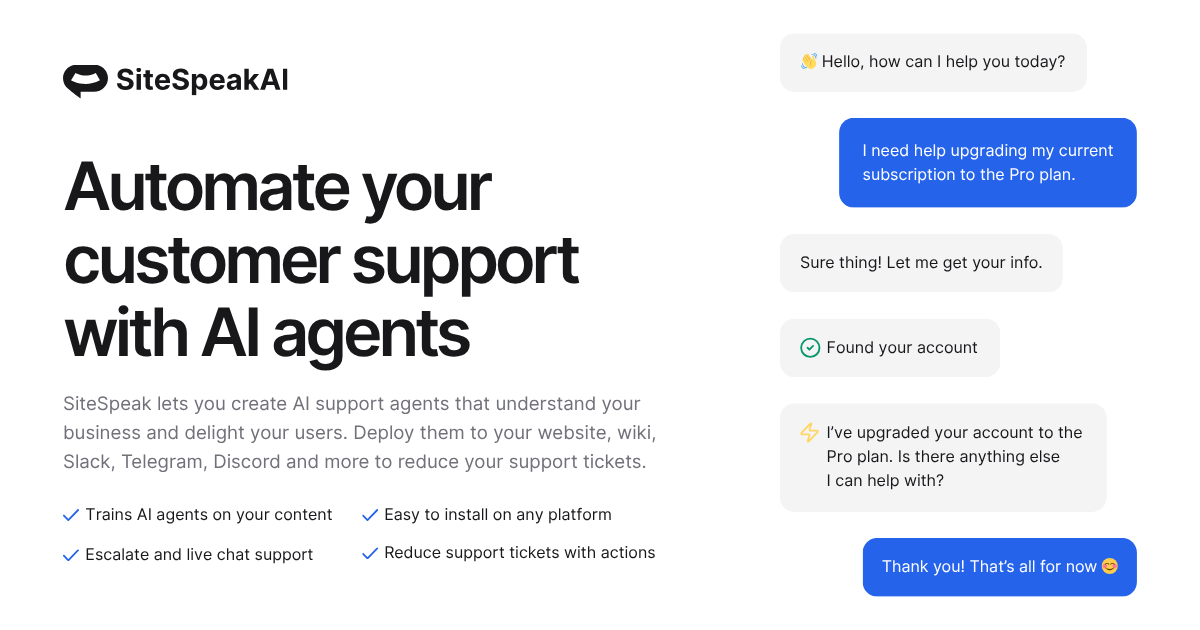
SiteSpeakAI is an AI agent platform for websites that answers visitor questions and performs actions using content you provide. The product is positioned for teams that want one chatbot to handle support, lead capture, meeting booking, order lookups, and escalation to a human when the request needs it.
It can be trained on a site’s pages as well as docs, PDFs, and videos, and the home page says it can go live with one line of code. The pricing page shows a free plan and paid tiers with a 7-day free trial, while the integrations page lists connectors for common website, knowledge base, and workflow tools.
Train the agent on site content, help docs, PDFs, and videos so it can answer questions using your own information rather than generic replies.
Customize the chatbot’s colors, logo, name, personality, welcome message, and suggested questions to match the site it appears on.
Route conversations to a human with context when the bot should not handle the request, keeping support handoff inside the same flow.
Connect the agent to live tools and APIs so it can take actions such as looking up order status, booking meetings, and capturing leads.
Track conversations, response performance, common questions, and knowledge gaps to understand what visitors ask and where content needs work.
Support 95+ languages and multiple model options, with pricing tiers that also mention BYOK, API access, MCP server access, and integrations like WhatsApp, HubSpot, Slack, Telegram, Discord, Zapier, Notion, and BookStack.
Use SiteSpeakAI as a support layer on a marketing or product site so visitors can get instant answers from your docs, pages, and PDFs without waiting for a ticket reply.
Capture contact details during a conversation and route qualified visitors into a follow-up flow instead of forcing them through a separate form.
Connect the agent to scheduling and order systems so it can book meetings or retrieve order status while the visitor is still in chat.
Turn internal documentation platforms such as Notion, BookStack, Google Drive, or SharePoint into a searchable assistant for employees or customers.
Use the human-handoff and inbox features to let the bot answer routine questions first, then escalate edge cases to your team with conversation context.
SiteSpeakAI trains an AI chatbot on content sources such as your website, help docs, PDFs, and videos, then lets it answer visitor questions and hand off to a human when needed.
You add your website URL or other sources, train the agent on those materials, and then embed it with one line of code. The product also supports ongoing actions like lead capture, meeting booking, and order lookups.
The site shows support for website content, help docs, PDFs, videos, and several connected sources such as Notion, BookStack, Google Drive, and SharePoint Online.
The pricing page shows a free plan and paid plans with a 7-day free trial on paid tiers. The home page also says the agent can be live in one line of code.