
AI employee marketplace
Search a marketplace of AI employees and hire the ones you need, with control over tasks, budget, and output.

Sintra is an AI employee marketplace for businesses to hire role-based AI helpers, connect them to everyday tools, and manage work with live data.
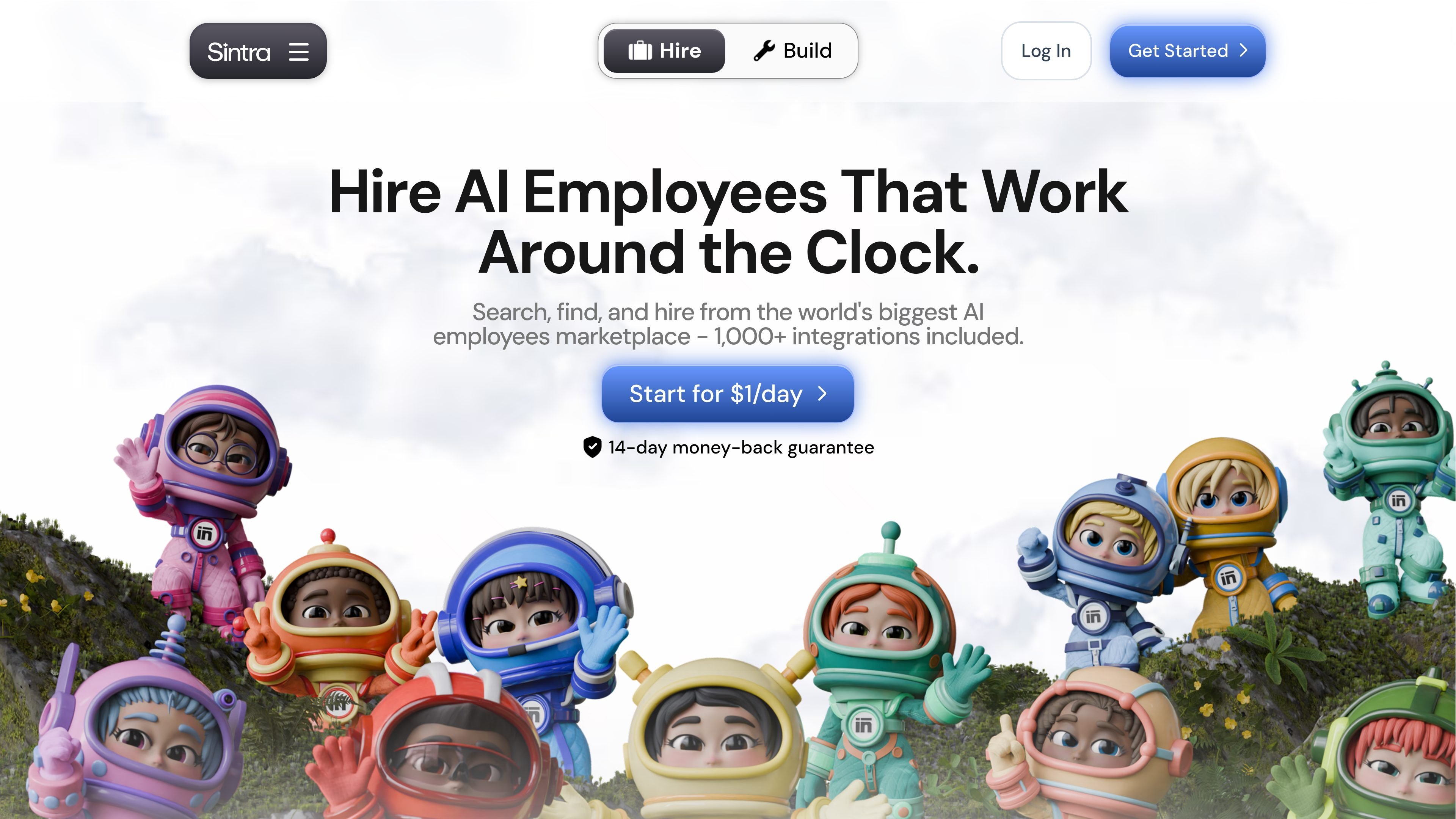
Sintra is an AI employee marketplace for searching, hiring, and managing AI helpers built around business tasks. The homepage positions it as a way to hire AI employees that work around the clock, while the pricing and integrations pages show that those helpers can be connected to business tools and used with live data.
The product is organized around specialist roles such as social media manager, data analyst, email marketer, recruiter, SEO specialist, customer support, business strategist, copywriter, sales strategist, and virtual assistant. Sintra also says it supports 1,000+ integrations, one-click tool connections, mobile access, and a review step so users can approve important work before it is finalized.
Search a marketplace of AI employees and hire the ones you need, with control over tasks, budget, and output.
Connect tools such as Gmail, Google Calendar, LinkedIn, Notion, QuickBooks, Google Drive, Microsoft Outlook, Facebook, Instagram, and Google Analytics so specialists can work with live business data.
Review work before it moves forward, with the option to approve significant tasks instead of constantly prompting the helper.
Use the product on mobile so business work can be managed away from a desktop.
Use specialists across social media, email, data, recruiting, SEO, customer support, sales, coaching, virtual assistance, and website building.
Rely on 24/7 human customer support and a 14-day money-back guarantee offered on the pricing page.
Use the social media, copywriting, and email specialists to draft posts, campaigns, and follow-ups while connected to the channels where your team already works.
Connect analytics, QuickBooks, and reporting tools so a data-focused specialist can generate reports, surface patterns, and keep records organized.
Assign customer support, sales, and virtual assistant work to handle tickets, manage leads, and keep schedules or admin tasks moving.
Use recruiter, business strategist, and website builder roles to support hiring, planning, and business setup tasks for lean teams.
Work from mobile when you are away from your desk and still need to review tasks, approve important actions, or check business output.
Sintra says every plan includes unlimited AI helpers to build and hire, 250 monthly credits, 1,000+ integrations, 24/7 support, and access to social media, chat, images, tasks, and video generation.
Credits power actions such as chatting, posting, generating images, and running tasks. Sintra says you get 250 credits each month, they reset automatically, and you can top up if needed.
No coding is required. Sintra says that if you can type a message, you can hire or build a helper, and the integrations page describes one-click setup for connected tools.
The pricing page says the only difference between plans is price, with longer commitments costing less. The home page also says the platform offers 1,000+ integrations and a 14-day money-back guarantee.
Sintra’s pricing page says you can cancel anytime, and if your helper has not proven its worth within 14 days, you get a refund.