
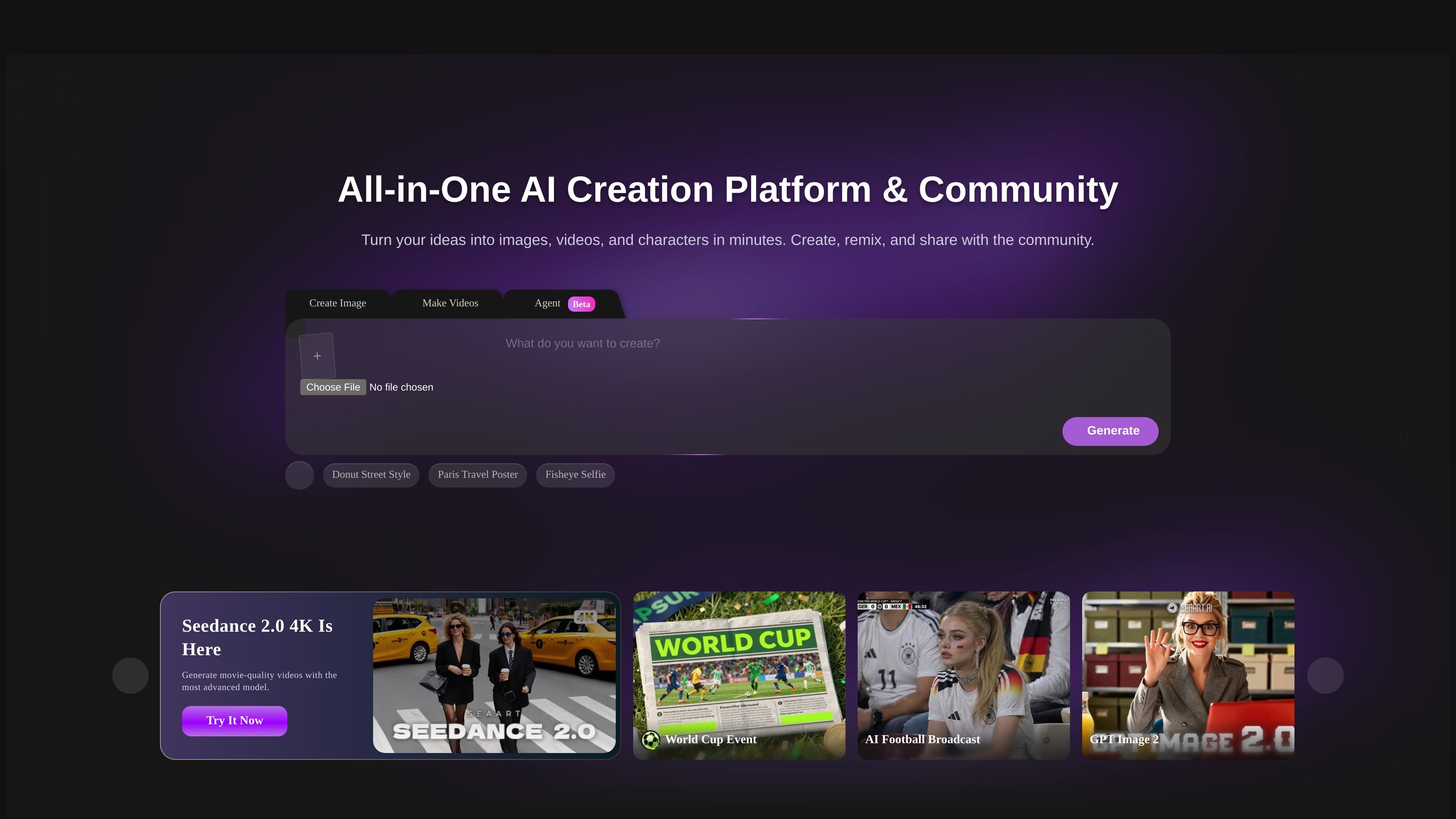
Text-to-image and image-to-image generation
Create images from text prompts or transform existing images with image-to-image workflows. The image page also mentions controls for style, image size, quantity, and variations.

SeaArt AI is a web-based platform for creating images, videos, and AI chats.
SeaArt AI is a web-based AI creativity platform that combines image generation, video generation, AI character chat, and editing tools in one place. The site presents it as both a creation suite and a community where people can make, remix, and share visual content.
Across the source pages, SeaArt focuses on conversational creation: users can describe what they want, choose from multiple models and styles, and generate or refine outputs without needing dedicated design or video editing software. The platform also offers free daily stamina and premium plans for heavier use.
Create images from text prompts or transform existing images with image-to-image workflows. The image page also mentions controls for style, image size, quantity, and variations.
Generate video from text or images, with the video page describing image-to-video and text-to-video creation plus support for cinematic motion and transitions.
Chat with AI characters and agents for creative brainstorming, roleplay, and idea development. The home page highlights free AI character chat and multiple character types.
Edit and enhance existing assets with tools such as background removal, erasing, upscaling, and artistic filters. The agents page also mentions color grading and photo restoration.
Switch between multiple models and styles, including models named on the site such as Veo, Sora, Kling, Wan, Pixverse, Vidu, Nano Banana, Seedream, and Flux AI.
Browse templates, effects, and community creations to start faster or remix existing ideas. The home page surfaces trending tools and examples across images and video.
Generate concept art, social graphics, posters, and stylized portraits from a short prompt, then adjust style and aspect ratio before downloading or upscaling.
Turn a still image or a text prompt into a short video for promotional clips, animated sequences, or social content, using the model choices exposed on the video page.
Use AI characters for brainstorming, roleplay, or conversational inspiration when you want feedback or a creative companion instead of a blank canvas.
Clean up or restyle existing media by removing backgrounds, erasing objects, applying filters, restoring photos, or enhancing resolution.
Start from community examples, templates, and trending tools when you want a faster path to a visual style or effect that is already represented on the platform.
SeaArt AI is a web-based AI creativity platform for generating and editing images, creating videos, and chatting with AI characters. The source pages also present it as a community where creators can explore and share work.
The source says SeaArt provides free daily stamina, with additional stamina available through daily check-ins and event center tasks. It also says premium plans offer unlimited access and faster generation for higher-volume users.
The image generator supports text-to-image and image-to-image workflows, with options to adjust style, quantity, size, and other parameters. The video page describes both text-to-video and image-to-video creation.
Yes. The agent page states that content created with SeaArt AI can be used for commercial projects, including marketing materials, product designs, social media campaigns, and client work, subject to the platform’s terms of service.
The source material does not mention native desktop or mobile apps for creation, but it does show a downloadable app and links to the App Store and Google Play on the pricing page.
Traffic data is for reference only.

chat4o.ai
Chat 4O AI is a web AI platform for chat, image, and video generation.

pixelprompt.app
PixelPrompt is a browser-based AI workspace for optimizing prompts and generating images and videos for ecommerce, ads, and short-form UGC content—no local GPU required.

nimvideo.com
Nim Video is an AI platform for creating and editing videos and images from prompts, reference images, and source footage, with free and paid plans.

hidreamai.com
AI image and video creation from prompts, images, and audio

lummi.ai
Free AI stock media platform for photos, 3D assets, and video

a1.art
A web-based AI image and video generator with reusable filters