
Scene-based editing
Record separate scenes and reorder them later, so a video can be built from sections instead of one continuous take.

Screenity is a browser-based screen recorder and video editor for tabs, apps, or desktop sessions, with scenes, captions, zooms, and overlays.
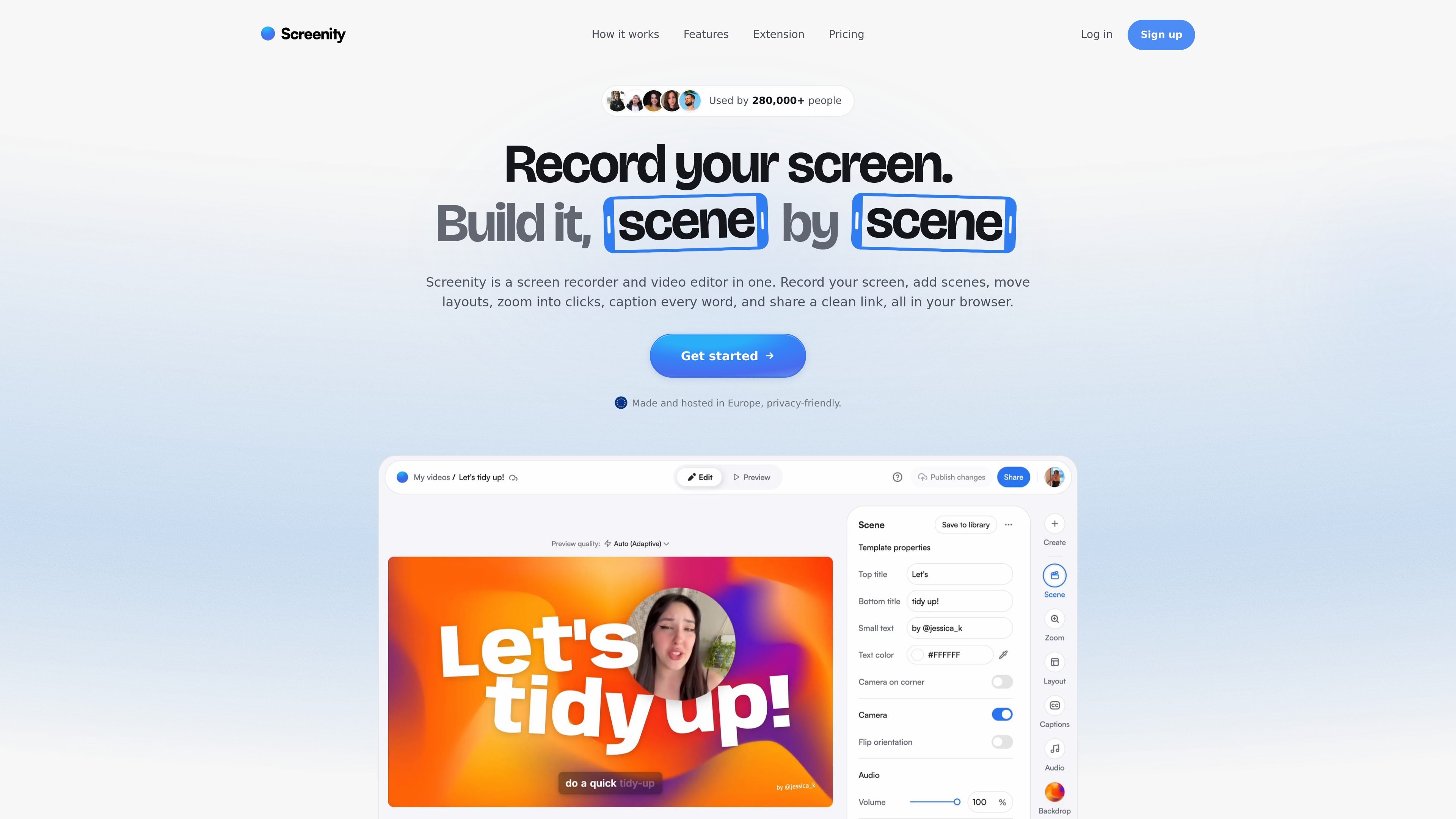
Screenity is a screen recorder and video editor that works together as one browser-based workflow. It is built for capturing a screen, camera, or microphone input, then shaping the recording into something clearer with scenes, zooms, captions, and overlays.
The source describes two ways to record: a Chrome extension and a built-in recorder in the editor. Screenity also emphasizes privacy: it is hosted in Europe, the videos are encrypted, and the recorder is open source under GPLv3.
Record separate scenes and reorder them later, so a video can be built from sections instead of one continuous take.
Show screen, camera, or both, and change the layout during a scene for different kinds of explanations.
Turn recorded clicks into zooms, then tune those zooms in the editor if you want more control.
Add text, arrows, shapes, and callouts on top of a recording to direct attention to specific details.
Generate captions from speech and highlight words as they are spoken, with styling controls for the captions.
Use the Chrome extension to draw, blur private content, spotlight the cursor, capture internal audio, and set an auto-stop timer.
Record product walkthroughs or software demos, then break the footage into scenes so you can reorganize the explanation before sharing it.
Make tutorials easier to follow by zooming into clicks, adding captions, and using overlays to point viewers toward the right control or setting.
Capture a tab, window, app, or desktop session with camera and mic when you need both on-screen action and spoken narration.
Share a short polished video through a link when you want viewers to open it directly in the browser instead of downloading a file first.
Screenity records your screen, camera, and mic, then lets you arrange footage into scenes, add zooms, captions, overlays, and share a clean link or export the result.
The Chrome extension is free and stays free for recording, drawing, blur, click highlight, and push-to-talk. The paid editor includes scenes, auto-zoom, captions, layouts, overlays, share links, MP4 export, and unlimited renders.
You can record any tab, window, app, or your whole desktop, with camera and mic. The source also notes system audio is available where the operating system allows it.
No. You can record from the editor using the built-in recorder, or use the Chrome extension from any page. The editor can also remember which recorder you used last.
The editor is hosted in Europe, and the source says videos, renders, transcripts, and account data are encrypted and stored on European servers.