
Browser-based study setup
Build studies in the browser with image, video, or live website stimuli. You can set display time, instructions, triggers, and follow-up questions for each item.

RealEye is a browser-based online research platform for remote webcam eye-tracking studies. Create studies, recruit participants, and analyze gaze results in one web workflow.
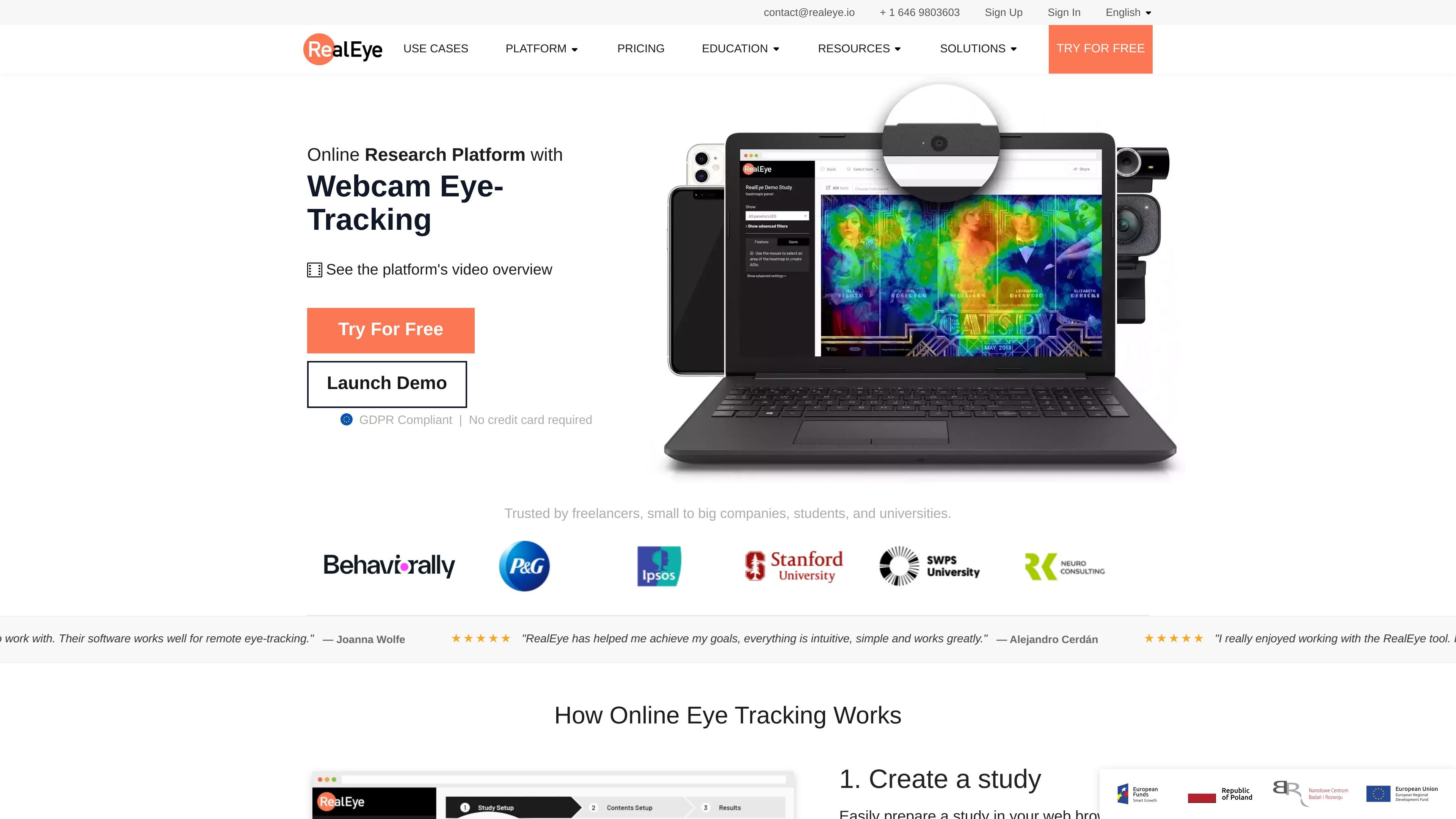
RealEye is an online research platform built around webcam eye-tracking. It lets researchers create studies in the browser, run them with remote participants, and review results in an online dashboard without installing desktop software.
The platform supports image, video, and live-website stimuli, along with follow-up questions, external survey tools, and participant recruitment through RealEye panelists. It is positioned for usability, UX, ads, academic, and behavioral research workflows that need remote observation and quick analysis.
Build studies in the browser with image, video, or live website stimuli. You can set display time, instructions, triggers, and follow-up questions for each item.
Collect eye-tracking sessions remotely through participants’ webcams in a web browser. The site also supports mouse movements, clicks, keystrokes, and smartphone tests.
Analyze results with heatmaps, gaze plots, AOIs, and fixation or gaze-based metrics. The dashboard supports both individual and aggregated analysis, plus export to CSV and downloadable recordings.
Use RealEye panelists when you need recruited participants rather than your own users. The source says panelists are available through the platform and that results are qualified before delivery.
Add surveys and external tools to the workflow. The platform also mentions external survey integration, multilingual instructions, and URL parameter passing between systems.
Review facial coding signals such as happiness, surprise, and neutral expressions. The pricing page lists this as a module alongside the eye-tracking workflow.
Run remote eye-tracking studies on websites, prototypes, or creative assets and inspect where attention lands using heatmaps and gaze plots.
Test ads, display formats, or other visual content and compare attention patterns across participants and stimuli.
Collect data for academic or behavioral studies in a browser-based workflow, including participant instructions, follow-up questions, and exportable results.
Recruit participants through RealEye panelists when you need a managed sample instead of your own audience, especially for short studies supported by the platform.
Share a single link with participants and analyze their responses remotely when you need a lightweight setup across browsers and devices.
RealEye lets you build a study in the browser, using images, videos, or live websites as stimuli. The setup flow also supports triggers, follow-up questions, and external panel or survey integration.
Participants can join through a participation link from their own laptop or PC with a webcam. RealEye also supports its own panelists, and the site says those participants can be hired for eye-tracking studies.
The platform provides an online analytics dashboard with heatmaps, gaze plots, AOI analysis, fixation and gaze-based metrics, and export options for raw and processed data.
The pricing page says RealEye offers paid licenses and a 7-day free trial, and the team asks visitors to contact sales to choose a plan. It also mentions monthly and annual billing options on standard plans.
The source describes RealEye as a browser-based platform that works through a web browser and supports smartphone tests. It also notes that no software installation is needed for data collection.