
Sketch-to-render generation
Convert 2D fashion sketches into photorealistic 3D renders for exploring designs before physical sampling.
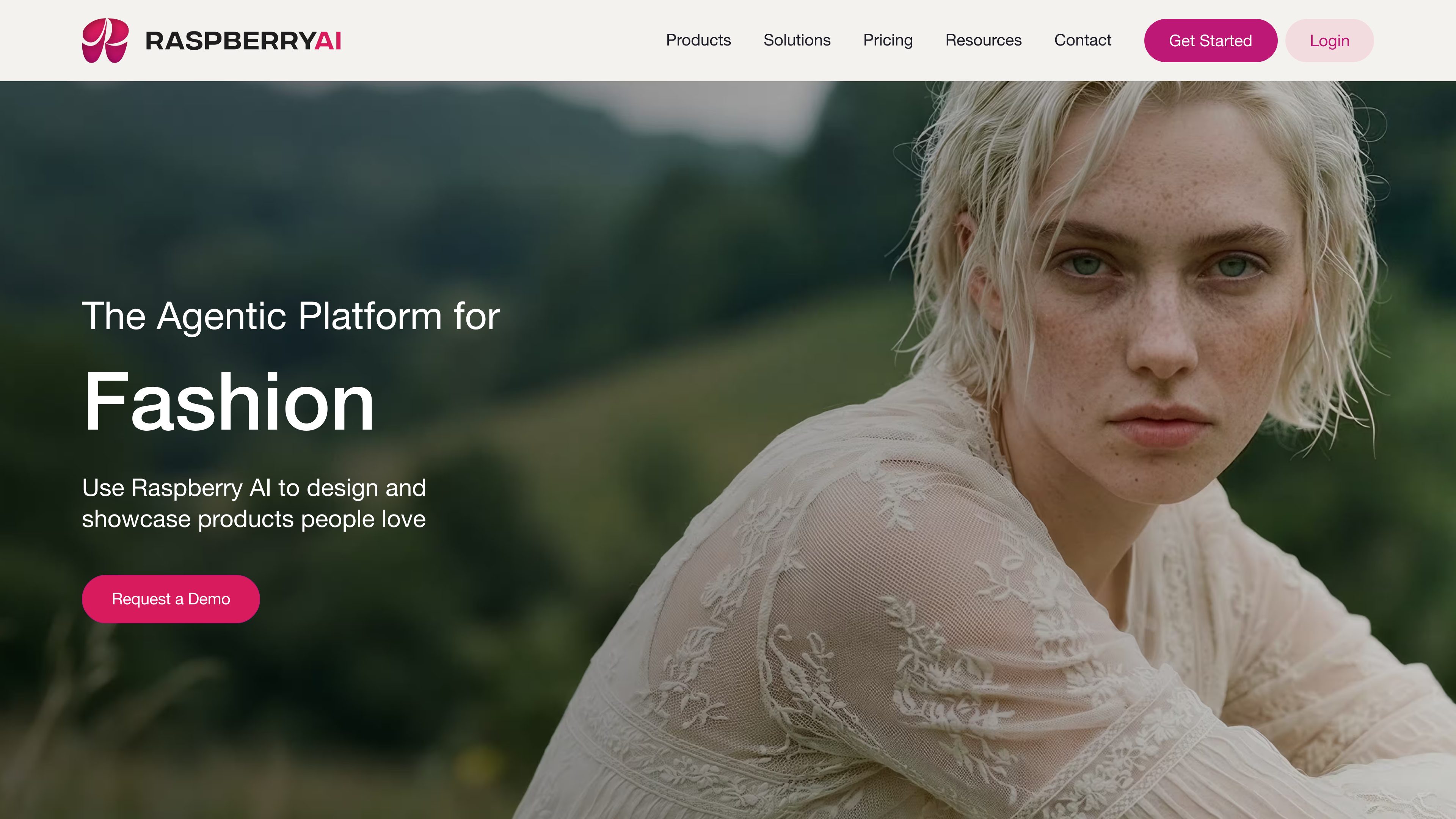
Raspberry AI is a generative AI platform for fashion and apparel teams. It helps creatives turn sketches, references, 3D avatars, and product ideas into visual design, product, and campaign assets.
Raspberry AI is a generative AI platform for fashion creatives and teams. It supports work from early concept development through product visualization and campaign production, bringing design, product, and marketing activities into one creative system.
The platform can generate photorealistic designs from 2D sketches, transform 3D avatars into realistic renders, create seamless prints and placement graphics, and visualize garments on models. It also supports product and lifestyle imagery, background generation, multi-view outputs, and video-based campaign content.
Raspberry AI is organized around creative modules and shared workspaces. Its Boards workspace lets users bring assets onto a canvas, connect AI tools, and generate outputs; Agents can run image-generation tasks and workflows from the board. Editing tools support prompt-based alterations, color changes, materials, trims, graphics, and other garment adjustments.
Plans are available for individual creatives, small teams, larger creative teams, and enterprise organizations. The site also describes a free signup option, paid credit-based plans, commercial licensing on annual Individual and Basic plans, and custom enterprise capabilities such as AI model training, workflows, security features, and API access.
Convert 2D fashion sketches into photorealistic 3D renders for exploring designs before physical sampling.
Generate product photography, lifestyle imagery, backgrounds, and video visuals for fashion products and campaigns.
Modify images with prompt-based edits, change garment colors, add prints or materials to masked areas, and merge trims or embellishments into an image.
Generate seamless repeating patterns, graphic illustrations, and placement prints using text prompts and optional reference images.
Use Boards to arrange assets and AI tools on a shared canvas, save reusable prompt direction as Blueprints, and use Agents to run connected generation workflows.
Designers can begin with a 2D sketch, generate photorealistic variations, and explore silhouettes or design directions before committing to samples.
Product teams can create neutral-background product images, realistic multi-view imagery, and on-body visualizations without relying on a complete photoshoot for every iteration.
Creative teams can test seamless patterns, placement graphics, materials, trims, and embellishments directly on garment images while comparing alternatives.
Marketing teams can generate lifestyle scenes, custom backgrounds, and motion visuals to develop campaign content from existing product concepts.
Raspberry AI supports fashion concept development, product imagery, lifestyle photography, prints and patterns, graphics and placement prints, sketch-to-render workflows, 3D-avatar visualization, background generation, editing, and video creation.
Yes. The documented workflows use sketches, 3D avatars, product images, text prompts, reference images, fabric or material swatches, trims, and graphics as inputs, depending on the module.
Yes. Boards provide a shared workspace for assets and connected AI tools. Team plans add features such as team folders on the annual Basic plan, and Professional adds team and permissions management plus unified administration and billing.
Raspberry AI uses credits as the unit charged for AI work. The pricing page lists credit-based plans, including 120 credits per month for Individual, 500 for Basic, and 750 for Professional; exact usage depends on the work performed.
The site says users can sign up for free with 50 credits allotted to the plan. Paid annual plans also include a seven-day free trial, with the card charged starting on day eight.

www.fashiondiffusion.ai
Fashion Diffusion is an AI fashion design and commercial photography platform for brands, designers, e-commerce teams, and creators. It generates clothing concepts, product imagery, AI model visuals, virtual try-ons, and short fashion videos from text, sketches, references, or garment images.

douhuiai.com
豆绘AI is an online AI image creation and editing platform for e-commerce and design, supporting white-background, scene, interior renderings, and common post-processing.

creativio.io
AI product photography that turns basic images into polished marketing visuals

weshop.ai
Web-based image and video studio for AI-powered e-commerce content
outfitsai.com
Outfits AI lets shoppers preview online clothing on themselves

mokker.ai
Mokker AI creates polished product scenes from one photo