
Unified test management
Qase brings CI results, automated test runs, and manual testing into one shared dashboard so teams can review release status without switching between tools.

Qase is a test management platform for engineering and QA teams, unifying manual testing, automated runs, and CI results in one view.
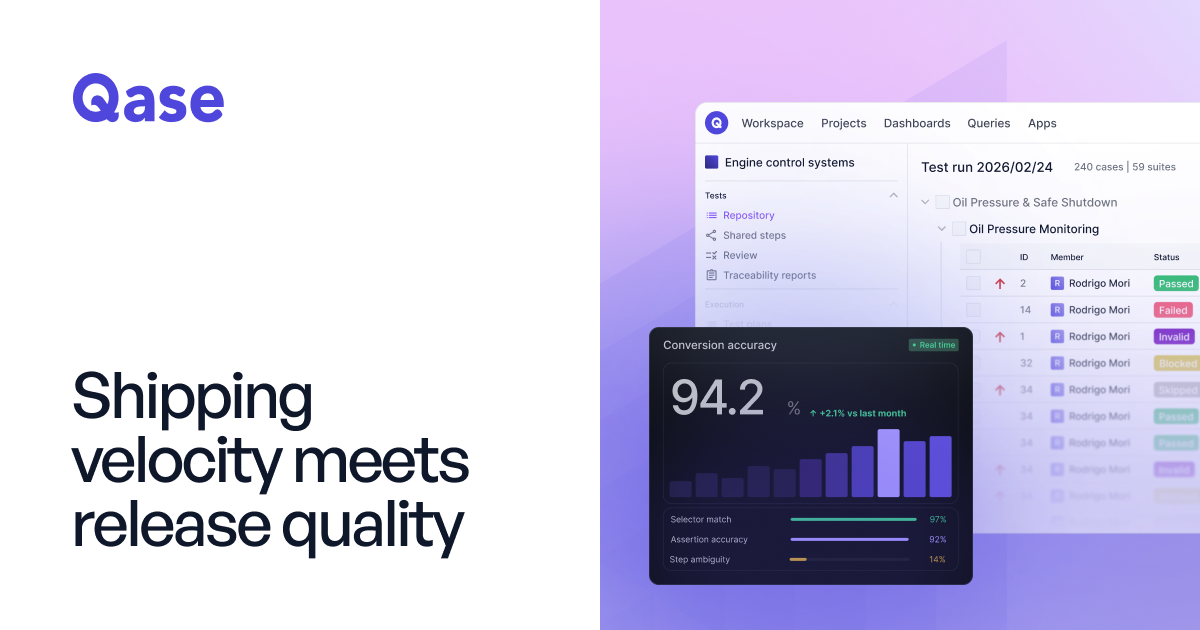
Qase is a test management platform for engineering and QA teams that need manual testing, automated runs, and CI results in one place. The product is positioned as a way to replace scattered spreadsheets, separate automation dashboards, and ticketing systems with a single shared view of test status and release readiness.
The source describes Qase as a system that helps teams track what was tested, where it ran, and what failed. It also emphasizes AI-assisted workflows for generating test cases, converting manual tests into automation, and running tests in Qase Cloud or in existing CI and test environments.
Qase brings CI results, automated test runs, and manual testing into one shared dashboard so teams can review release status without switching between tools.
The platform links requirements, test cases, and results bidirectionally, giving teams traceability from what was asked to what was verified.
Qase shows historical pass/fail patterns for unstable tests, helping teams spot flaky behavior instead of treating every failure as isolated.
The product can convert manual cases into automated scripts for frameworks such as Playwright, Cypress, and Selenium, with AI assessing automation readiness.
Qase includes AI test generation from Jira or GitHub issues, producing structured tests that are ready for review before they are saved.
Its integrations cover CI/CD, issue tracking, and frameworks, with examples such as Jira, GitHub, GitLab, Jenkins, Bitbucket, Cypress, and Slack.
Use Qase when your team wants a shared place to review manual test runs, automated results, and CI output before a release decision.
Use Qase when you need to turn manual test cases into automated scripts and keep them aligned with existing frameworks.
Use Qase when product requirements live in Jira or GitHub and you want AI-generated test cases that can be reviewed before saving.
Use Qase when you need to trace defects or failures back to linked requirements, cases, and results across multiple tools.
Use Qase when you want to connect QA with development tools such as Jira, GitHub, GitLab, Azure DevOps, Jenkins, or Slack without moving the whole workflow into one app.
Qase is a test management platform that brings CI results, automated test runs, and manual testing into one shared view. The source describes it as a way for engineering teams to see what passed, what failed, and what still needs attention before a release.
Qase combines CI results, automated framework output, and manual runs in one dashboard. Its FAQ also says it uses AI to reduce manual burden rather than replacing existing QA workflows outright.
The source says AI in Qase works across three layers: generating structured test cases from Jira or GitHub issues, converting manual test cases into executable automated scripts, and running tests in Qase Cloud with parallel execution across multiple browsers.
Qase lists 35+ integrations and gives examples across issue tracking, CI/CD, and test frameworks, including Jira, GitHub, GitLab, Azure DevOps, Jenkins, Cypress, and Slack.
The pricing page shows Free, Startup, Business, and Enterprise plans. Free and paid plans have different user, project, storage, history, and support limits, while Enterprise adds security and deployment options such as SSO, SCIM, dedicated cluster, and custom domain.