
Automated mail setup
Primeforge provisions Google Workspace and Microsoft 365 mailboxes and sets up the technical records needed for cold outreach, including SPF, DKIM, DMARC, and custom domain tracking.

Primeforge provides Google Workspace and Microsoft 365 mailboxes for cold outreach, with automated DNS setup and pre-warmed mailboxes. It is aimed at teams that want provider-matched sending infrastructure for deliverability-focused email campaigns.
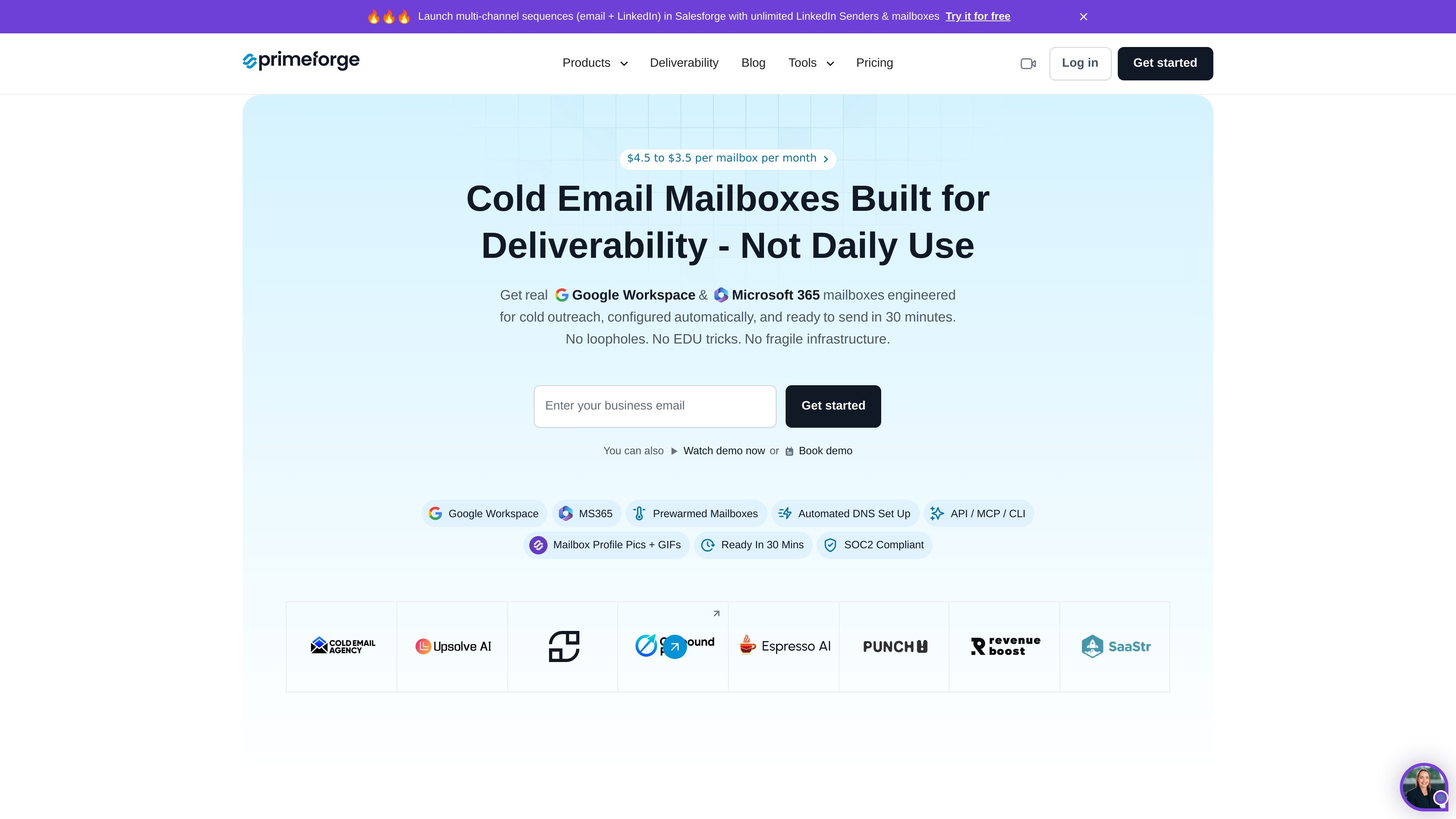
Primeforge is a cold email infrastructure product that provides Google Workspace and Microsoft 365 mailboxes for outreach teams. It is built to help users set up sending infrastructure for cold email with automated configuration instead of manual mailbox administration.
The product is positioned around deliverability and operational control. The homepage says it uses ESP matching, pre-warmed mailboxes, US-based IP addresses, and automated DNS setup so teams can send from the same mailbox providers their prospects use while managing domains and mailboxes at scale.
Primeforge provisions Google Workspace and Microsoft 365 mailboxes and sets up the technical records needed for cold outreach, including SPF, DKIM, DMARC, and custom domain tracking.
The pricing page says the app can calculate how many domains and mailboxes are needed for a sequence based on emails per contact, mailbox count per domain, and monthly contacts.
The product supports bulk DNS updates inside the app, which reduces manual changes when managing multiple domains.
Users can organize domains and mailboxes into multiple workspaces and move assets between them.
Primeforge mailboxes can be connected with any sending software, and the homepage specifically mentions Salesforge as an example.
The homepage says mailboxes can be created with profile pictures and GIFs at scale, which helps make mailbox profiles more complete.
Teams running cold email campaigns can use Primeforge to provision provider-matched mailboxes and send from the same ecosystem their prospects already use.
Agencies managing multiple clients can organize domains and mailboxes into separate workspaces and use bulk DNS updates to keep account management manageable.
Sales teams using Salesforge or another sender can connect Primeforge mailboxes to their existing workflow without a migration project.
Teams that want to keep setup work light can rely on automated DNS configuration, pre-warmed mailboxes, and the built-in pricing calculator to estimate infrastructure needs.
Groups that need mailbox-level branding details can add profile pictures and GIFs to make accounts look more complete in recipients' inboxes.
Primeforge is a cold email infrastructure tool for setting up Google Workspace and Microsoft 365 mailboxes for outreach. The source says it is designed for cold email at scale and uses US-based IP addresses to support deliverability.
Primeforge sets up domains and mailboxes, and its pricing page says the subscription includes automated DNS setup plus ongoing hosting and maintenance. The homepage also highlights pre-warmed mailboxes, profile pictures and GIF support, and access to the Primeforge API.
No. The pricing page says Primeforge does not offer a free trial because domains and mailboxes must be purchased to use the product, although the app can be explored after signing up without active domains or mailboxes.
Yes, annual billing for mailboxes includes a discount of 2 months free. The pricing page says domains do not receive a discount.
The pricing page says mailbox slots represent the capacity to create mailboxes. If you buy 10 slots and only create 5 mailboxes, you are still charged for all 10 slots, and slots let you delete and recreate mailboxes without extra cost.