
80+ art styles
Turn uploaded photos into artwork in more than 80 styles, including cartoons, sketches, watercolor, oil painting, caricature, sculpture, and cultural styles.

PortraitArt turns personal photos into stylized artwork with 80+ art styles. Supports portraits, group photos, pets and scenery, with downloads and one-time credit packs.
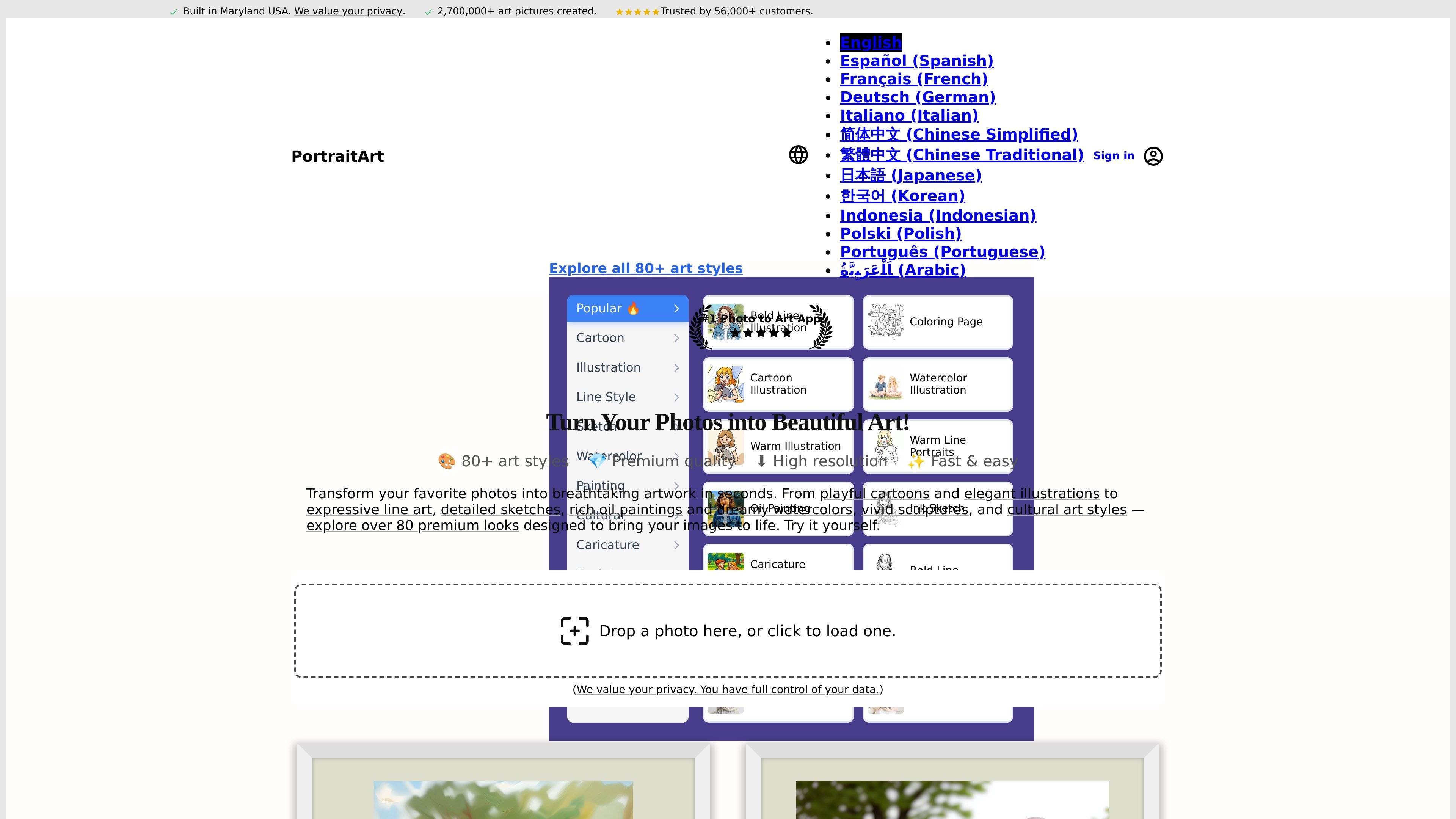
PortraitArt is a photo-to-art web app that turns uploaded images into stylized artwork. The site shows a catalog of 80+ styles spanning cartoons, sketches, watercolors, oil paintings, caricatures, sculptures, and cultural art forms, so the same source photo can be rendered in different visual directions.
The product is designed for people who want personalized artwork from their own photos rather than generic stock illustrations. The site says it supports portraits as well as group photos, pets, landscapes, and other non-portrait images, and it offers downloadable image outputs with optional upscale and vectorize steps.
Turn uploaded photos into artwork in more than 80 styles, including cartoons, sketches, watercolor, oil painting, caricature, sculpture, and cultural styles.
Choose art styles that fit portraits, family photos, pets, scenery, and other photo types instead of only generic headshots.
Use one credit per art generation, with add-ons for 2× upscale and vectorization when you need higher resolution or editable output.
Download results as PNG, JPEG, or WEBP, with PDF and SVG available for vectorized images.
Create higher-resolution outputs with the 2× Upscale option, which the help page says increases generated images from about 1 megapixel to 4 megapixels.
Buy credits once and use them later, with no subscription and no expiry on credits.
Convert a portrait or family photo into an artistic version for sharing or printing, using styles such as watercolor, sketch, or oil painting.
Transform group photos, pet photos, or scenery into stylized images when you want a photo-specific art treatment instead of a generic illustration.
Generate multiple versions of the same image in different styles and resample if you want to compare looks before choosing a final result.
Create outputs suitable for printing by using the upscale option for higher resolution or vectorizing flat-color artwork for scalable PDF or SVG files.
Use the one-time credit packs for occasional projects, gifts, or recurring personal edits without maintaining a subscription.
Generated artwork can be downloaded from the image view. The help page says you can save it as PNG, JPEG, or WEBP, and vectorized outputs can also be downloaded as PDF or SVG.
The help page says generated images are about 1 megapixel by default. You can use the 2× Upscale option to increase them to 4 megapixels, and vectorize flat-color images for scalable PDF or SVG output.
Yes. PortraitArt says it works well with group photos, but for best results it recommends fewer than 10 people in a group. It also says it can handle pets and landscapes.
You can generate multiple samples for the same style. The help page says you can click the style button again or use the More menu and choose Resample.
PortraitArt says its service uses your data only to provide the product, stores it securely in the United States, does not use your images to train its AI models, and lets you delete uploaded photos and generated art.