
Text-to-image generation
Generate images from text prompts in the main creation interface. The generate page shows model selection, style options, aspect ratios, seed controls, and prompt-enhancement tools.
Gencraft is an AI image generator and editor for creating images, transforming photos, and training custom visual styles with prompt-based and image-to-image tools.
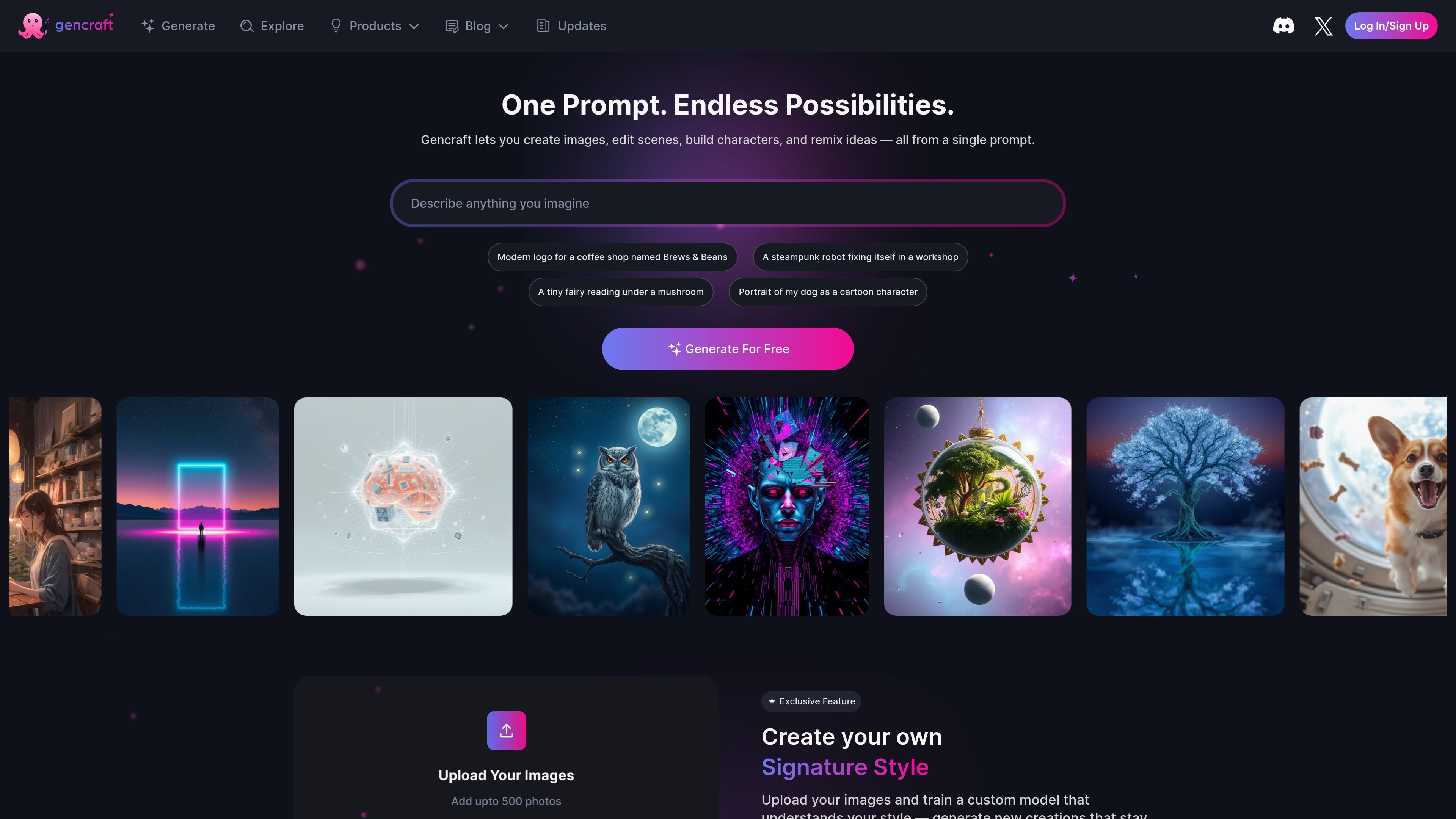
Gencraft is an AI image creation and editing platform built around prompt-based generation, image-to-image transformation, and custom style training. The site presents it as a tool for creating images, avatars, photos, characters, and guided art from a single prompt or an uploaded image.
The product’s core workflow centers on selecting a model, refining a prompt, and generating or transforming images inside the browser. It also includes specialized tools for prompt enhancement, style control, face swaps, and training a custom model from uploaded examples, which makes it useful for both one-off experiments and repeatable visual styles.
Generate images from text prompts in the main creation interface. The generate page shows model selection, style options, aspect ratios, seed controls, and prompt-enhancement tools.
Upload a photo and use a prompt to transform or remix the result. The Image to Image page describes this as a way to edit photos and create more consistent outputs.
Use tools such as Photobooth, Character Guide, Sketch Guide, FaceSwap, and Magic Edit from the generation interface. These tools support different kinds of guided image creation and editing.
Train a custom model on uploaded images to create outputs that match a specific look. The homepage says you can upload up to 500 images, train a unique model, and then generate new creations in that style.
Browse and remix community creations. The homepage references creating, sharing, and remixing ideas from a large user community, along with an image model gallery and community models navigation.
Create concept art, social graphics, or visual drafts from short prompts using the main generation interface and its model/style controls.
Upload an existing image and remix its style, subject, or setting to turn a photo into a new variation.
Build a consistent visual identity by training a custom model on a set of reference images and generating new outputs in that style.
Use the guided tools to edit faces, adjust compositions, sketch ideas, or swap subjects when a simple prompt is not enough.
Prototype brand visuals, product shots, or character ideas for teams that need fast concept iterations inside a browser-based tool.
Gencraft provides an AI image generation and editing workflow through its generate page and Image to Image tools. The source also shows tools for AI image generation, image-to-image editing, photobooth, character guidance, sketch guidance, face swap, and magic edit.
The source shows a free account option on the homepage, and the image-to-image page states that Image to Image is available to Gencraft Starter and Pro users. The pricing page itself returns a 404, so plan details are limited in the available evidence.
Yes, the image-to-image page says creations generated under Starter or Pro plans are eligible for commercial use.
The image-to-image page says you can upload a photo and enter a text prompt to explore Image to Image AI. The generate page also shows prompt controls such as style, aspect ratio, seed, and negative prompt support depending on the selected model.