
Natural-language and visual search
Search files using natural language and visual cues such as image, concept, phrase, color, and face. Poly also searches inside videos, documents, photos, and other file content.

Poly is an AI file browser and cloud storage service for personal files and media. Search, browse, chat, and organize files on web and desktop with local sync.
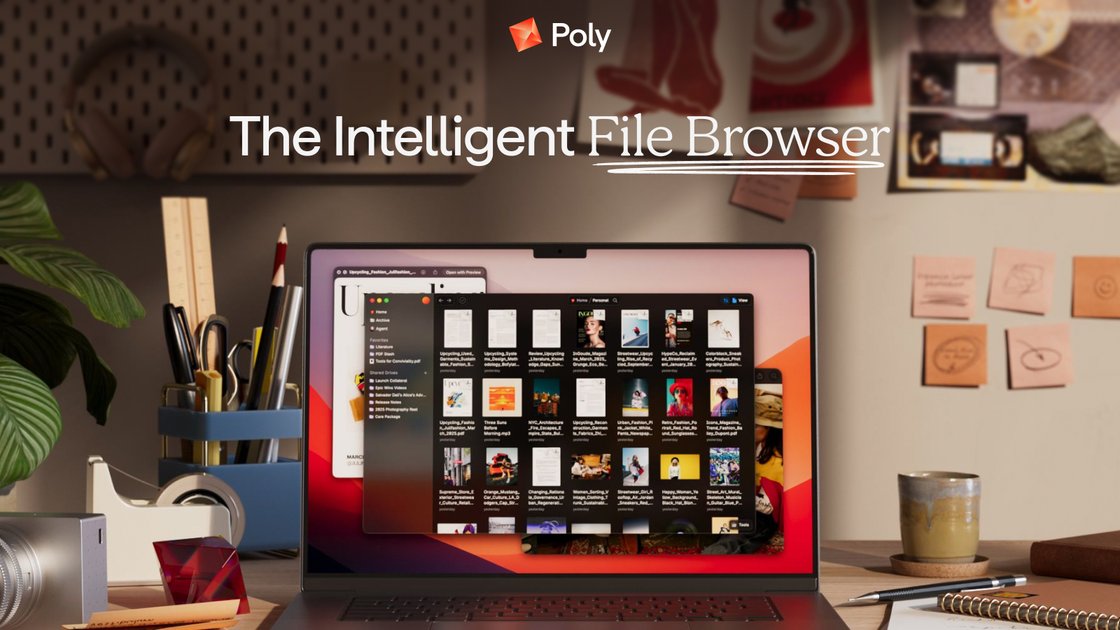
Poly is an intelligent cloud file browser for personal files and media. It is presented as a web and desktop product that helps people store, browse, search, share, and organize files with AI-assisted workflows.
The site emphasizes natural-language search, file-aware chat, and support for many file types, including documents, photos, videos, and audio. It also highlights local file system sync, offline use, and privacy-first storage and encryption controls.
Search files using natural language and visual cues such as image, concept, phrase, color, and face. Poly also searches inside videos, documents, photos, and other file content.
Ask questions about your files, request summaries, and use an AI agent to help research and organize content across folders and file types.
Use grid, tree, column, gallery, and other view modes to analyze folders, switch between browsing styles, and attach properties that fit the task.
Access and sync Poly files in your local file system from the desktop app, with offline support that syncs changes back to the cloud when you return online.
Manage shared work with version history, public sharing, shared drives, and real-time updates for collaborative file access.
Keep files encrypted on your device, in transit, and in the cloud, and hide selected files from AI search when needed.
Use Poly to find a document, clip, or image when you remember only a detail such as a phrase, scene, color, face, or concept rather than the exact filename.
Browse large folders of research, archives, or datasets with flexible views, summaries, and content-aware search to surface what matters faster.
Ask Poly to answer questions about stored material or summarize long content when working through interviews, notes, or mixed media.
Keep files synchronized with your local file system while using the desktop app offline, then let changes sync back to the cloud later.
Share folders or collaborate on shared drives while using version history to revert changes and public sharing for outward-facing files.
Poly is designed to work as a file browser for personal files and media on the web and desktop. The source material describes it as available on both platforms, but it does not spell out a separate setup flow in detail.
The homepage says Poly lets you search with natural language, search by image, concept, phrase, color, face, and more, and search within files for scenes, pages, or clips.
Poly’s homepage shows an AI chat-style workflow where you can ask questions about files, request summaries, and get help finding content. The demo page also says the agent can research, answer questions, and organize files.
Yes. The homepage says Poly syncs with your local file system, and the features section highlights desktop sync for accessing and syncing Poly files in your local file system.
The source says files stay encrypted on your device, in transit, and in the cloud, and that you can hide files from search and AI. It also notes offline support for both web and desktop apps.