
Semantic file organisation
Albus indexes content semantically so files can be grouped into categories without manual folder planning. The homepage frames this as automatic organization based on the meaning of your content.

Albus is a cloud workspace for searchable knowledge bases from files and web sources, with semantic indexing, referenced answers, mobile voice assistant, and canvas workflows.
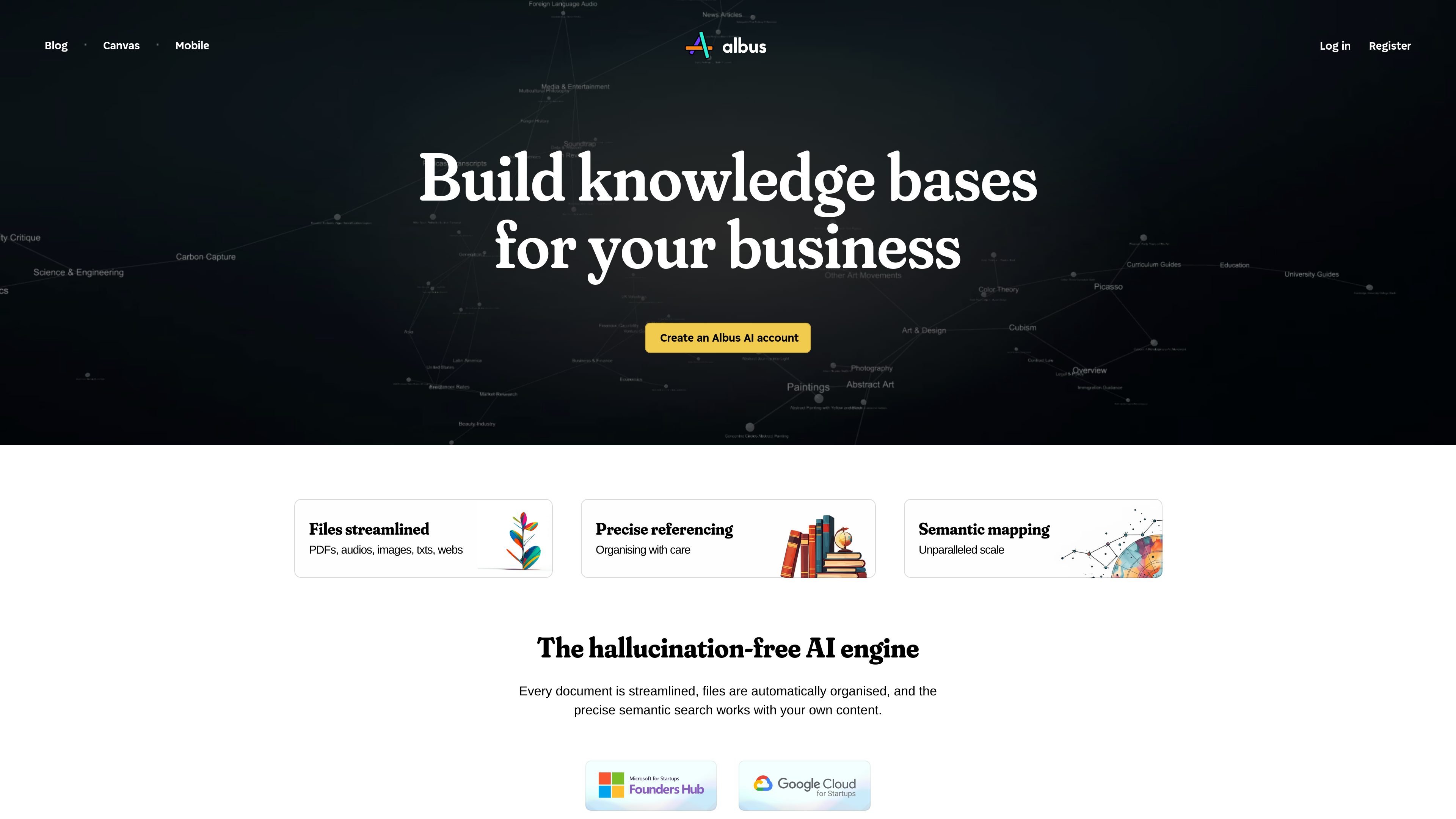
Albus is a cloud workspace built around semantic indexing, searchable knowledge libraries, and AI-assisted conversations. It is designed to help users store files, organize them automatically, and retrieve information with references to the underlying source material.
Across the pages provided, Albus appears as a multi-modal research and content workspace rather than a single-purpose chat app. The site shows support for documents, images, audio, and web content, plus a canvas for exploring topics, generating outputs, and connecting ideas in context.
The product is aimed at people who want to build a knowledge base from their own files and then work with that material through search, conversations, mind-mapping, image tools, and voice on mobile. The homepage also states that library answers can be grounded with page and section references, which is important for checking relevance.
Albus indexes content semantically so files can be grouped into categories without manual folder planning. The homepage frames this as automatic organization based on the meaning of your content.
The product supports search across PDFs, images, audio, Word documents, markdown files, and web articles. Answers can include page and section references so users can check where a result came from.
The homepage and release notes show conversations with web access, while the canvas page highlights web insights and live web use. This lets users combine their stored library with current web information in one workspace.
The canvas page presents a multi-modal workspace for asking questions, breaking down topics, mind-mapping, and generating related ideas. It is positioned for research and analysis as well as content generation.
The site lists image generation, image intelligence, and audio tools such as narration and transcripts. The canvas page also shows image operations like removing backgrounds and increasing resolution.
The mobile page advertises lifelike voice interaction in 32 languages and the ability to capture thoughts and ask questions. That makes voice input a visible part of the product experience on mobile.
Store PDFs, images, audio, and web clippings in one library, then let Albus sort them into organized categories without manually building folder structures.
Ask questions over your own documents and review answers with page or section references, which helps when you need to verify where an answer came from.
Use the canvas to break down a topic, generate mind-maps, and explore connected ideas when researching complex subjects or planning content.
Combine live web information with your library when you need current context alongside internal material, such as comparing notes with recent sources.
Use the mobile assistant to capture thoughts, ask questions, or interact by voice when you are away from your main workspace.
Albus is presented as a cloud workspace for building knowledge bases from your own files and web sources. Its homepage and release notes show support for documents, PDFs, images, audio, and web content, with answers tied back to library references.
The source shows Albus on the web, with a mobile assistant page describing iOS and Android support. The site also points to a downloadable app, but it does not document a separate desktop client on the pages provided.
The homepage says files are automatically organized through semantic indexing, and the canvas page shows workflows for search, mind-mapping, document insights, audio insights, and web insights. Together, those pages suggest a workspace for storing content, asking questions, and exploring related ideas.
The pricing information visible on the homepage shows a free starter option and an Albus Pro plan at $20 per month, with limits and extra allowances applying. The dedicated pricing URL in the source returned a not-found page, so the homepage text is the usable pricing evidence here.
The provided pages do not describe a full integrations list. The site does mention real-time web search and access to the web inside conversations, but specific third-party app integrations are not documented in the source provided.