
Custom music upload
Upload your own audio file, then generate a video around that track. The homepage positions this as the core starting point for turning music into video.

Plazmapunk is an AI music video generator that turns uploaded audio into videos for musicians, producers, and creators. Free and paid plans.
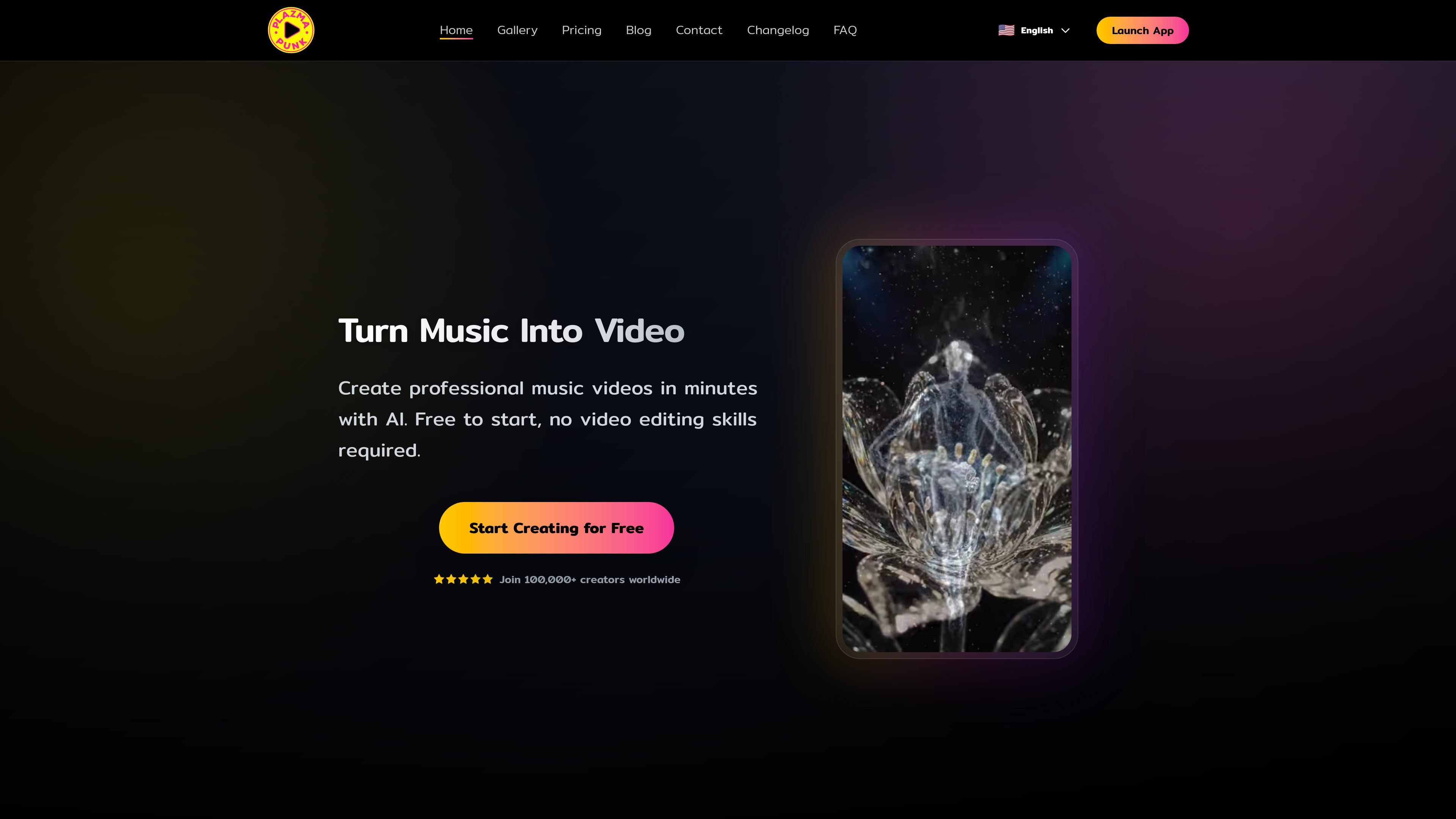
Plazmapunk is an AI music video generator that turns uploaded audio into visual videos. The homepage presents it as a way for musicians, producers, and content creators to create music videos in minutes without traditional editing work.
The product supports both quick prompt-based generation and a more hands-on Scene Editor workflow. Pricing shows a free plan and paid tiers, while the changelog indicates the platform has evolved to include a new dashboard, multiple creation modes, and Veo-powered video generation for selected workflows.
Plazmapunk is also positioned for platform-specific outputs such as standard social video formats and Spotify Canvas loops. The gallery and community showcase suggest it is used both for creating finished videos and for browsing example renders for inspiration.
Upload your own audio file, then generate a video around that track. The homepage positions this as the core starting point for turning music into video.
Create videos from a simple prompt or use the Scene Editor for scene-by-scene control. The changelog also adds an AI Director to expand prompts into more detailed scene instructions.
Select from visual models and style options such as Kandinsky 2.2, Stable Diffusion XL, and Veo-based creation modes. This gives the product a range of rendering approaches rather than one fixed output style.
Export videos in formats suited to platforms such as YouTube, TikTok, Instagram, and Spotify Canvas. The site also highlights vertical video and short loop support.
The product emphasizes audio reactivity, with visuals designed to sync to beat and rhythm. The changelog describes waveform-based cuts and short-loop creation for tighter timing.
The dashboard and library are designed to track song analysis, generation progress, credits, and finished videos in one place. The changelog also mentions project and clip reuse for later editing.
Create a music video from a song file when you want a fast starting point and do not want to edit footage manually.
Build a more controlled sequence scene by scene when the project needs narrative structure or prompt refinement.
Generate short vertical loops for Spotify Canvas or similar social-first placements when a full horizontal video is not the target.
Produce platform-ready exports for channels such as YouTube, TikTok, and Instagram, where aspect ratio and presentation matter.
Review community examples in the gallery to get inspiration for style direction, pacing, or the kinds of visuals the tool can produce.
Plazmapunk generates AI music videos from uploaded audio. The homepage describes a simple flow: upload a track, choose a visual style, and generate a video.
The site says supported audio formats are covered in the FAQ, but the rendered text provided here does not list the specific formats.
Yes. The pricing page shows a Free plan at €0/month and paid plans for users who want more credits and features.
The pricing page says the Free plan includes 200 credits per month, custom music upload, 4:3 aspect ratio, and one-prompt video creation without the Scene Editor.
The pricing page states that higher plans include full HD upscaling, no watermarks, and commercial license on the Punk plan and above.