
Photo and video face swapping
Upload an original image or video, add one or more target face photos, and start the swap. The page says photos are processed in seconds, while videos take longer.

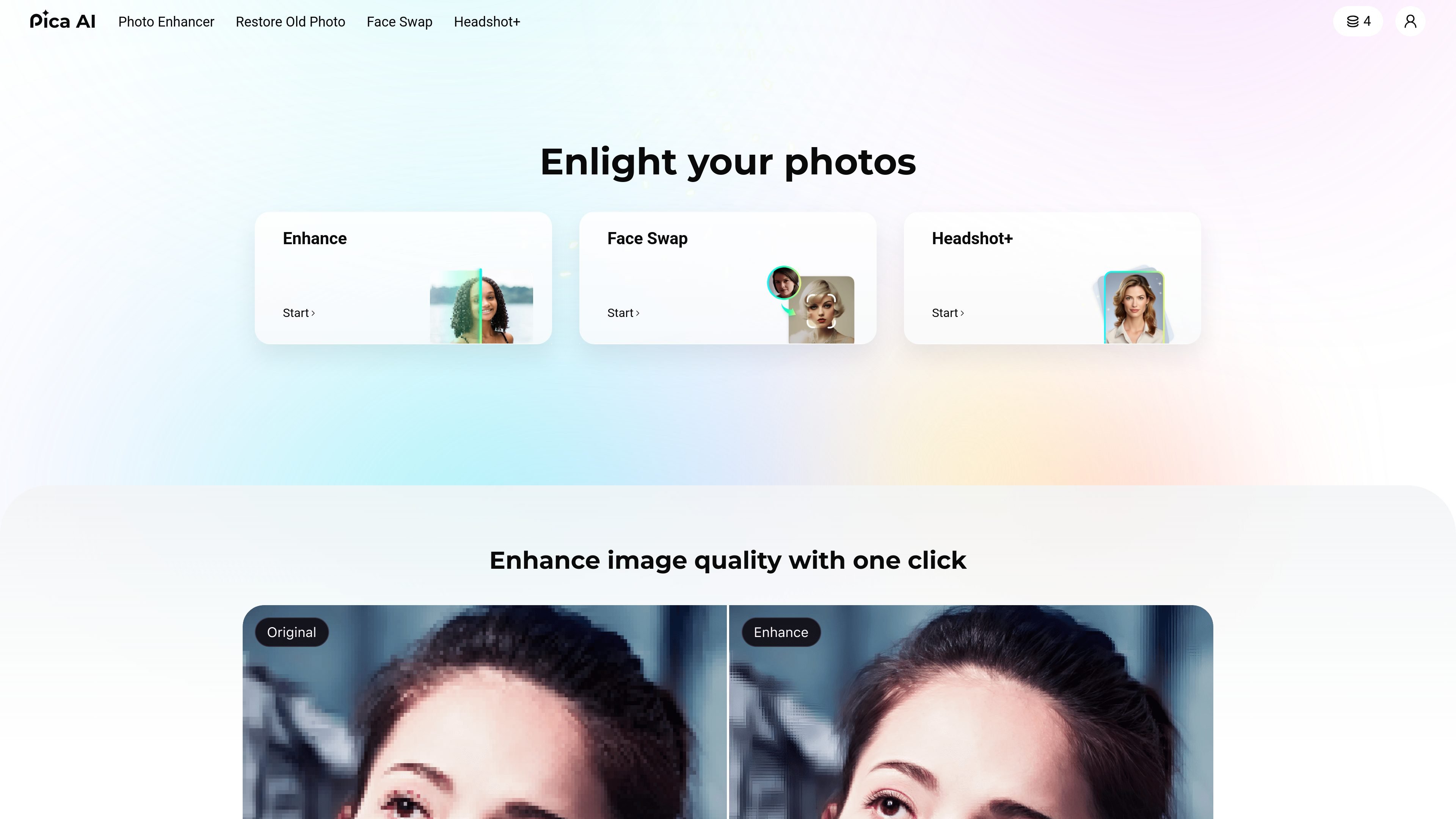
Pica AI creates face swaps, AI headshots, and enhanced photos in your browser.
Pica AI is a web-based AI image and video creation tool focused on face swapping, headshot generation, and photo enhancement. The homepage positions it as a set of fast, easy-to-use tools for improving photos, swapping faces, and creating portraits.
The site’s core workflows are straightforward: upload a photo or video, choose target faces or a headshot style, generate results, then download the output. The face swap page supports both single-image and video swaps, including multi-face replacement, while the headshot generator is aimed at professional photos for LinkedIn, resumes, business profiles, and similar uses.
Upload an original image or video, add one or more target face photos, and start the swap. The page says photos are processed in seconds, while videos take longer.
Swap multiple faces in one upload, including group photos and multi-character videos. The product says each selected face can replace a different face in the original content.
Use templates or your own uploads to create different kinds of swaps, including celebrity swaps, gender swaps, memes, and movie-scene recreations.
Create professional-looking headshots by choosing a style and submitting 6–12 clear selfies. The generator is positioned for LinkedIn, resumes, profiles, and business photos.
Download headshots after generation and find them in the site’s library area. The headshot page also states that outputs are available in HD up to 3K+ resolution.
The site states that uploaded photos are deleted after 24 hours, and the face swap page says no signup is needed for the free face swap flow.
Swap a face into a selfie, meme, artwork, or celebrity-style image when you want a quick visual edit without manual compositing.
Turn a short clip into a face-swapped video for parody, scene recreation, or lightweight content creation for social channels.
Generate a professional headshot for LinkedIn, resumes, author bios, business cards, or company profiles by uploading multiple clear selfies and selecting a style.
Replace several faces in a group photo or group video to create a playful version for reunions, parties, or shared jokes among friends.
Use the photo enhancement and restoration entry points when you want to improve image quality or restore older photos before sharing or archiving them.
Pica AI’s face swap tool lets you upload an image or video, then upload one or more target face photos and start the swap. The page says photos process in seconds, while videos may take minutes.
For the AI headshot generator, the page recommends uploading 6–12 clear selfies and choosing a style before generating. The FAQ says more photos often lead to better results.
The face swap page says you can swap up to 3 faces in a single photo or video.
The headshot FAQ says generated headshots are available in the “My Library” section, accessible from the avatar menu in the upper right corner of the site.
The pricing and FAQ pages indicate that Pica AI offers free face swap online and paid headshot packages, but they do not list a single universal price in the captured text.
Traffic data is for reference only.

picsi.ai
AI face swaps and identity generation for photos, videos, and GIFs, plus PersonaMagic Canvas for consistent characters.

cgdream.ai
Browser-based AI image generator and editor for creating and refining visuals from text, photos, and 3D models.

pixnova.ai
PixNova AI is a web-based creative studio for generating and editing images, videos, and audio, with browser tools for video generation, image editing, face enhancement, and more.

basedlabs.ai
Web-based AI image and video generator with face swaps, editing, upscaling, voice, and music tools.

betterpic.io
AI headshots from uploaded photos, with 4K quality and commercial licensing

dreamwave.ai
Dreamwave creates professional AI headshots from selfies for individuals, teams, and events, with company workflows, event photobooths, and editing.