
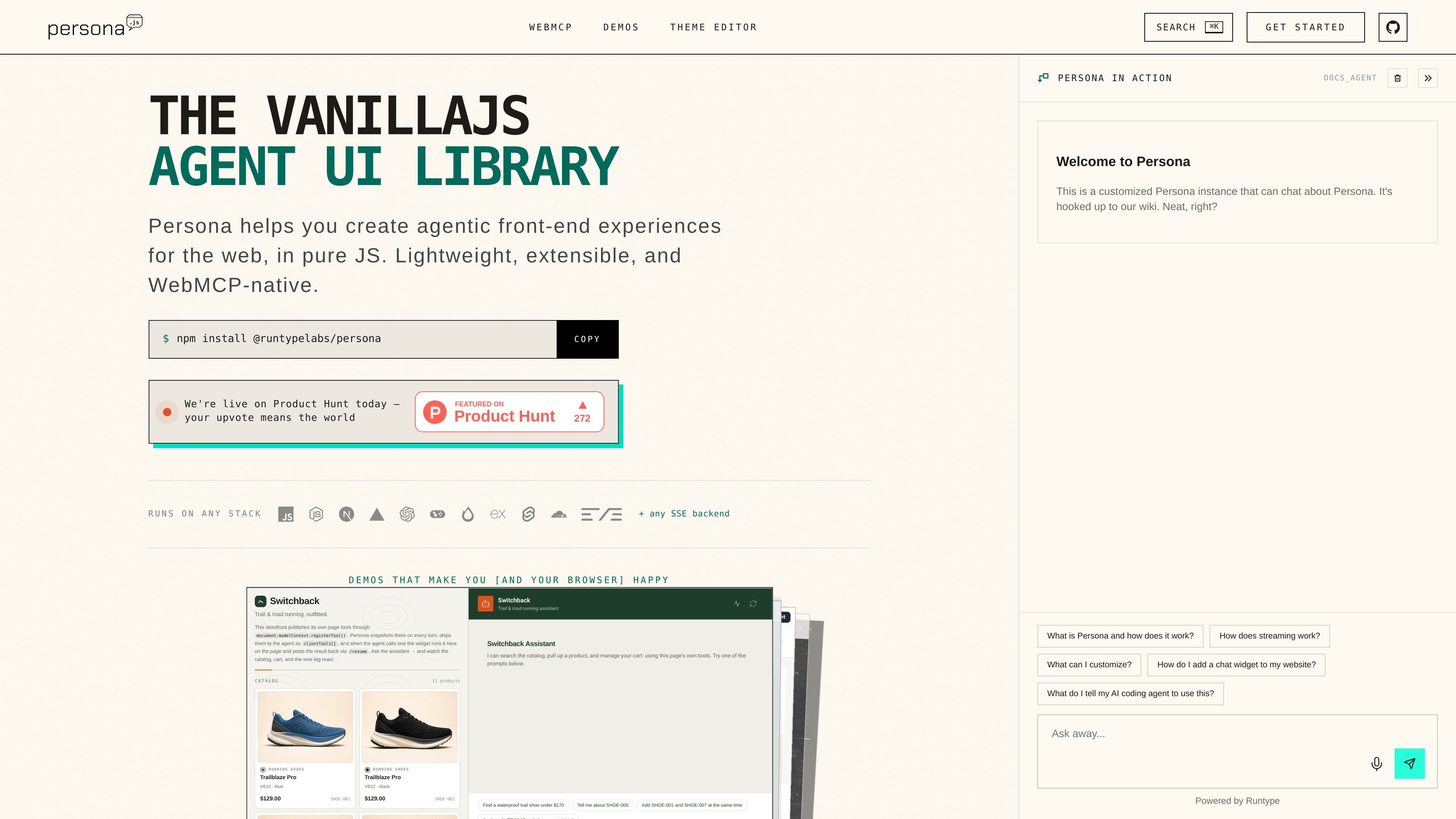
Multiple launcher modes
Persona can mount as a floating launcher, a docked copilot, or a fullscreen assistant. The layout is controlled through launcher configuration, so the same agent can be embedded in different UI shapes.

Persona is an open-source VanillaJS agent UI library for adding streaming AI chat to websites, with floating, docked, or fullscreen layouts, SSE support, and WebMCP page tools.
Persona is an open-source agent UI library for adding a streaming AI chat experience to a website in vanilla JavaScript. The homepage describes it as lightweight, extensible, and WebMCP-native, with install options that work through npm or a script tag.
Its main purpose is to give developers a reusable front-end layer for agentic experiences without tying the UI to a specific framework. The same widget can be launched as a floating panel, docked beside an app, or expanded into a fullscreen assistant by changing configuration rather than rebuilding the integration.
Persona can mount as a floating launcher, a docked copilot, or a fullscreen assistant. The layout is controlled through launcher configuration, so the same agent can be embedded in different UI shapes.
The product supports both npm installation and a script-tag installer. The homepage shows a package import flow, a global install script, and a CLI path for generating a client token and installer snippet.
Persona is designed to stream from any SSE backend and provides hooks such as customFetch and parseSSEEvent to adapt request and event formats. The site also lists starter examples for several backend stacks.
WebMCP lets the assistant use tools that already exist on the page. The demo shows page tools registered under document.modelContext, with user approval before execution and streamed results returned to the chat.
Theming is built around a token tree with palette, semantic, and component layers. The site also mentions dark mode and a live theme editor for matching a host app without forking the widget.
Advanced examples include tool approval cards, voice input and output, artifact sidebars, dynamic components, streaming markdown tables, and text-reveal effects. These are presented as working patterns rather than abstract claims.
Add a support or onboarding assistant to an existing site with minimal layout work. The floating launcher is presented as the default drop-in option for support, docs, sales, or onboarding flows.
Embed an assistant beside a workspace or dashboard so it can help without taking over the page. Persona’s docked mode wraps a region and lets the assistant push, resize, or overlay the layout.
Build a full-page assistant experience for tasks that need more screen space, such as artifact-heavy or conversational workflows. The fullscreen mode can own the container and optionally show a split artifact area.
Expose page-level actions like search, carts, bookings, and forms as tools the assistant can call. Persona’s WebMCP approach keeps those tools in the page code and asks for user approval before execution.
Prototype richer conversational interfaces such as voice I/O, dynamic components, and streaming content panes. The advanced examples show patterns for voice, artifact sidebars, answer sheets, quick replies, and streamed cards.
Persona is installed as a widget package or via a script tag. The homepage shows both an npm-based setup and a CDN installer, and the standalone sample includes copy-paste examples for different layouts and flows.
The examples show support for floating launchers, docked side panels, and fullscreen assistants. You change the launcher configuration rather than rebuilding the agent or the rest of the app.
Persona streams from SSE backends and can adapt different request or event shapes with customFetch and parseSSEEvent. The site also lists example integrations for Hono, Express, SvelteKit, LangGraph.js, OpenAI Agents SDK, Vercel AI SDK, and a Runtype proxy.
Yes. The docs and examples show theme tokens, dark mode, a live theme editor, approval handling, voice input and output, artifact sidebars, and dynamic components as supported patterns.
There is no pricing page content available on the site; /pricing returns a 404. The homepage positions Persona as an open-source library, but no commercial plan details are shown in the provided evidence.
Traffic data is for reference only.

langdock.com
AI adoption platform with shared chat, agents, workflows, integrations, and API access

assistant-ui.com
Open-source React library for AI chats, copilots, and agents

onorca.dev
Orca is an Agent Development Environment for shipping with coding agents, running parallel CLI agents in isolated worktrees with desktop and mobile companion workflows.

blopai.com
Blop writes browser tests as code, runs them in CI, clusters repeated failures, and opens pull requests to fix broken tests.

rlama.dev
Local AI platform for RAG systems and intelligent agents

kastra.ai
Kastra is authorization infrastructure for AI systems that checks prompts, tool calls, shell commands, API requests, and browser actions before execution. Enforce policy, maintain signed audit trails, and govern local and enterprise AI workflows.