
Organize and edit PDFs
Compress PDF files, merge multiple documents, split pages into separate files, and reorganize page order with tools for deleting, inserting, rotating, cropping, and resizing pages.

PDFTools is a browser-based set of free and premium PDF tools for compressing, merging, splitting, converting, editing, and securing documents locally.
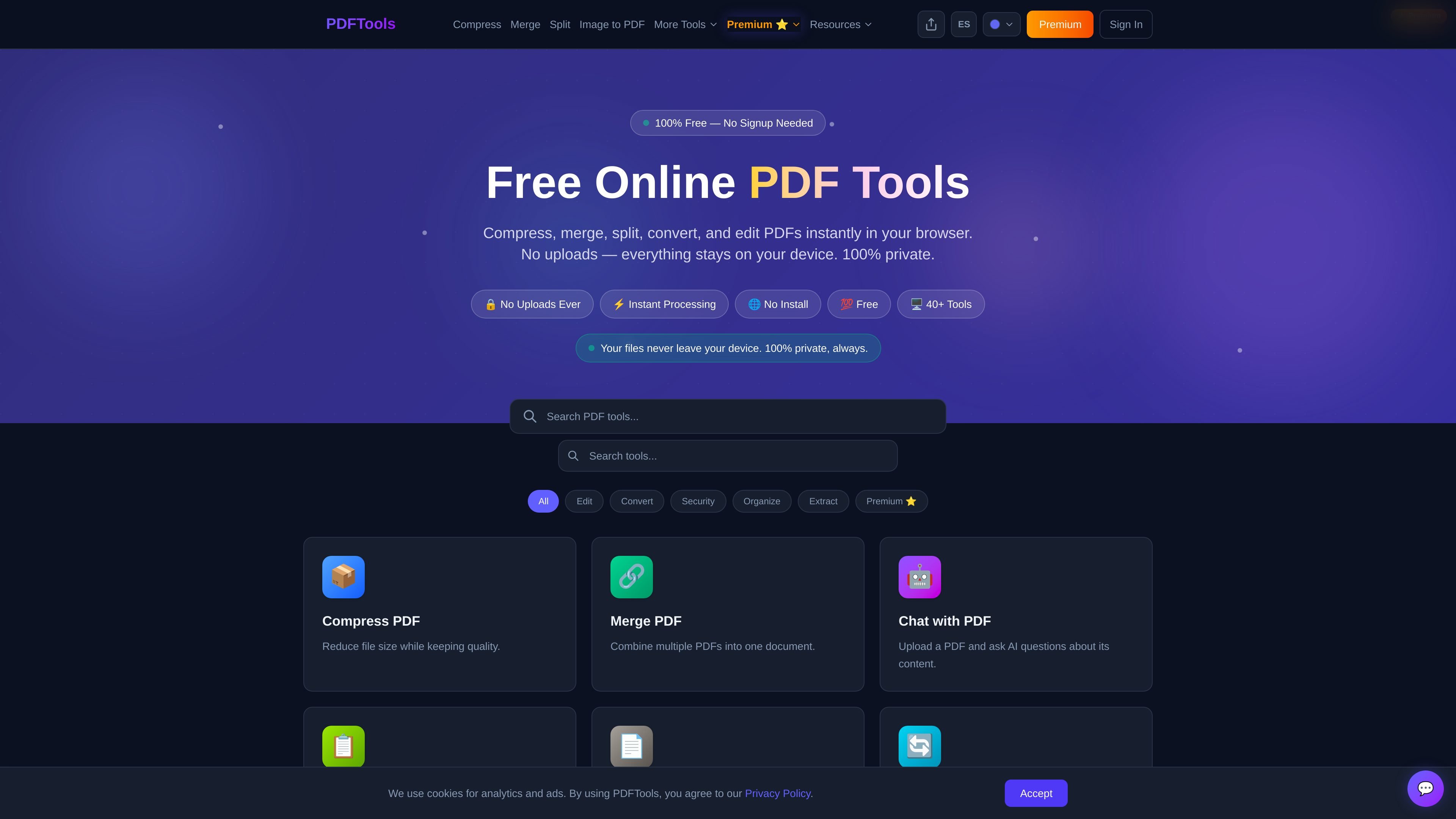
PDFTools is a browser-based collection of free and premium PDF tools for compressing, merging, splitting, converting, editing, securing, and organizing documents. The site positions the tools as private by default: processing happens locally in the browser, with no uploads and no account required for basic use.
The product is organized around practical PDF tasks rather than one single editor. In addition to common document actions like signing, protecting, and extracting text, it includes more advanced tools such as PDF Diff, certificate generation, PDF to audio, batch processing, and PDF Vault on the premium plan.
Compress PDF files, merge multiple documents, split pages into separate files, and reorganize page order with tools for deleting, inserting, rotating, cropping, and resizing pages.
Convert between PDF and common formats such as Word, Excel, images, HTML, text, and audio, plus generate PDFs from images, text, and web pages.
Work with scanned or text-based PDFs using OCR, extract text, count words and characters, edit metadata, and pull tables or form data into structured outputs.
Protect sensitive documents with password protection, unlock files, redact text, apply watermarks, sign PDFs, and sanitize metadata or hidden content.
Use premium-only tools such as PDF Diff, certificate generation, PDF to audio, batch processing, bulk rename, booklet creation, and PDF Vault.
Compress, merge, split, rotate, crop, or rearrange PDFs when you need to clean up a document before sharing or filing it.
Convert PDFs to Word, Excel, images, text, or audio, or generate PDFs from HTML, images, and plain text when you need a different working format.
Protect contracts, forms, and internal documents with passwords, redaction, watermarking, e-signatures, or metadata cleanup.
Use premium tools like PDF Diff, certificate generation, batch processing, or bulk rename when you need side-by-side review or repetitive document handling.
Extract text, OCR scanned files, fill forms, or pull form data into CSV for records, analysis, or processing at scale.
No. The site states that all basic tools process files in your browser and that files never leave your device. The PDF Diff page also says comparisons are private and have no uploads.
No account is required for the free tools, and the site says the basic tools work instantly without signup.
The free tier supports single-file processing with a 10MB file limit. Premium increases the limit to 100MB and adds batch processing and other paid features.
Premium includes the PDF Diff comparison tool, batch processing, certificate generation, PDF to audio, form data extraction, bulk rename, booklet creation, search and redact, color inverter, PDF Vault, QR code stamp, metadata sanitizer, split by bookmarks, and Bates numbering.
The site says PDFs are processed locally in the browser on desktop and mobile, and the tools are compatible with Chrome, Firefox, Safari, and Edge.