
Smart bookmarking
Save articles, products, recipes, books and other links with one click. mymind identifies the content type and presents it in a more useful visual format instead of relying on manual folders.

mymind is a private bookmarking and note-saving service that combines browser extensions, mobile apps and AI-assisted organization. It helps people save links, images, quotes, highlights and notes in one place without manually sorting everything into folders.
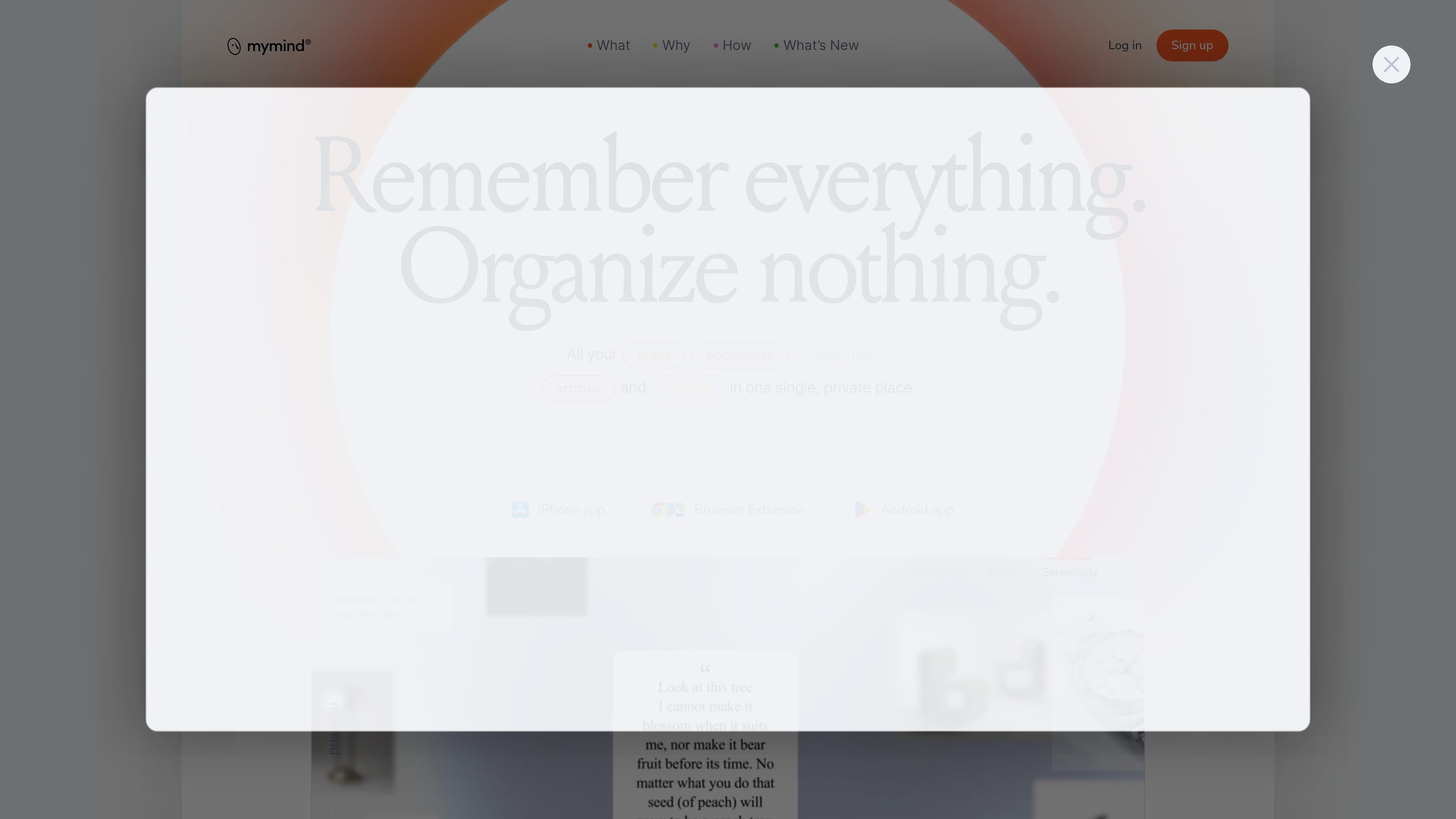
mymind is a private bookmarking and note-saving service that combines browser extensions, mobile apps and AI-assisted organization. It is built for people who want to save links, images, quotes, highlights and notes in one place without manually sorting them into folders.
The product’s main promise is to let you save first and organize later. mymind categorizes or tags content automatically, supports search across images and text, and offers a private workspace for personal reference rather than a social or collaborative feed.
Save articles, products, recipes, books and other links with one click. mymind identifies the content type and presents it in a more useful visual format instead of relying on manual folders.
Automatically tags saved images and supports text recognition inside images, including screenshots and memes, so you can search for words that appear in them.
Create quick notes for short ideas and use Focus Mode for longer writing sessions when you need more space to expand on them.
Group related saves into Smart Spaces that organize cards around a search, theme or tag without requiring manual sorting of each item.
Read saved articles and recipes without ads or clutter, and keep full article backups even if the original source is later removed.
Save GIFs and videos, analyze PDFs, and generate short summaries for articles, images, web pages and PDFs on the higher-tier plan.
Save articles, product pages and research links as you browse, then rely on automatic categorization and visual search instead of manually building bookmark folders.
Capture quotes, highlights and short notes from reading sessions, then revisit them later in a private space that keeps related material together.
Store screenshots, memes, reference images and other visuals with AI tagging and image text recognition so you can find specific details later.
Keep quick ideas, todos and longer drafts in one place using Quick Note and Focus Mode when a thought needs more than a short snippet.
Use the mobile app and browser extension together to share items into your mind across devices and keep saved content synced.
mymind offers iOS and Android apps, and the browser extension works alongside the browser and MacOS version. The source materials also mention a MacOS app, but the collected evidence does not spell out every platform detail in one place.
There is no mass-import tool at the moment. The FAQ says mymind is considering it for the future.
mymind can only access public pages it can view without logging in. If a page is behind a login, you can save a screenshot manually instead.
The FAQ says automatic smart tagging improves over time, and some bookmarks may show invisible tags based on the domain name and title keywords. Images always have visible tags, and most URLs do now too.
Paid plans add features such as unlimited cards and advanced AI tools, while the basic Bookmarker plan is described as a simpler bookmark tool with no fancy AI features.