
Text-to-design generation
Generate posters, invitations, logos, postcards, LinkedIn posts, and other graphics from a short prompt or an expanded prompt.

MolyPix.AI is a web-based AI graphic design tool for creating editable posters, invitations, logos, postcards and more from prompts, with free and paid plans.
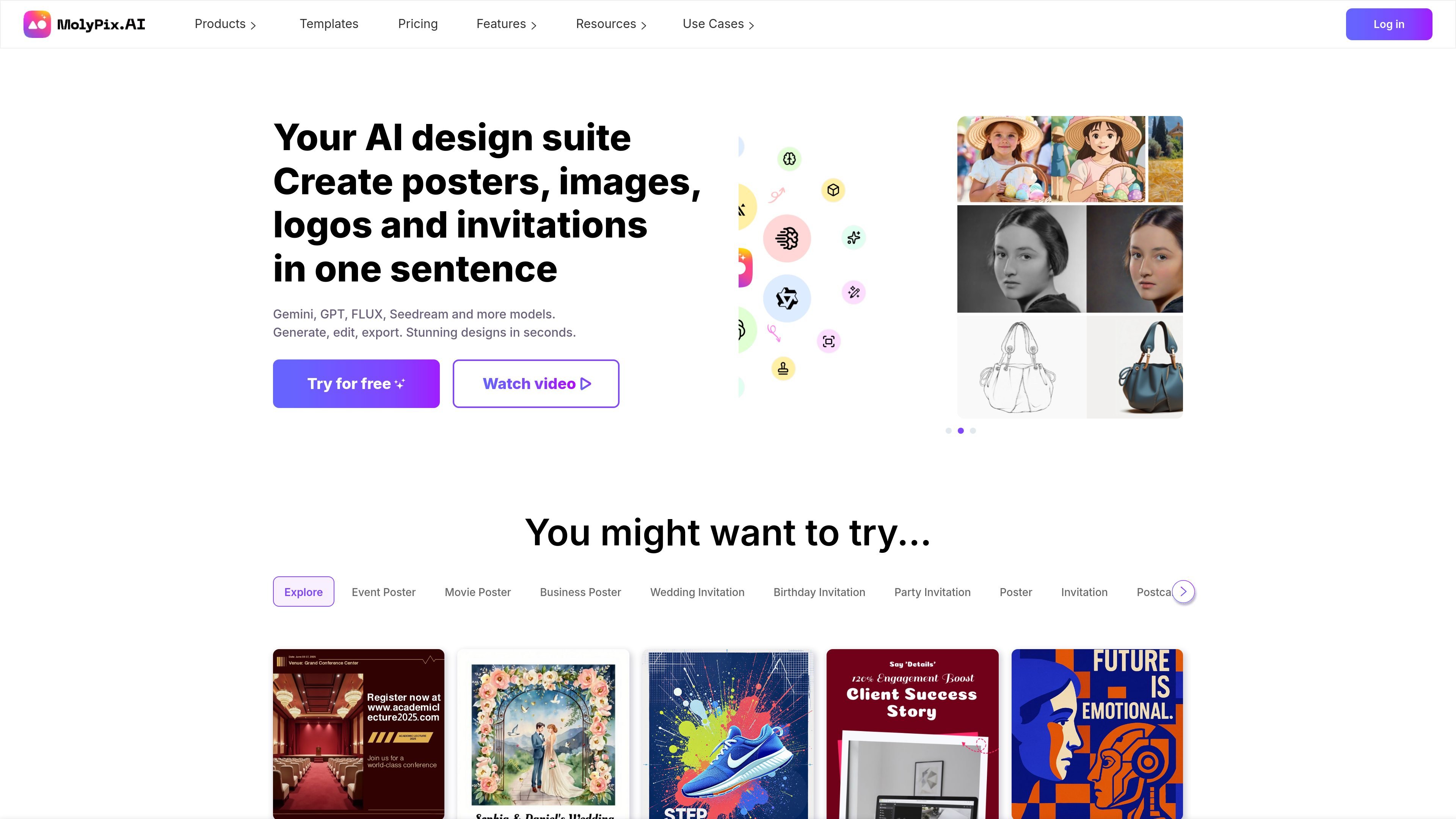
MolyPix.AI is an AI graphic design platform for creating editable visual content from prompts. The site positions it as a design suite for posters, images, logos, invitations, postcards, and other marketing or personal graphics.
Its workflow is built around choosing a starting product or template, generating a design with a one-sentence prompt or enhanced prompt, and then editing the result in a layered editor. The product pages emphasize text accuracy, full editability, and the ability to download the finished design once it is adjusted to fit the use case.
Generate posters, invitations, logos, postcards, LinkedIn posts, and other graphics from a short prompt or an expanded prompt.
Edit the generated design with layers, text, layouts, elements, background changes, and image uploads.
Use the Brand Kit and custom color palette to keep colors and logos aligned across new designs.
Turn an existing design into a reusable template and generate variations without rebuilding the layout from scratch.
Apply AI tools such as prompt enhancement, background removal, image upscaling, AI expand, magic edit, magic erase, and similar-design generation.
Save designs automatically and organize work in History under Generated, Edited, and Project categories.
Create a poster for a product launch, event, or promotion by starting from a scene or template and generating a custom layout from a short prompt.
Build invitations, birthday cards, greeting cards, or postcard-style graphics that can be edited after generation for text and layout changes.
Produce logos, LinkedIn posts, and other brand-facing visuals while keeping colors and logo placement aligned through Brand Kit controls.
Adapt a template for a seasonal campaign or category-specific promotion, then remix the design into related variations without starting over.
Create and revise marketing assets quickly when you need editable layers, image uploads, and AI tools such as background removal or image upscaling.
MolyPix.AI is an AI-powered graphic design tool that turns a text prompt into editable designs. The site says you can use it to create posters, invitations, postcards, birthday cards, idol cards, and greeting cards, then edit and download the result.
The home page says you can start by choosing a product type such as posters, LinkedIn posts, invitations, postcards, logos, or images, then generate a design from a prompt, edit it in the editor, and download it.
Yes. The home page FAQ says generated images can be used for commercial purposes, and users retain the rights to the designs they create, subject to the Terms of Service and content guidelines.
The pricing page and home page both indicate a free plan is available. The pricing page also shows paid membership options, while the home page says some advanced AI tools are only available to paid users.
The home page FAQ says designs are automatically saved and can be found in History after logging in, organized into Generated, Edited, and Project categories.