
Text and lyrics to music
Generate original music from text prompts, lyrics, ideas, genre cues, moods, scenes, or vocal direction.

Meloflow is an AI music generator for original songs from text prompts, lyrics, or ideas. It also offers AI covers, track extension, added parts, and stem separation, with free and paid plans.
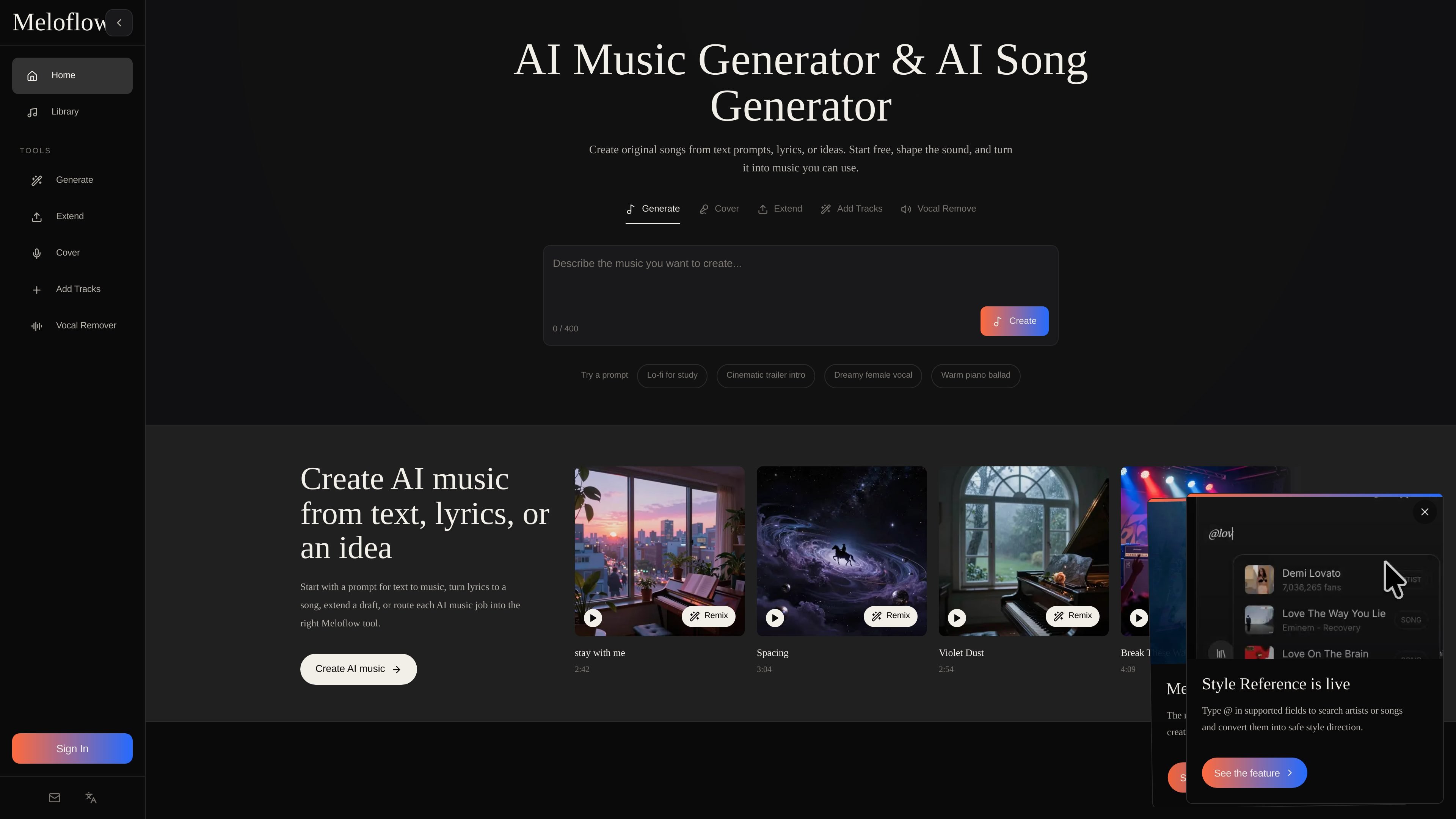
Meloflow is an AI music generator and AI song generator for creating original tracks from prompts, lyrics, or a rough musical idea. The product centers on turning text into usable music and then moving that work through related tools for covers, extension, added parts, and stem separation.
The site positions Meloflow for creators who need music they can actually use in projects such as videos, podcasts, games, ads, and brand work. Pricing pages show a free tier alongside paid plans, with commercial licensing and higher limits available on paid plans.
Generate original music from text prompts, lyrics, ideas, genre cues, moods, scenes, or vocal direction.
Upload an existing song and create a new cover version with a different style or vocal feel.
Extend an uploaded idea, loop, or finished track into a longer arrangement for later use.
Add vocals, instrumentals, or supporting parts to an existing track to build out the composition.
Separate vocals and instrumentals with vocal remover and stem splitter tools for remixing or editing.
Use plan options that include private generations, cloud storage, downloads, and commercial licensing on paid tiers.
Draft original background music for videos, shorts, ads, or branded content from a plain-language prompt.
Upload a song and produce a new cover version with a different vocal style or arrangement for creative reuse.
Extend a loop, sketch, or finished track into a longer version for podcasts, intros, or releases.
Add vocals, instrumentals, or supporting layers to a track you already have when building out a fuller arrangement.
Separate vocals and instrumentals to prepare audio for remixing, editing, or sampling workflows.
Meloflow is built around creating original music from text prompts, lyrics, or ideas, and it also includes dedicated tools for AI covers, extending tracks, adding vocals or instrumentals, and splitting vocals and stems.
The home page says you can describe a genre, mood, instruments, lyrics, vocal direction, or a scene and generate music from a text prompt. The pricing page also includes a Text & Lyrics to Music workflow.
The pricing page includes plans with commercial license access, and the home page describes Meloflow as built for commercial-use music workflows. The free plan does not include a commercial license.
The pricing page shows a free plan plus paid Lite and Pro plans. Paid plans add features such as downloads, private generations, larger storage, and higher audio upload limits.
Meloflow’s pages show browser-based tools for generation, covering, extending, adding tracks, and stem separation. The source does not provide native app or integration details.