
AI music generation
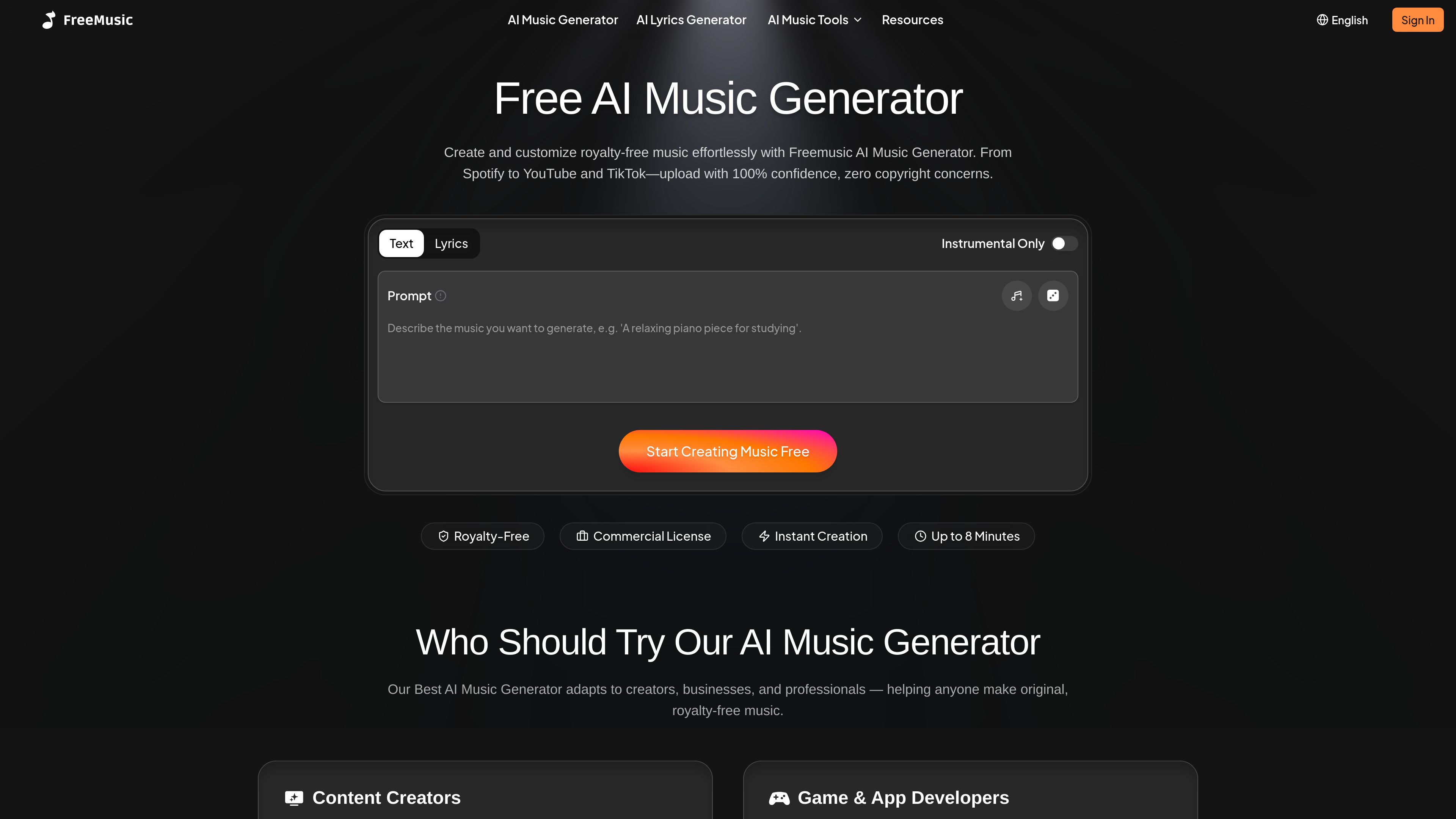
Generate full songs online by describing a mood, genre, or style, or by switching to lyrics-based creation for more control over the result.

FreeMusic AI generates royalty-free music from prompts, lyrics, or text-to-music inputs, with tools for vocals, stems, mastering, and music videos.
FreeMusic AI is an AI music generator that creates royalty-free music from prompts, lyrics, or text-to-music workflows. The site positions it for creators who want to make original tracks quickly and use them in videos, podcasts, games, apps, and branded content.
Beyond generation, the product also includes adjacent audio tools such as lyric generation, vocal removal, stem splitting, mastering, and music video features. The pricing and license pages indicate that commercial use is tied to paid annual plans, while the free plan allows generation with more limited download and rights options.
Generate full songs online by describing a mood, genre, or style, or by switching to lyrics-based creation for more control over the result.
Create lyrics with AI for hooks, verses, or theme-based song ideas, then use them as input for music creation.
Separate vocals from instrumentals with one click for karaoke, remixing, or sample extraction.
Split tracks into stems such as vocals, drums, bass, and instruments for rearranging and remixing audio.
Apply mastering to uploaded songs and optionally match the tone, balance, and loudness of a reference track.
Create music videos and edit generated music with the site’s music video and music edit tools listed on the pricing page.
Make background music for short-form videos, livestreams, and channel intros without searching stock libraries.
Build adaptive soundtracks, ambient loops, and original effects for games or apps from generated audio and stems.
Produce intros, outros, and backing music for episodes, then use mastering tools to refine loudness and clarity.
Create branded jingles, ad tracks, and presentation music that can be used commercially on qualifying paid plans.
Extract vocals, split stems, or master existing tracks when the goal is remixing, sampling, or polishing an upload.
FreeMusic AI lets you create music from a text prompt, lyrics, or the site’s AI Lyrics Generator. The homepage says you can choose Text to Music for quick creation or Lyrics to Music for more customization, then generate and download a track in seconds.
The pricing page says generating a song costs 2 credits. Credits refresh on the renewal date, and unused credits are cleared at renewal.
According to the pricing page, all paid plans include song downloads. Songs created on the free plan become downloadable after upgrading.
The license page says commercial rights are included with annual plans, while monthly plans do not include commercial rights. It also says songs created during an active paid subscription can be used commercially under the license terms.
The pricing page says refunds are available if you have used fewer than 20 credits and it has been within 3 days of purchase. Extra credits cannot currently be bought without upgrading to a higher plan.
Traffic data is for reference only.

suno-ai.me
Browser-based AI music generator for songs and singer videos

topmediai.com
AI platform for creating videos, music, and voiceovers

tomoviee.ai
ToMoviee AI is a creative studio for generating video, images, music, sound effects, and voice from text and media references—built for creators, marketers, filmmakers, designers, and teams.

picvo.ai
Picvo AI is a multimodal creative workspace for generating videos, images, music, and voiceovers from text and uploaded media. It brings multiple AI models into one credit-based platform for creators, marketers, filmmakers, and other teams producing media assets.

getimg.ai
getimg.ai is an AI platform for creating and editing images, video, music, and speech from text prompts.

flova.ai
Flova is a web-based AI video generator for animators, filmmakers, and creators, with video, audio, character consistency, and account-based credits for generation and editing.