
Automated conversation flows
Build automated replies for comments, DMs, story mentions, welcome messages, FAQs, giveaways, and lead capture flows using Quick Automations or the Flow Builder.

Manychat is a chat marketing platform that automates two-way conversations across messaging channels for creators, marketers, small businesses, and brands. It helps teams respond to messages, capture leads, and manage follow-up without coding.
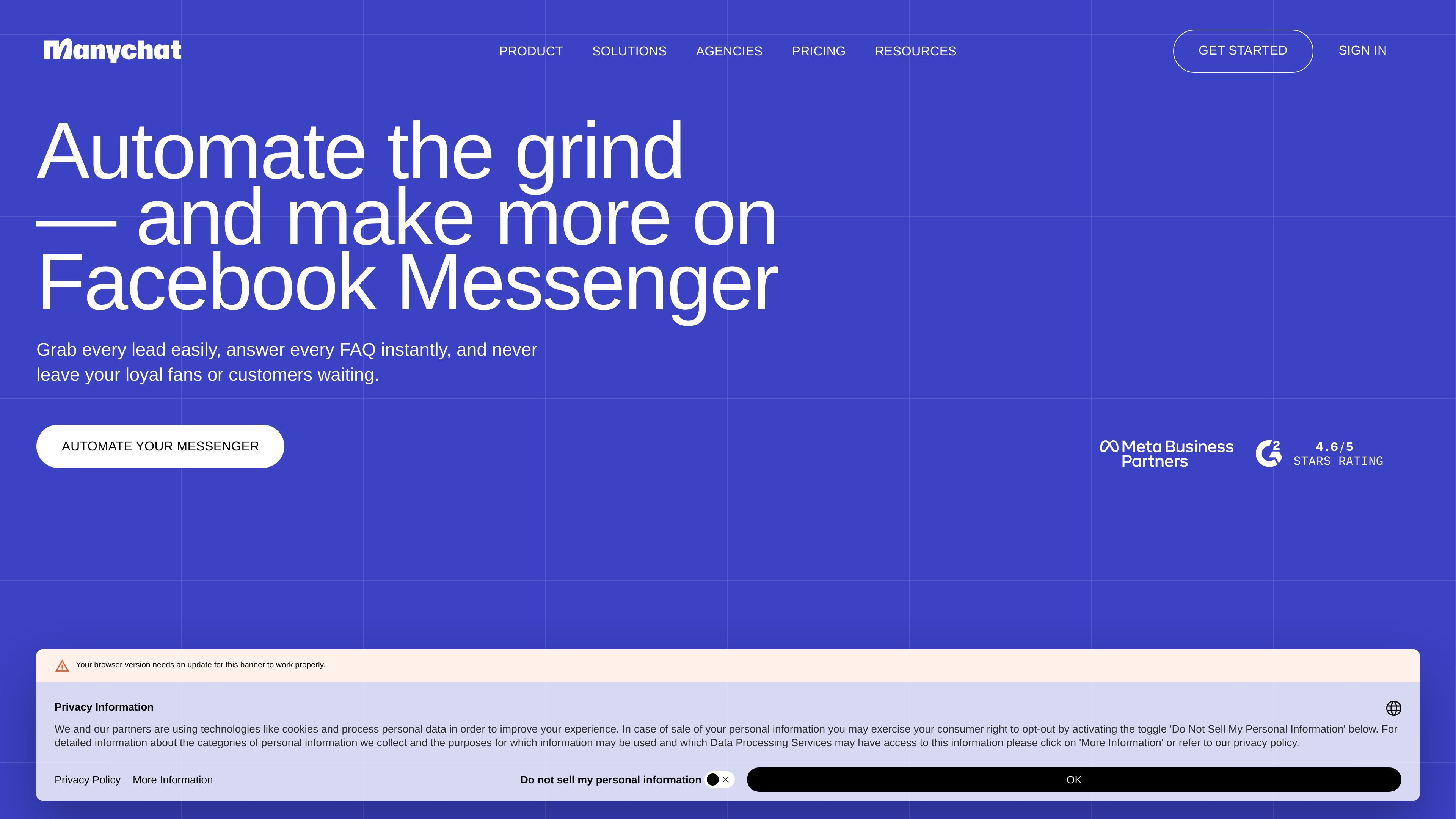
Manychat is a chat marketing platform that helps brands automate two-way conversations across messaging channels such as Instagram Direct Messages, Facebook Messenger, WhatsApp, TikTok, Telegram, SMS, and email. The product is built around turning comments, DMs, and other inbound interactions into structured conversations that can answer questions, capture leads, and move people toward a sale.
The site positions Manychat for creators, marketers, small businesses, and growing brands that want to manage high message volume without replying manually to every interaction. It combines quick-start automations, a flow builder, an inbox for managing conversations, and AI features for handling common replies and routine follow-up.
Build automated replies for comments, DMs, story mentions, welcome messages, FAQs, giveaways, and lead capture flows using Quick Automations or the Flow Builder.
Handle messages from connected channels in one place on mobile app or desktop, with organization tools on paid plans such as favorites, labels, reminders, and assignment workflows.
Use AI to respond in DMs and comments, answer FAQs, and guide conversations toward defined goals with the product's business and tone settings.
Send targeted broadcasts on supported channels such as WhatsApp, Telegram, and Messenger on higher plans to reach an audience proactively.
Capture and segment contacts with tags, collect email or phone details, and build follow-up sequences for lead nurturing and sales workflows.
Connect to multiple messaging channels, with access ranging from two channels on lower plans to unlimited channels on the top plan.
Automate replies to comments, DMs, and story mentions so new audience interactions receive an immediate response without manual copying and pasting.
Capture emails or phone numbers from comment and DM flows, then segment contacts with tags and follow up with relevant offers or messages.
Use welcome messages, FAQ automations, and follow-up sequences to move people from interest to purchase with fewer manual replies.
Manage customer questions across connected channels in one inbox, with labels, reminders, and assignments available on higher plans for team workflows.
Send proactive broadcasts on supported channels to re-engage contacts, share updates, or promote new offers after an interaction has started.
Yes. The pricing page includes a Free plan and several paid plans, and the homepage says you can start for free with no credit card required.
The homepage says Manychat is used by creators, small businesses, and brands to send links, collect emails, grow followers, boost engagement, attract leads, drive sales, and respond to customers.
Manychat says no coding is needed. It offers Quick Automations, a customizable Flow Builder, and AI help to build flows automatically.
The homepage says Manychat automates conversations in Instagram Direct Messages, Facebook Messenger, SMS, WhatsApp, TikTok, Telegram, and email, while the pricing page shows channel access varies by plan.
The homepage says it works as a partner with TikTok and is an Official Meta Business Partner.