
Conversation View
MailTime presents email in bubble-style conversations instead of long thread lists, and says it removes metadata to make messages easier to read on mobile.

MailTime turns email into chat-style conversations, making inboxes feel like texting. Supports Gmail, Yahoo, Outlook, iCloud, and corporate mail.
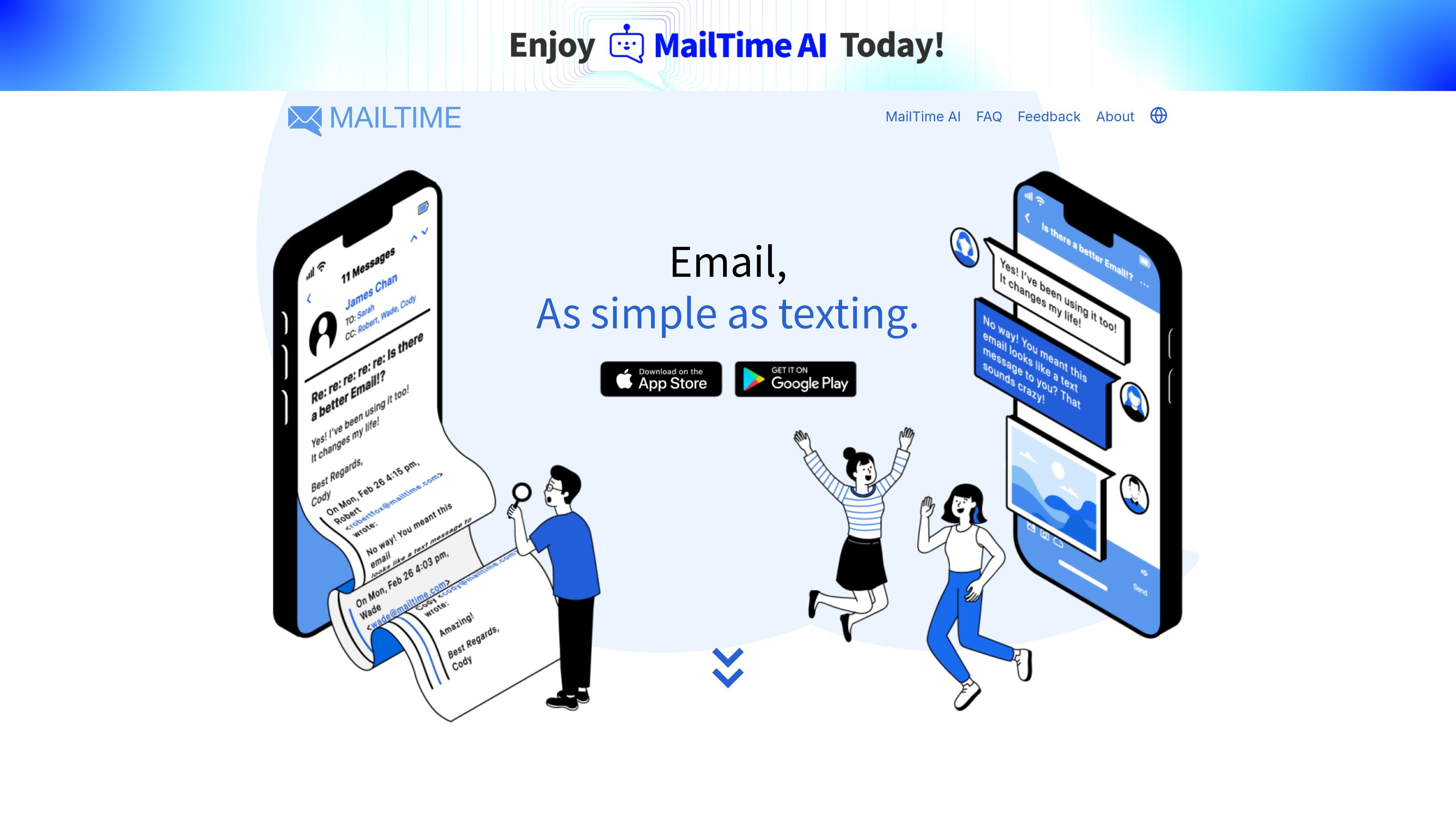
MailTime is an email app that reframes inboxes as chat-style conversations. Its homepage describes the product as an email messenger that makes email as quick and easy as texting, and the about page says the team reformats cluttered email threads into clean bubble chats.
The product is built for people who want a simpler reading and replying experience without changing how email works for everyone else. It supports common providers such as Gmail, Yahoo, Outlook, iCloud, and corporate mail, and the FAQ says recipients do not need MailTime for messages to arrive normally.
MailTime presents email in bubble-style conversations instead of long thread lists, and says it removes metadata to make messages easier to read on mobile.
The app is designed to handle multiple email accounts in one place, including Gmail, Yahoo, Outlook, iCloud, and corporate mail.
MailTime says non-MailTime recipients still receive messages as normal email, so the app changes the sender-side reading experience without requiring others to switch.
The FAQ explains that you can tap an email bubble to switch back to the original message view when you need the standard email layout.
MailTime says users can edit their signature in Settings under Accounts, with the default signature recommended by the company.
MailTime says it is fully compliant with GDPR and lets users opt in or out of data sharing from inside the app.
Use MailTime when you want to read and reply to email in a chat-like format instead of a dense thread list, especially on a phone.
Use it to manage several personal or work email accounts from one app rather than switching between separate inboxes.
Use it when you need a recipient-friendly workflow: you can send messages through MailTime, but people outside the app still receive standard email.
Use the original-view toggle when a message needs the standard email layout, such as for checking exact formatting or message structure.
Use the FAQ guidance for account setup issues such as 2-step verification, IMAP-related access, notification problems, and signature changes.
No. MailTime says people using other email clients can still send messages to you through your email address.
No. MailTime says messages appear as normal emails to recipients who are not using MailTime.
MailTime says it supports 2-step verification for email accounts, and notes that IMAP must be enabled if it has been disabled in your email settings.
MailTime displays sent and received mail in a conversation view, so sent items are merged into the same thread by subject. To see the original message layout, tap the email bubble.
If notifications do not arrive, MailTime says the account may not have been connected correctly during first login and asks users to contact support@mailtime.com if the issue continues.