
Free Automated DNS Setup
Mailforge automates DMARC, SPF, DKIM, and custom domain tracking when you add a domain, reducing the manual DNS work usually needed to prepare cold-email infrastructure.

Mailforge is a cold email infrastructure platform for managing domains and mailboxes at scale, with deliverability-focused setup for outreach teams.
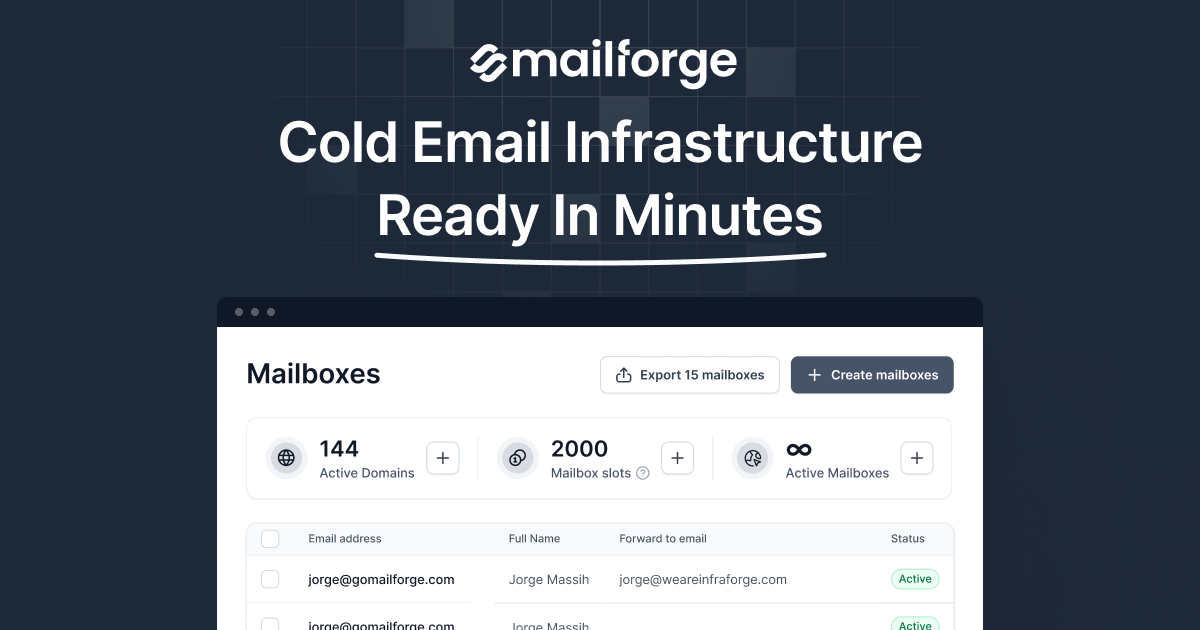
Mailforge is a cold email infrastructure platform for creating and managing domains and mailboxes at scale. It is positioned around shared email infrastructure, automated DNS setup, and deliverability-focused defaults for outreach teams that need to launch and maintain sequences quickly.
The product page says Mailforge can create hundreds of domains and mailboxes in minutes, with automated setup for DMARC, SPF, DKIM, and custom domain tracking. The platform also supports bulk DNS changes, domain transfers, multiple workspaces, and compatibility with any sending software, with Salesforge called out as one example.
Mailforge automates DMARC, SPF, DKIM, and custom domain tracking when you add a domain, reducing the manual DNS work usually needed to prepare cold-email infrastructure.
The platform is built around a distributed email infrastructure with a shared IP pool and is positioned specifically for cold outreach deliverability.
Users can update DNS records across multiple domains in a few clicks inside the app, which helps teams manage larger mailbox and domain portfolios.
Domains can be added to Mailforge or transferred to and from other apps, which supports migrations and changes in setup.
Separate workspaces help teams keep projects organized and move domains and mailboxes between them as needed.
Mailforge supports SSL and domain masking as an add-on for branded websites that should not reveal the primary domain.
Teams can use Mailforge to provision multiple domains and mailbox accounts quickly when launching a new cold outreach motion or expanding an existing one.
Organizations that need to manage high-volume campaigns can use the calculator and mailbox-slot model to size infrastructure before sending.
Operations teams can use bulk DNS updates and domain transfers to maintain or migrate a larger portfolio without editing each domain one by one.
Agencies or multi-project teams can separate domains and mailboxes into different workspaces, making it easier to keep client or project setups organized.
Teams that already use a preferred sending platform can keep their workflow and connect Mailforge as the infrastructure layer underneath it.
Mailforge is a distributed email infrastructure tool for cold outreach. It sets up domains and mailboxes on a shared IP pool and is positioned for teams that need cold-email-ready infrastructure rather than a general-purpose inbox service.
The pricing page shows Mailforge using a calculator based on the number of domains, mailbox slots, emails per sequence, and mailboxs per domain. Mailboxes are sold in minimum 10-slot increments, domains are billed separately, and annual mailbox billing includes a discount of 2 months free.
Mailforge says it supports any sending software, and the home page specifically mentions compatibility with Salesforge. The pricing page also includes expert support and inbox hosting and maintenance in the subscription.
Mailforge is built for purchased domains and mailboxes rather than a free trial model. The FAQ states there is no free trial, but you can explore the app after signing up even before adding domains or mailboxes.
The product is designed to create and manage domains and mailboxes in minutes, with automated DNS setup for DMARC, SPF, DKIM, and custom domain tracking. It is aimed at cold outreach workflows where setup speed and deliverability matter.