
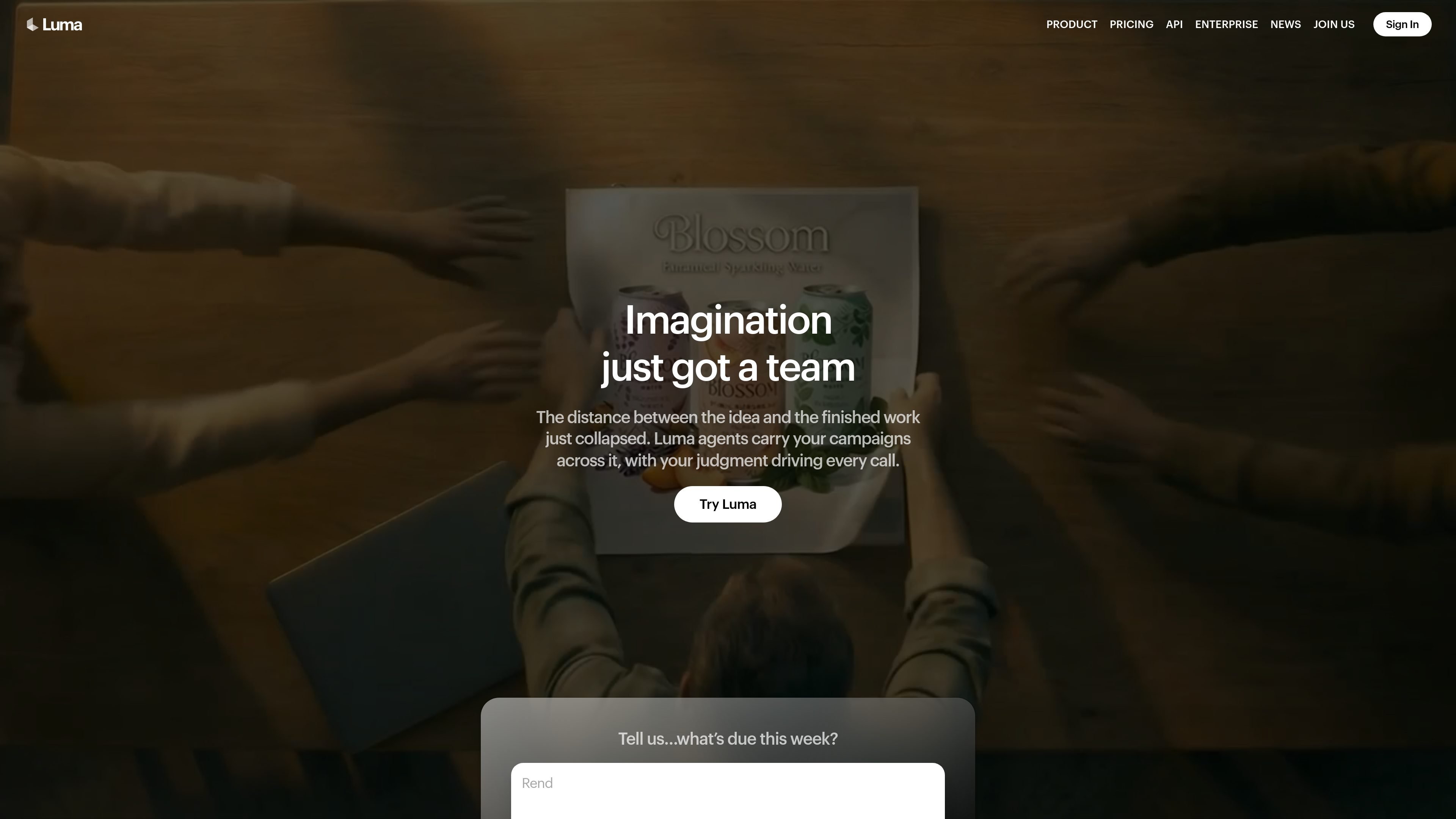
End-to-end creative agents
Luma Agents plan, generate, iterate, and refine across a single creative workflow so teams can move from concept to deliverable without stitching together separate tools.

Luma is an AI creative platform for generating and refining video, images, audio, and text in one workflow, with plans and guided tools for creative production.
Luma is an AI creative platform for video generation and image creation, with agents that can research, generate, iterate, and refine work across video, image, audio, and text. The product pages position it as a workflow layer for creative teams, not just a single model interface.
The site highlights two in-house model families, Ray and Uni, alongside additional third-party models and production tools. The app and Learning Center show that users can work through boards, guided workflows, and skills to produce campaigns, social ads, product visuals, slide decks, storyboards, and other creative assets.
Pricing is organized for individuals, teams, and enterprise buyers. Individual plans include Plus, Pro, and Ultra; team and enterprise plans add collaboration, shared credits, usage analytics, SSO, education, training, and custom fine-tuning. The contact page also directs API users to documentation.
Luma Agents plan, generate, iterate, and refine across a single creative workflow so teams can move from concept to deliverable without stitching together separate tools.
The platform keeps context synced across formats and workflows, which is useful when a project needs consistent direction across images, video, audio, and text.
The Learning Center and app pages show guided boards and skills for tasks such as product campaigns, video modification, slide decks, lip sync, captions, and image editing.
The product pages highlight multiple model families, including Ray, Uni, Seedance, Kling, Veo, Nano Banana, GPT Image 2, and ElevenLabs models, so users can choose among specialized generation and editing options within one product.
Pricing and product pages describe collaboration features such as guest edit access, team members, team organization, shared team credits, and team-wide sharing for group work.
The pricing page includes outputs and utilities for production-oriented work, including EXR export and tools such as background removal, image blend, and reframe for image and video.
Creative teams can direct a full campaign from a single starting point, then generate product hero shots, social variants, and localized assets while keeping brand context consistent.
Marketers can create short-form video ads with hooks, captions, and channel-specific formats for paid social or other distribution needs.
Designers and product teams can turn one product image into hero shots, lifestyle visuals, packaging mockups, and relocalized assets for e-commerce or marketplace use.
Teams can build presentation-ready slide decks and lesson plans with structured visuals, using guided workflows for clarity and consistency.
Filmmakers, educators, and creators can use character consistency, lip sync, captions, and motion control workflows to develop storyboards, trailers, lessons, or localized video.
Luma Agents is an AI creative platform for making and refining video, images, audio, and text in one workflow. The Learning Center and product pages show it supports guided workflows, creative boards, and multiple model-driven creation paths.
The source emphasizes end-to-end creative workflows with shared context, agent-assisted research, generation, and refinement. It also highlights that teams can create multiple directions in parallel without restarting from scratch.
Yes. The Learning Center includes workflows for image editing, video modification, lip sync, captions, product campaigns, and slide decks, so the platform is designed to work on existing assets as well as new generations.
The pricing page shows business and enterprise options with team management, shared credits, usage analytics, SSO, enterprise commitments, dedicated education and training, and custom fine-tuning.
The contact sales page says that users interested in the API should review the API documentation, which indicates Luma offers API access alongside the web product.
Traffic data is for reference only.

morphix.pro
Web-based AI studio for creating and editing media and stories

easemate.ai
EaseMate AI is an all-in-one AI assistant for chat, study, research, writing, image generation, and video creation, with free and paid plans.

kira.art
Kira is an AI content creation tool for generating and browsing visual media, with an editor, gallery, timeline, motion control, and hashtag discovery.

neural.love
A web-based AI toolkit for generating and enhancing images, video, audio, and text.

pixelprompt.app
PixelPrompt is a browser-based AI workspace for optimizing prompts and generating images and videos for ecommerce, ads, and short-form UGC content—no local GPU required.

nimvideo.com
Nim Video is an AI platform for creating and editing videos and images from prompts, reference images, and source footage, with free and paid plans.