
Step-by-step logo workflow
Logomaster.ai guides users through entering a business name, selecting an industry or style, reviewing generated proposals, and customizing a chosen logo.

Logomaster.ai is a web-based logo maker for creating and editing logos without design experience. Free to design, paid to download.
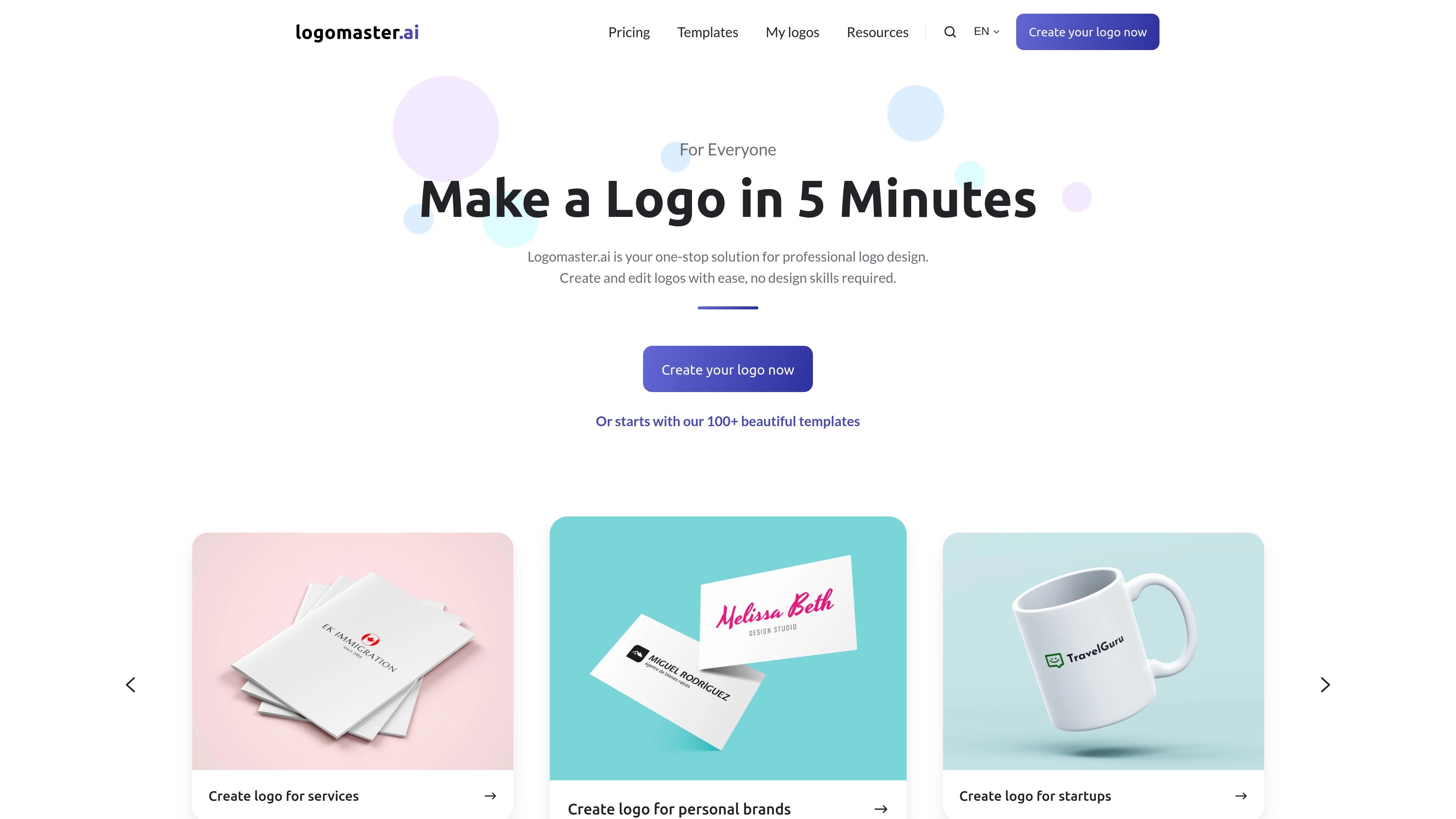
Logomaster.ai is an online logo maker for creating and editing logos without design experience. The homepage describes it as a free way to make a logo in about five minutes, with AI-generated proposals and a guided workflow.
The product is aimed at personal brands, startups, businesses, enterprises, and service providers that need a usable logo package for digital and print use. The pricing page shows that logo creation is free, while downloading the finished package requires payment.
Logomaster.ai guides users through entering a business name, selecting an industry or style, reviewing generated proposals, and customizing a chosen logo.
The site says the product is powered by AI and presents AI-generated logo proposals as part of the creation flow.
Users can modify colors, fonts, shapes, and other design elements to adapt a chosen logo to their brand.
Paid packages include web-ready transparent PNG files, high-resolution files, and, on higher tiers, print-ready vector files.
Premium and Enterprise plans allow unlimited changes and re-downloads, letting users revise a logo after purchase without extra fee.
The Enterprise package adds extra deliverables such as logo variations, social media assets, mockup images, and font and color palette details.
Use the guided flow to create a logo from a company name and industry selection when you need something quickly and do not have a designer available.
Start with the AI-generated proposals, then change colors, fonts, shapes, and layout details to match an existing brand direction.
Choose a paid package if you need transparent PNGs for websites and social media, or vector files for print applications such as business cards and banners.
Select Premium or Enterprise when you expect to keep iterating on the logo after purchase and need unlimited changes and re-downloads.
Use the higher-tier package when you want additional brand assets such as logo variations, mockups, and social media materials.
Yes. The site says you can create a logo for free and pay only when you are satisfied and want to download the logo package.
Yes. The homepage FAQ says the tool is designed for users without design experience and provides step-by-step guidance.
The workflow is to enter your business name, choose an industry or style, review AI-generated proposals, customize a chosen logo, and download the files.
The pricing page shows downloadable packages that include web-ready PNG files, high-resolution files, and, on higher tiers, print-ready vector files and unlimited changes.
The pricing page states that the Premium and Enterprise plans allow unlimited changes and re-downloads, while the Basic plan does not allow changes after purchase.