
No-code scene creation
Create AR scenes through a visual editor instead of code. The documentation describes dragging assets into the scene, adjusting layout, and configuring interactions from the editor.

Kivicube is a web-based no-code AR creation platform for building and publishing augmented reality scenes with templates, asset uploads, and tiered plans.
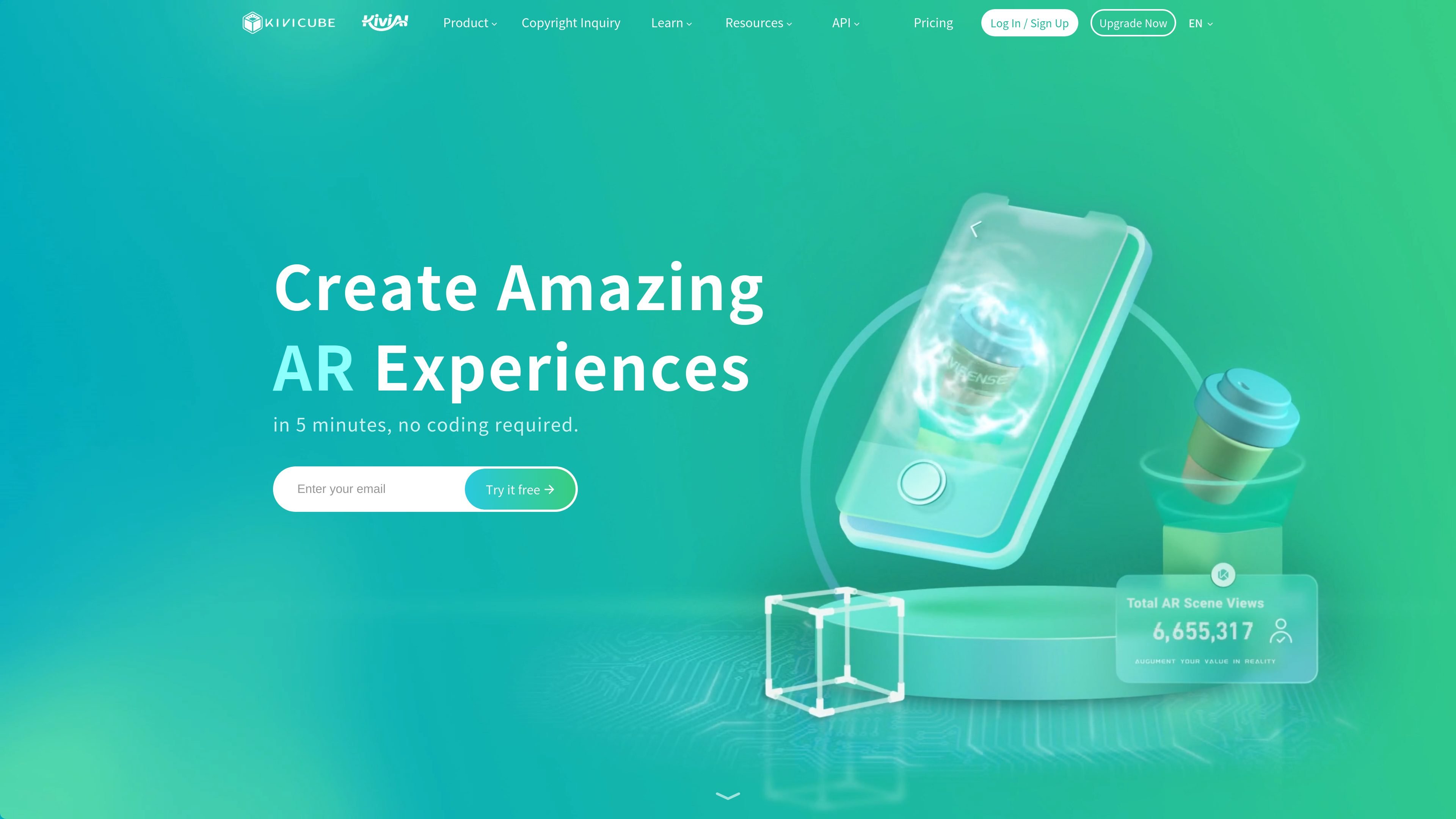
Kivicube is an online AR creation platform for building and publishing augmented reality experiences with a no-code workflow. The product combines a visual scene editor, template library, asset upload tools, and documentation for getting started from scratch.
The platform supports a range of AR scene types, including image-based, body, face, plane, walk-in, world, and landmark experiences. Its site and documentation position it for creators, brands, and teams that need to assemble AR content for web and WeChat-related channels without starting from a traditional development stack.
Create AR scenes through a visual editor instead of code. The documentation describes dragging assets into the scene, adjusting layout, and configuring interactions from the editor.
Choose from supported scene types such as Image AR, Body AR, Face AR, Plane AR, Walk-in AR, World AR, and Landmark AR to match different tracking and display needs.
Upload or source 3D models, images, video, audio, and public assets, and use the built-in AI Model Generator for Text-to-3D or Image-to-3D workflows.
Use templates, keyword search, and step-by-step tutorials to start faster, then replace assets and customize scenes in the editor.
Publish experiences for web and WeChat-related channels, including WebAR and WeChat mini programs, with support for additional platform integration through development.
Offer commercial licensing and plan tiers that separate free use from Pro and Enterprise commercial use, with higher limits and support at paid levels.
Build packaging-linked or print-linked AR experiences using image targets, then publish them for web or WeChat distribution.
Create face filters, virtual try-on, or body-tracking experiences for fashion, beauty, and social campaigns.
Assemble product demos or 3D scenes from templates or a blank canvas, using uploaded assets or AI-generated models.
Develop interactive retail, exhibition, or tourism scenes that anchor digital content to surfaces, locations, or landmarks.
Use the editor and tutorials to prototype an AR concept quickly before moving to a paid plan or commercial deployment.
Kivicube provides an online AR creation platform where users can build and publish AR scenes without coding. The documentation describes a drag-and-drop workflow, and the pricing page includes plans for free, starter, pro, and enterprise usage.
The site presents multiple scene types, including Image AR, Body AR, Face AR, Basic AR/Gyroscope, Plane AR, Walk-in AR, World AR, and Landmark AR. The homepage also references AI recognition and Vision Pro-related content.
Yes. The pricing page separates free and starter plans from Pro and Enterprise plans, and the commercial-rights page states that only Premium or Enterprise subscriptions can be used for commercial purposes.
The documentation says users can start from templates or a blank canvas, upload assets such as 3D models, images, videos, and audio, and use drag-and-drop editing in the scene editor.
The site states that scenes can be published to web and WeChat-related environments, including WebAR and WeChat mini programs, with enterprise options for further development.
Traffic data is for reference only.
| Jun | 55560 |
|---|---|
| Jul | 64711 |
| Aug | 64953 |
Traffic analytics are not available yet.
Traffic analytics are not available yet.