
Image-based room transformation
Upload a picture to begin the design process, based on the homepage promise that a space can be transformed from an image.

HomeStyler AI is a web-based interior design tool that turns uploaded photos into transformed room designs. Sign in with Google or email/password.
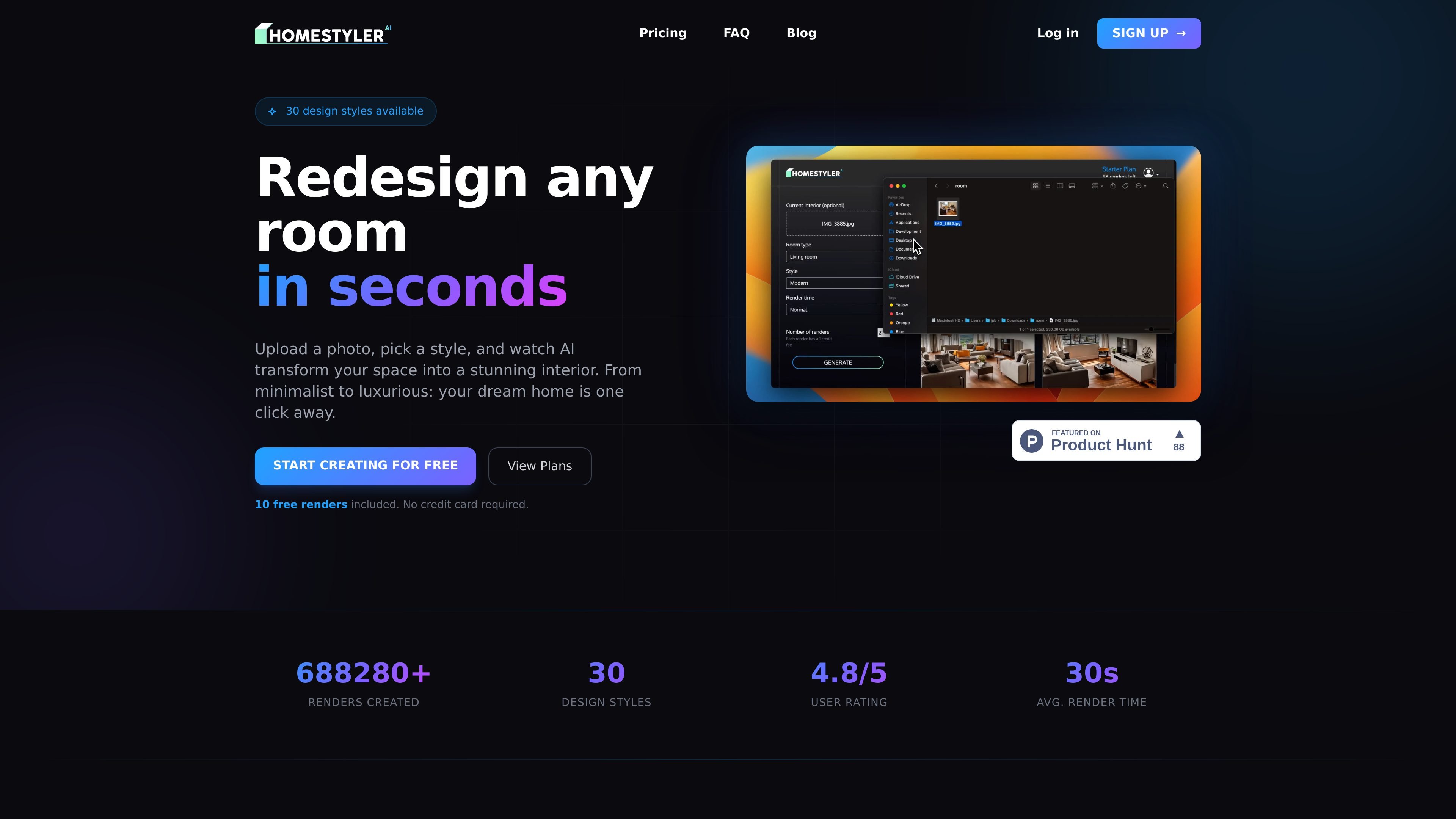
HomeStyler AI is a web-based interior design product built around a simple image-to-design workflow. The homepage says users can upload a picture and watch the space transform into a designer-style result.
The public site suggests the tool is aimed at people who want quick room visualization or styling ideas for spaces such as living rooms, bedrooms, and kitchens. The examples shown on the homepage indicate that the product can present different aesthetic directions, including vintage, minimalist, Scandinavian, and modern looks.
Upload a picture to begin the design process, based on the homepage promise that a space can be transformed from an image.
Create interior-design-style outputs for living rooms, bedrooms, and kitchens, as reflected in the site’s recent examples.
Access the product through Google sign-in or email/password sign-in.
Use a browser-based workflow on the public website, with separate sign-in and sign-up pages.
Browse recent generated examples shown on the homepage, including vintage, minimalist, Scandinavian, and modern room styles.
Use the product to test how a room might look after a style change, starting with a photo of the existing space.
Use the homepage examples as a reference point when exploring different aesthetic directions such as Scandinavian, minimalist, or modern.
Use the web sign-in flow to access the app quickly on desktop and continue from a saved account.
Use the tool for common residential rooms like living rooms, bedrooms, and kitchens, which are the spaces shown in the public examples.
The source shows a sign-in flow with Google and email/password options, so users can access the product through either method.
The source does not show pricing information. The pricing URL currently returns a 404 page, so pricing is not confirmed from the available evidence.
The homepage text suggests the main workflow is to upload a picture and receive an interior design transformation result.
The available pages do not document export formats, supported file types, or connected integrations.