
4K and 8K AI upscaling
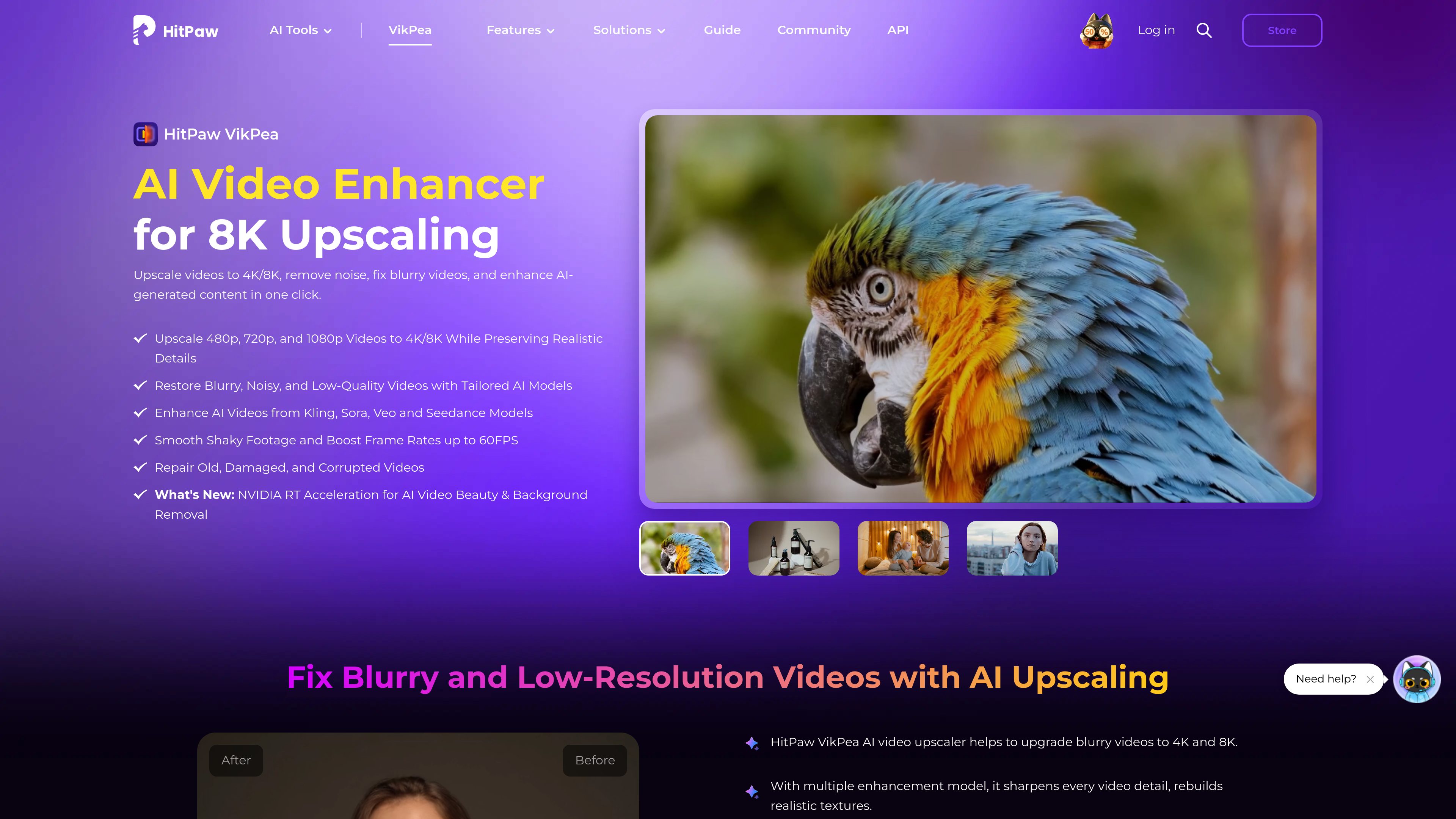
Upscales 480p, 720p, and 1080p videos to 4K or 8K while applying AI-based detail enhancement and texture reconstruction.

HitPaw VikPea is an AI video enhancement tool for upscaling, restoring, sharpening, colorizing, stabilizing, and repairing video. It is available through Windows and Mac desktop apps, with online, iPhone/iPad, and Android options presented on the product site.
HitPaw VikPea, formerly known as HitPaw Video Enhancer, is an AI video enhancement application for improving low-resolution, blurry, noisy, compressed, faded, or damaged footage. Its main purpose is to apply specialized AI models to restore visible detail and upscale video, including 480p, 720p, and 1080p source footage to 4K or 8K.
The product combines enhancement with tools for colorizing black-and-white video, reducing noise, sharpening images, repairing video quality, stabilizing footage, and interpolating frames. The site also presents versions or access options for Windows, Mac, online use, iPhone/iPad, and Android; the published system requirements specifically document the Windows and Mac desktop applications.
Upscales 480p, 720p, and 1080p videos to 4K or 8K while applying AI-based detail enhancement and texture reconstruction.
Offers HD/Fast Sharpen, Portrait, Video Quality Repair, and UHD Restoration models for different source conditions and enhancement goals.
Targets blurry, noisy, heavily compressed, old, or damaged footage with tools intended to improve clarity and recover visible detail.
Colorizes black-and-white video and combines colorization with clarity and detail enhancement for faded or dark footage.
Includes Stabilize and Frame Interpolation models; the site describes converting 15 FPS or 30 FPS footage to 60 FPS and reducing camera shake.
The product site lists enhancement for AI-generated videos from Seedance, Sora, Kling, and Veo, along with video beauty and video background-removal tools.
Use restoration, denoising, sharpening, and colorization tools on digitized camcorder recordings, old movies, or faded black-and-white material.
Upscale low-resolution source video to 4K or 8K when the finished video will be viewed on a larger screen or shared at higher resolution.
Improve soft or compressed product footage by increasing visible texture and overall clarity before publishing it online.
Apply stabilization to reduce camera shake and frame interpolation to create smoother playback from footage recorded at lower frame rates.
Enhance clips created with Seedance, Sora, Kling, Veo, or other supported AI video workflows by upscaling, sharpening, and smoothing motion.
It is used to upscale and enhance video, repair blurry or damaged footage, reduce noise, sharpen details, colorize black-and-white clips, stabilize recordings, and interpolate frames.
The technical specifications list Windows 11/10 and macOS 13 or later. The product site also presents online, iPhone/iPad, and Android access options.
The listed input formats include MP4, MOV, MKV, AVI, WebM, WMV, MTS, TS, VOB, and many others. Listed output formats are MP4, MOV, MKV, M4V, AVI, and GIF.
After installation, sign in through the Register option with a HitPaw ID email and password, or use Google sign-in. The guide says users should then refresh license permission; it also describes purchasing a premium version to access all features.
For Windows, the published recommendations include Windows 11/10 64-bit, an Intel i5 or AMD Ryzen 5 processor, 16 GB or more of RAM, and an RTX 3060-or-better NVIDIA GPU or RX 5700-or-better AMD GPU. For Mac, it lists macOS 13 or later, an Apple M1 equivalent or above, and at least 16 GB of RAM.

www.avclabs.com
AVCLabs Video Enhancer AI is desktop software for improving, upscaling, restoring, and editing video with AI. It helps Windows and Mac users clean up low-resolution or degraded footage, adjust motion and color, and process multiple files locally.
www.topazlabs.com
Topaz Video is AI-powered video enhancement software for improving footage through upscaling, detail enhancement, stabilization, frame interpolation, and related processing workflows. It is intended for creators and video professionals working with footage that needs higher resolution, smoother motion, or steadier presentation.

www.topazlabs.com
Topaz Labs delivers AI-powered photo and video enhancement software for sharpening, denoising, upscaling, restoration, and stabilization.

vidmage.ai
AI face swap for photos, videos, and GIFs, with web and Mac apps

www.aiarty.com
Aiarty Video Enhancer is a desktop AI tool for denoising, deblurring, upscaling, restoring, and refining video footage. It is designed for content creators, videographers, and other users working with low-quality, noisy, blurry, or aging video.

webcameffects.app
Browser extension for video calls, streaming, and recordings with virtual backgrounds, Smart Zoom, layouts, and recording tools.