
24/7 Voice handling
Handle inbound calls around the clock with AI that can book, qualify, and support callers. The site says calls can include warm transfers and complete transcripts.

Hatch is an AI CSR platform for service businesses that manages customer conversations across voice, SMS, and email. It focuses on lead response, follow-up, booking, and handoff with AI and human oversight.
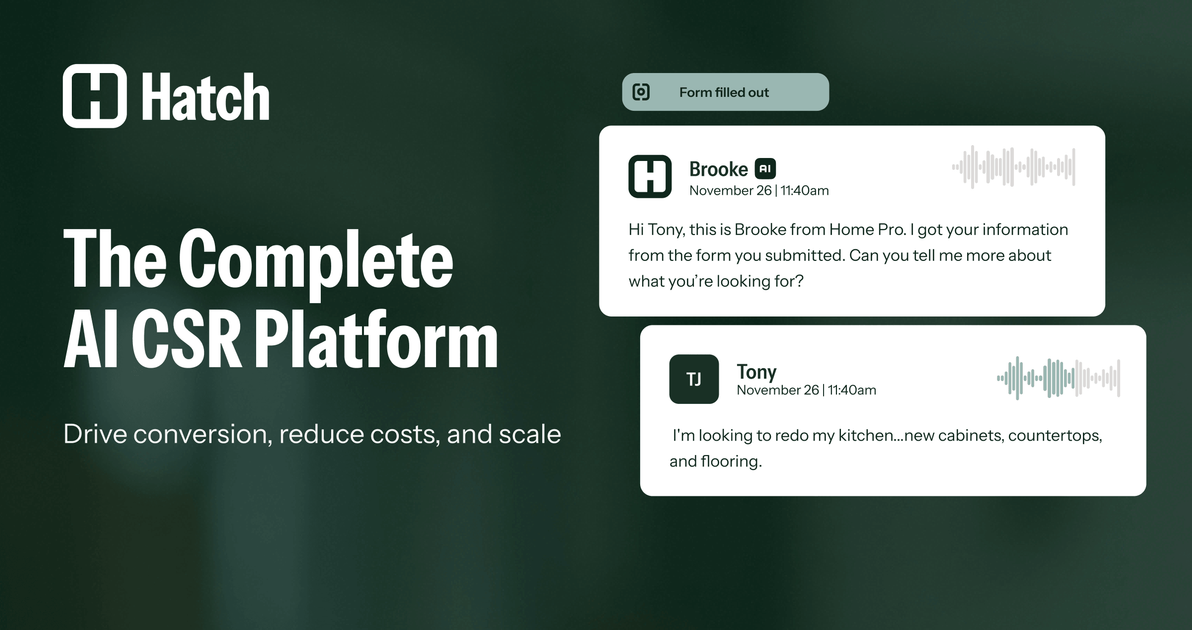
Hatch is an AI CSR platform for service businesses that need to manage customer communication across calls, text messages, and email. The site presents it as a system for handling inbound leads, follow-up, and ongoing conversations with a mix of AI agents and human oversight.
At a product level, Hatch combines Voice AI, Messaging AI, Journey Builder, Command Center, and a data bridge that connects customer interactions with CRM, lead sources, marketing tools, and scheduling systems. The result is a workflow focused on faster responses, booked appointments, and centralized visibility rather than scattered point tools.
Handle inbound calls around the clock with AI that can book, qualify, and support callers. The site says calls can include warm transfers and complete transcripts.
Launch immediate follow-up across SMS, email, and calls when new leads arrive. Hatch’s speed-to-lead flow is designed to keep the conversation moving without manual chasing.
Manage full conversations by text and email, not just one-off replies. The product pages describe AI that responds, answers questions, and books appointments over time.
Design multi-step customer journeys that combine voice, SMS, and email. The Journey Builder and campaign tools are positioned for lead nurture, re-engagement, and follow-up.
Use a single workspace for AI, human CSRs, and managers. Command Center is presented as the place to conduct, review, hand off, and track conversations and outcomes.
Sync notes, transcripts, outcomes, and other actions back to connected systems. The site describes automatic CRM updates through its data bridge and native integrations.
Respond to form fills and inbound requests immediately across calls, texts, and emails so leads are contacted before they go cold. The speed-to-lead flow emphasizes multi-day, multi-channel outreach until the prospect replies or books.
Answer after-hours and overflow calls with AI instead of sending them to voicemail or making staff catch up later. The product pages position voice handling as a way to book, qualify, and support callers at all hours.
Re-engage leads that did not book the first time or that need a second round of follow-up. Hatch’s lead nurture and rehash-style workflows are aimed at persistent outreach and appointment recovery.
Give CSRs and managers a single place to review conversations, step in when needed, and track what is working. Command Center is designed for handoff, performance monitoring, and operational control.
Coordinate customer communication with existing CRM, marketing, and scheduling systems. The site describes native integrations and automatic syncing so teams can keep records aligned while AI works the front line.
Hatch positions itself as an AI CSR platform for service businesses, with AI agents across calls, texts, and emails. The site highlights AI Voice, Messaging AI, Journey Builder, Command Center, and a data bridge to connect customer communication with existing systems.
The pricing page says Hatch uses a platform fee plus usage, and that plans are annual and paid monthly per location. It shows Standard, Pro, and Enterprise tiers, with higher tiers adding more contacts, AI conversations, messaging, reporting, and operational oversight.
The product pages show voice, SMS, and email workflows, plus CRM and lead source integration, but they do not publish a full integration directory in the provided text. The site says Hatch integrates with CRM, lead sources, marketing tools, and scheduling systems.
The source emphasizes live conversation handling, lead response, follow-up, and appointment booking. It also shows visual handoff and performance reporting in Command Center, with human CSRs stepping in when needed.